
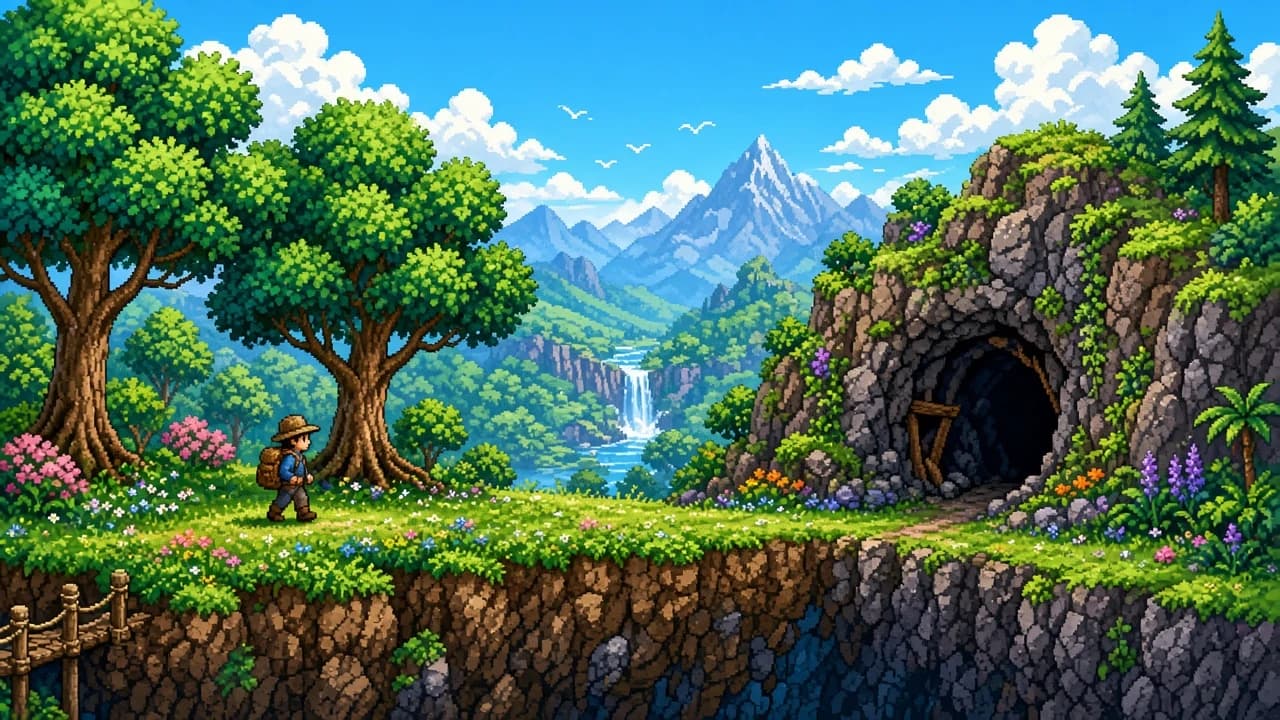
Install Terraria on Windows and Get Through the First Session
Buy the desktop game from Steam or GOG, match the published PC figures with the Steam client’s Windows 10 rule, and start a small Classic world.
By Editorial Team · Oct 23, 2026
The first hour of Terraria is a character, a small world, and a room you can stand in. It is not a tour of every item the game can craft. Re-Logic makes the desktop version. You buy that version on Steam or GOG, then you install Steam or GOG Galaxy and install the game from there. The catalog page is Terraria for Windows. Softcoria does not host the game.
Two numbers on the store page are easy to misread, and they are not the same kind of fact. One is a version label on the wiki. The other is a disk figure of 200 MB. Neither is a file you should go hunting for by name. How to Safely Download and Install Software on Windows and How to Check if a Windows Program Is Safe matter if a search result offers Terraria as a loose setup file instead of a Steam or GOG library install.
The version label, and the disk figure that is not a measurement
The desktop version history lists 1.4.5.8 on August 23, 2026. That is the wiki’s published label for the desktop version, not a number to paste into a browser and download. Steam and GOG are the installers. When they update the game, they update the copy you bought. Copying 1.4.5.8 into a search box is how people leave the stores that actually sell Re-Logic’s desktop game.
The Steam page lists 200 MB of disk space. Treat that as the figure the store publishes. It is not a size this guide measured, and it is not a promise about the download you will watch finish. Updates, the Steam client’s own files, and the difference between a listed requirement and a folder on disk are all outside that one number. If the install uses more than 200 MB, the store line was not a measurement you can argue with. If someone quotes a different size as “the real one,” they are not quoting the figure this article is willing to repeat.
What Steam asks of the PC, and what the Steam client asks of Windows
The game’s Steam requirements and the operating system the Steam client will run on are different sentences. The store page’s minimum for Terraria is a 2.0 GHz processor, 2.5 GB of RAM, the 200 MB disk figure above, a 128 MB GPU, Shader Model 2.0, and DirectX 9.0c. The recommended line is a 3.0 GHz dual-core processor, 4 GB of RAM, and a 256 MB GPU. Recommended does not restate shader model, DirectX, or a second disk number, so this guide does not invent them.
Processor2.0 GHz3.0 GHz dual core Memory2.5 GB4 GB Graphics128 MB, Shader Model 2.0, DirectX 9.0c256 MB Disk200 MB listed, not a measured installNo second figure is given hereSince January 1, 2024, the Steam client itself requires Windows 10 or later. The Terraria store page can still name older Windows versions. That older text does not keep the Steam client installing on those versions. If you are buying on Steam, the PC has to run the client, which means Windows 10 or later. A machine the store paragraph still mentions, but which cannot sign into current Steam, is not a machine this guide can put the game on through Steam.
GOG is the other store, and the step there is to install GOG Galaxy and then the game. This article does not quote a GOG operating-system floor. The Windows 10 date above is a fact about the Steam client, not a sentence copied onto GOG.
Install the client, then the game
- Install Steam or GOG Galaxy from that store, not from a repackaged archive.
- Sign in and install Terraria into the library.
- Launch it from that library.
- Create a character. The first decisions that matter for this guide are on the world, not on a class the character does not have.
- Create a small world and set the difficulty to Classic.
A small world is the shorter map. The first evening is mostly walking back to a room you just built, so less map is the point. Classic is the difficulty used here because the lesson is health and shelter, not a harder rule set. If the world screen offers other difficulties, leave them for a later world. This guide will not attach damage numbers to them.
The Guide, your hearts, and one room
The Guide is the NPC who is there at the start. Talk to him when a pickup is unfamiliar. You can show him an item and get a crafting hint. That is as far as crafting goes in a first session. The wiki is a reference for later. It is not a script you need open beside the game while you place the first walls. Re-Logic’s desktop game will still be there after you understand a room.
Health is the row of hearts. Hits from enemies empty those hearts. When they are gone, you die and you come back at your spawn. Early on, that mostly costs time. You are not meant to treat the opening night as a long expedition. If you are leaving the start with a nearly empty row of hearts, you walked too far for a character who has not built a fallback yet.
Building, at this stage, means breaking blocks and placing them again. Make a small closed space near where you started: walls around you, a light inside, and a way to step out and back in. Stand in it and see that you are not in the open. That room is the whole construction lesson for the first session. A chair, a table, and a longer crafting chain can wait until the Guide has something to say about the materials you actually picked up. Do not pause the game to memorize a recipe list from a web page.
Use the first loop on purpose. Break a few blocks, carry them back, close the room, talk to the Guide, and watch the hearts while you are outside. When night comes, be able to step inside. If you die, you have learned what empty hearts mean, and the small world means the walk back is short. A second, larger world can wait until that loop feels ordinary.
When the install or the first night goes wrong
- Steam will not install on the PC. Check the Windows version. Since January 1, 2024 the Steam client needs Windows 10 or later, whatever older systems the Terraria store text still names.
- You bought it on GOG. Install GOG Galaxy, then the game. Do not apply the Steam client’s Windows date to GOG as if this guide had measured it.
- The folder is larger than 200 MB. Expected as a possibility. That figure is the published store line, not a measured install size.
- You wanted a specific patch. The history page lists 1.4.5.8 on August 23, 2026. Let the store client update the desktop game. Do not download a version by number.
- The world feels endless. It may not be the small size. Start again with a small world if the first one was larger. Classic stays the difficulty.
- You died immediately and lost the thread. Hearts are the health. Go back to spawn, close a room, and talk to the Guide before the next walk. Nothing in the first session depends on a boss or a full craft tree.
Other Windows games in the catalog are under games for Windows. They are not required for this first night, and they do not change Re-Logic’s desktop version.
FAQ
Where do I buy Terraria for Windows?
On Steam or GOG. Re-Logic makes the desktop version. Softcoria does not host the game. Install Steam or GOG Galaxy, then install Terraria from the library you just bought.
Which desktop version does the wiki list?
The desktop version history lists 1.4.5.8 on August 23, 2026. Let Steam or GOG install the game. Do not type that number into a downloader.
Why does the store mention old Windows if Steam wants Windows 10?
The Steam client has required Windows 10 or later since January 1, 2024, even if the Terraria store page still names older Windows versions. Installing through Steam follows the client’s rule.
Is the install really 200 MB?
200 MB is the disk figure the Steam page publishes. It is not a size measured for this guide. The download and the installed folder can differ from that line.
What should I pick for a first world?
A small world and Classic difficulty. Talk to the Guide. Hearts are your health. Build a small closed room before you wander.
What are the published PC requirements?
Steam’s minimum is a 2.0 GHz CPU, 2.5 GB of RAM, 200 MB of listed disk, a 128 MB GPU, Shader Model 2.0, and DirectX 9.0c. Recommended is a 3.0 GHz dual core, 4 GB of RAM, and a 256 MB GPU.
On this site
- Terraria — the Softcoria page. The game itself is the Steam or GOG install.
- How to Safely Download and Install Software on Windows — how to treat an installer that did not come from the library.
- How to Check if a Windows Program Is Safe — what to look at before you run a file that only uses the name.
- Games — the category page.
Related guides
View all →Windows 10 LTS Explained: What LTSC Is, When Support Ends, and Who Should Use It
Editorial Team · Oct 25, 2026

Is Download.it Safe? What to Check Before You Download Anything
Download.it is not automatically unsafe, but it is not automatically safe either. Check the exact domain, publisher and installer before you download anything.
Editorial Team · Oct 24, 2026
What Is a RAR File? A Plain-English Guide for Windows Users
Editorial Team · Oct 24, 2026
Install BlueStacks 5, Turn On Virtualization, and Open an Android App
Download BlueStacks 5 only from the official site, install it as an administrator, check virtualization, sign in to Google Play if you want it, and launch one Android app.
Editorial Team · Oct 23, 2026