

Adobe InDesign for Windows
by Adobe
Adobe’s page-layout application for Windows, installed with a Creative Cloud subscription. InDesign 2026 is not a free perpetual download.
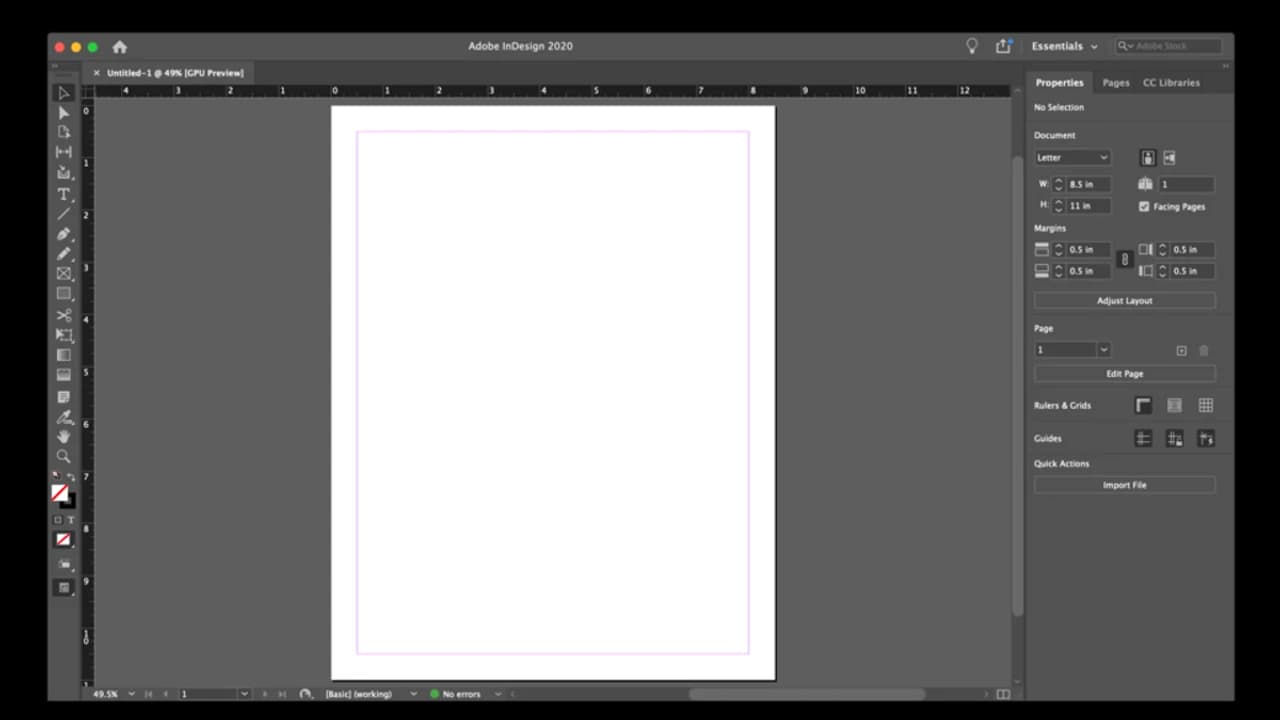
Adobe InDesign lays out multi-page documents on Windows and is installed through Creative Cloud. Version 2026, from 21.3 onward, needs a subscription, an internet connection to activate, and a 64-bit PC with AVX2.
Editorial description
InDesign is Adobe’s Windows application for page layout: long documents, typography, and pages prepared for print or screen. It is delivered through a Creative Cloud subscription and installed with the Creative Cloud desktop app. It is not a perpetual free download.
Internet access is required to activate InDesign and to validate the subscription. InDesign 2026 version 21.3 and later installs on a multicore 64-bit Intel processor or an AMD Athlon 64 processor with AVX2. Intel 3rd generation and older, and older AMD CPUs, cannot install the 21.x releases.
Adobe’s Windows list starts at Windows 10 64-bit version 21H2, also covers 22H2, and includes Windows 11 versions 23H2, 24H2, and 25H2. Memory starts at 8 GB, with 16 GB recommended. The installer needs 3.6 GB of disk and more free space while it runs, and it should not be placed on a removable flash drive.
Features
Page layout
Arrange multi-page documents, type, and images for print or screen on Windows.
Creative Cloud install
InDesign is installed with the Creative Cloud desktop app under an active subscription.
Subscription checks
The PC needs internet access to activate InDesign and to validate the subscription.
AVX2 processor rule
Version 21.3 and later requires a multicore 64-bit Intel or AMD Athlon 64 CPU with AVX2.
Screenshots
What's new
Requirements apply to InDesign 2026 version 21.3 and later.
