AVG AntiVirus Free for Windows
by AVG
Free real-time antivirus for personal and family Windows PCs, with core shields, scans, quarantine, and network checks.
AVG AntiVirus Free provides the no-cost protection layer in AVG's Windows security range. It is licensed for personal and family use, while advanced features shown in the app may require AVG Internet Security or another paid subscription.
Editorial description
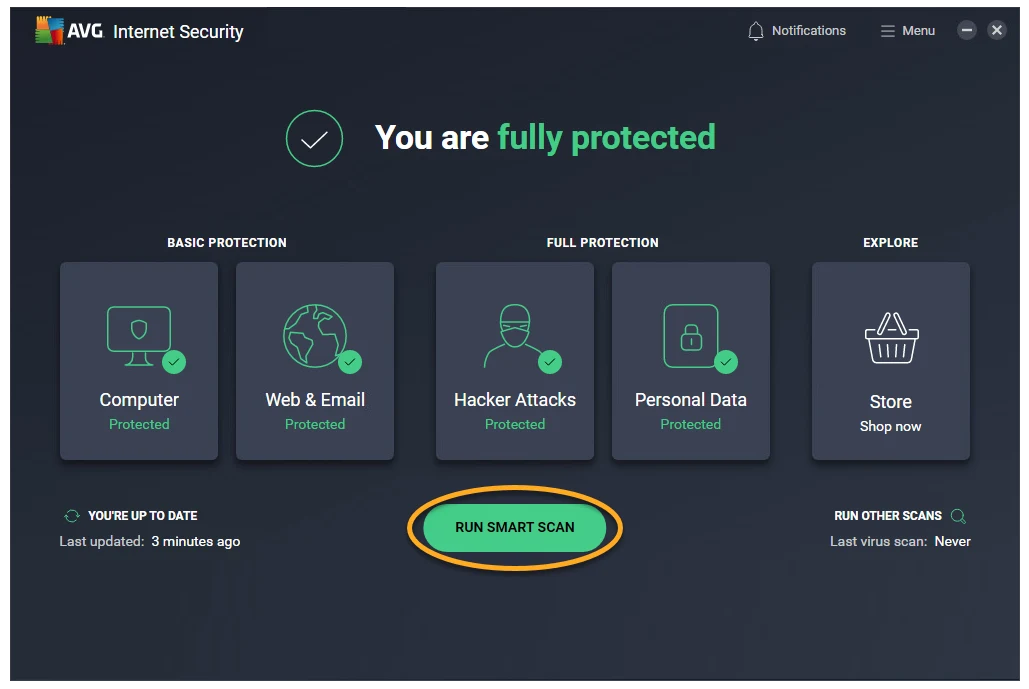
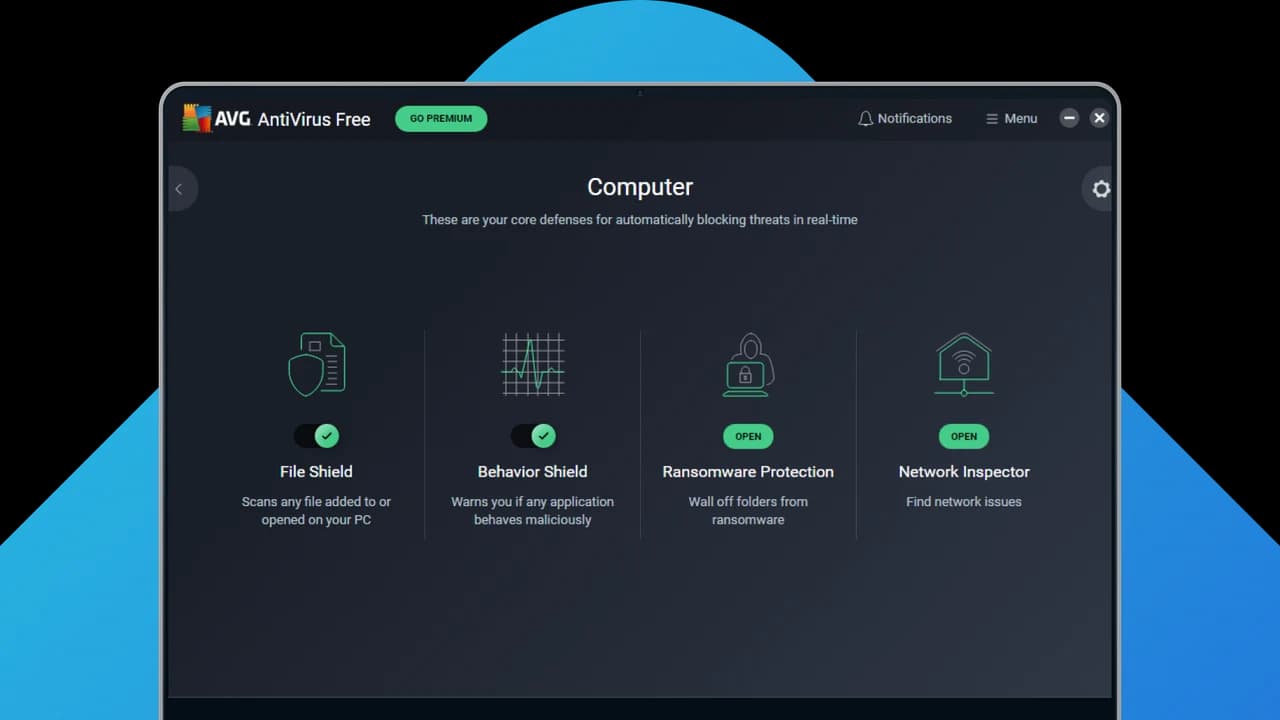
AVG AntiVirus Free monitors files, running behavior, web traffic, and supported desktop email clients in real time. It also offers Smart Scan, quarantine, CyberCapture analysis for uncommon suspicious files, Network Inspector, ransomware controls, and a bootable Rescue Disk tool. These features can reduce exposure to malicious software and unsafe sites, but no antivirus can detect every threat or replace careful browsing, updates, and backups.
The word “Free” applies to the core antivirus product for personal and family use. AVG states that it is not licensed for business or commercial use. The interface can display premium features, upgrade prompts, or trials associated with AVG Internet Security and other AVG products. A feature visible in the dashboard is therefore not necessarily included permanently at no cost; review the label and payment terms before enabling an offer.
AVG AntiVirus Free is a practical choice for people who want active third-party antivirus controls and several scan and recovery options in one application. It may be less suitable for users who prefer the protection built into Windows or want an interface without commercial recommendations. Review quarantine decisions before deleting files, keep virus definitions current, and maintain offline or versioned backups of important data.
Features
Core Shields in real time
File, Behavior, Web, and Email Shields inspect relevant activity and can block suspicious files, processes, downloads, or mail content.
Smart Scan and quarantine
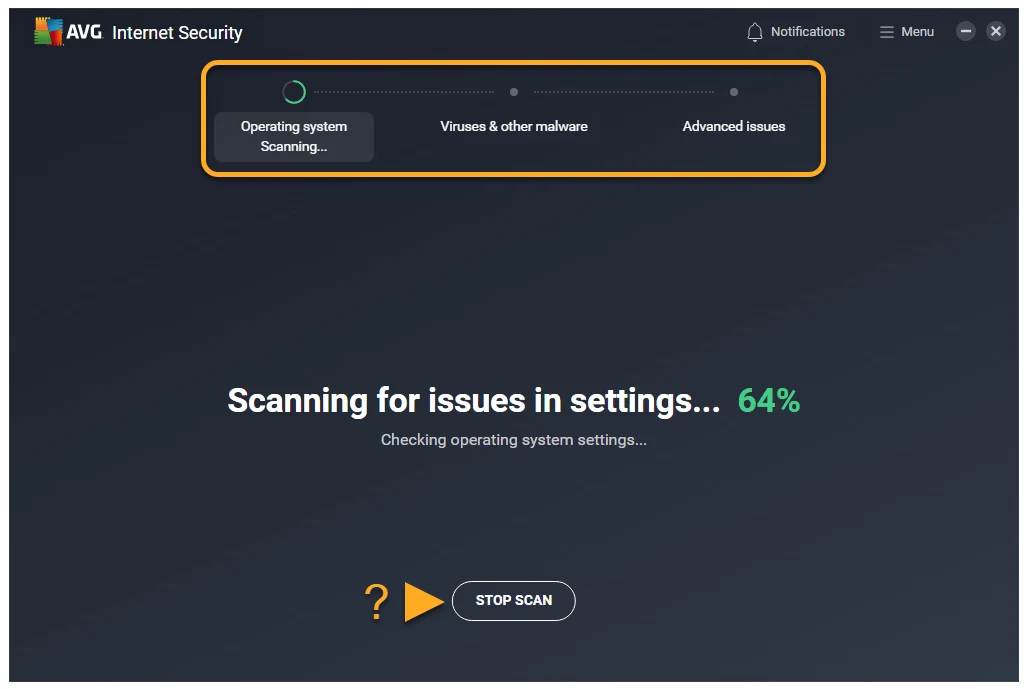
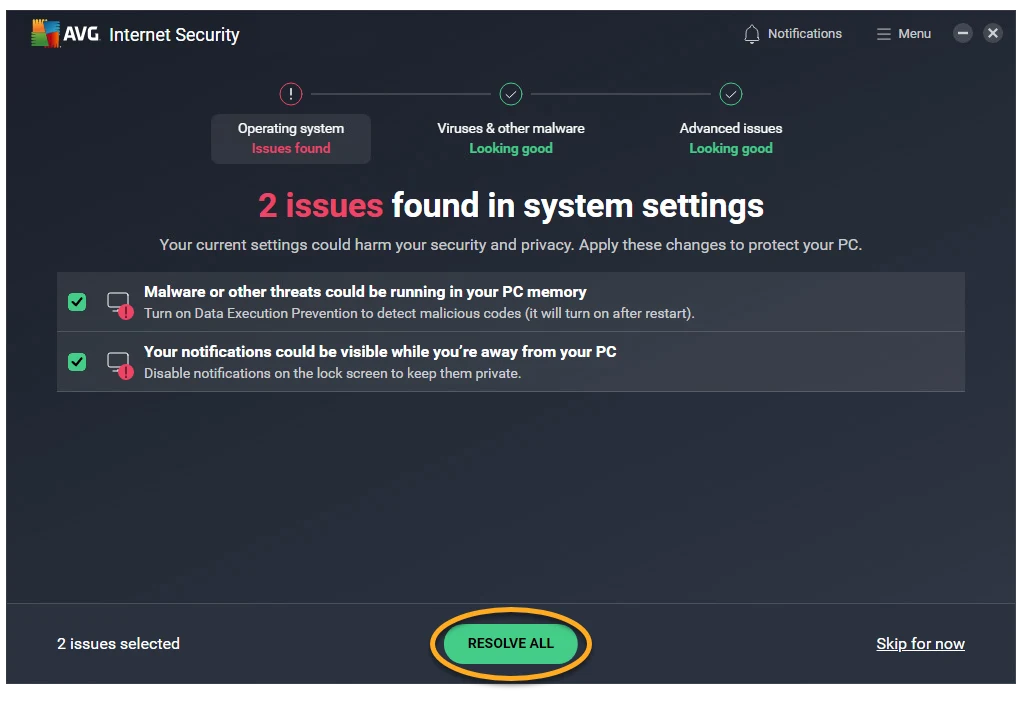
Smart Scan checks several security and maintenance areas, while quarantine isolates detections so they cannot normally run or access your data.
CyberCapture analysis
Rare suspicious files can be locked and submitted to AVG's analysis environment before a decision is returned.
Network and ransomware checks
Network Inspector looks for exposed devices or router settings, and ransomware controls help limit unauthorized changes to personal folders.