Google Chrome for Windows
by Google LLC
Browse the web with automatic updates, built-in safety tools, profiles and optional sync.
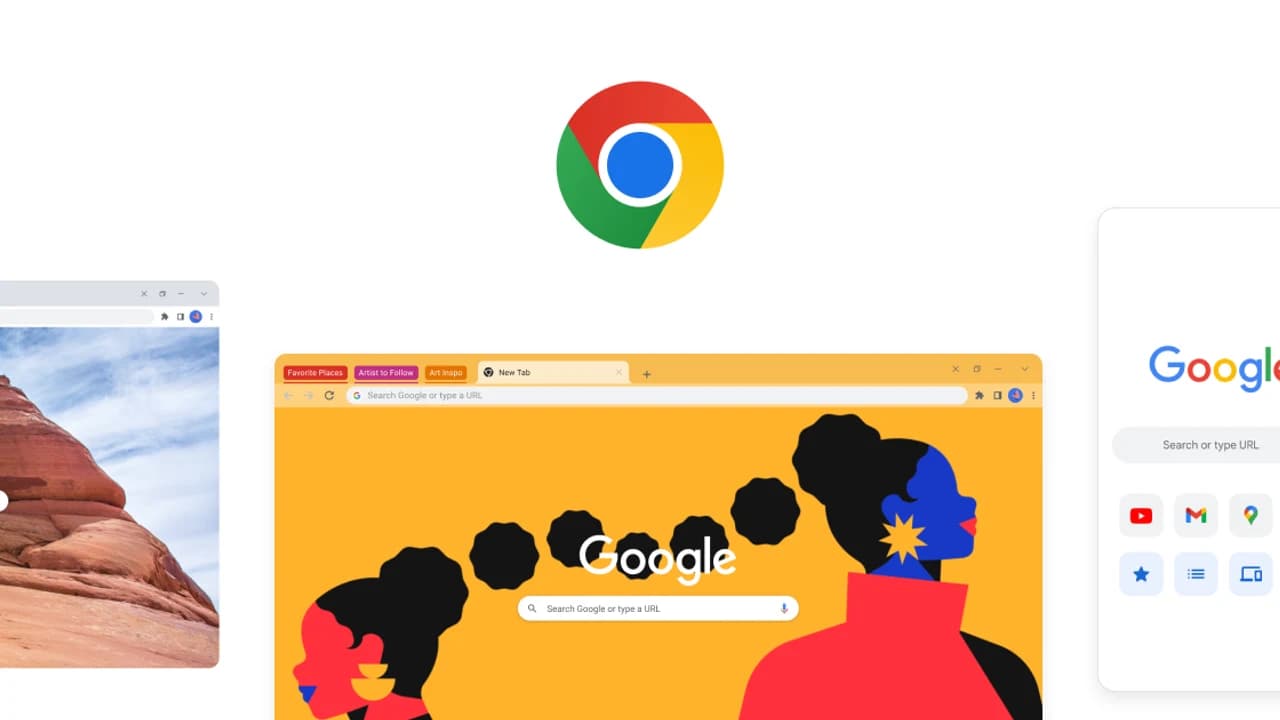
Google Chrome is a free Windows web browser focused on broad site compatibility, fast everyday navigation and integrated security.
Editorial description
Google Chrome combines a streamlined browser interface with the Chromium engine used across much of the modern web. Tabs, tab groups, bookmarks, extensions and separate profiles cover everyday browsing as well as work and shared-computer setups. Signing in is optional; if you choose to use a Google Account, Chrome can make selected bookmarks, passwords, settings, extensions, history and open tabs available on your other signed-in devices.
Security is one of Chrome's strongest practical advantages. Automatic updates deliver fixes, Safe Browsing warns about known phishing, malware and risky extensions, Password Manager helps create and protect credentials, and Safety Check reviews important browser settings. That convenience comes with trade-offs: Chrome can use significant memory under heavy tab loads, and users who enable account features should review the data they share and configure sync and privacy options deliberately.
Features
Automatic updates
Chrome checks for updates and applies current security and browser improvements after relaunch.
Safe Browsing and Safety Check
Warnings and automated checks help identify phishing, malware, risky extensions and weak settings.
Google Password Manager
Create, save, manage and protect passwords from the browser with optional account access.
Profiles and optional sync
Separate browsing identities and optionally carry selected data between signed-in devices.
Extension ecosystem
Add compatible extensions to tailor browsing, productivity and accessibility workflows.