Iron Gate Firewall for Windows
Prompts when a new executable first opens a network connection, with a permanent allow list.
Version 4.0.3 · Windows 10 / 11 · 64-bit · 27 MB
Scanned file · SHA-256 published below
Prompts when a new executable first opens a network connection, with a permanent allow list.
Editorial description
Iron Gate Firewall is a application firewall for Windows 10 and 11. Prompts when a new executable first opens a network connection, with a permanent allow list. This catalog page covers the current 4.0.3 installer we measured at 27.0 MB, including the SHA-256 published with the release.
In daily use it lets you watch new binaries, ask once, and remember the decision. We noted rules show publisher name when Authenticode is valid. Setup does not bundle extra toolbars. The trial nag appears after 30 days; rules stay in place.
Key features
First-connect prompt
Unknown executables are asked about once, not on every packet.
Publisher display
Signed apps show the certificate subject.
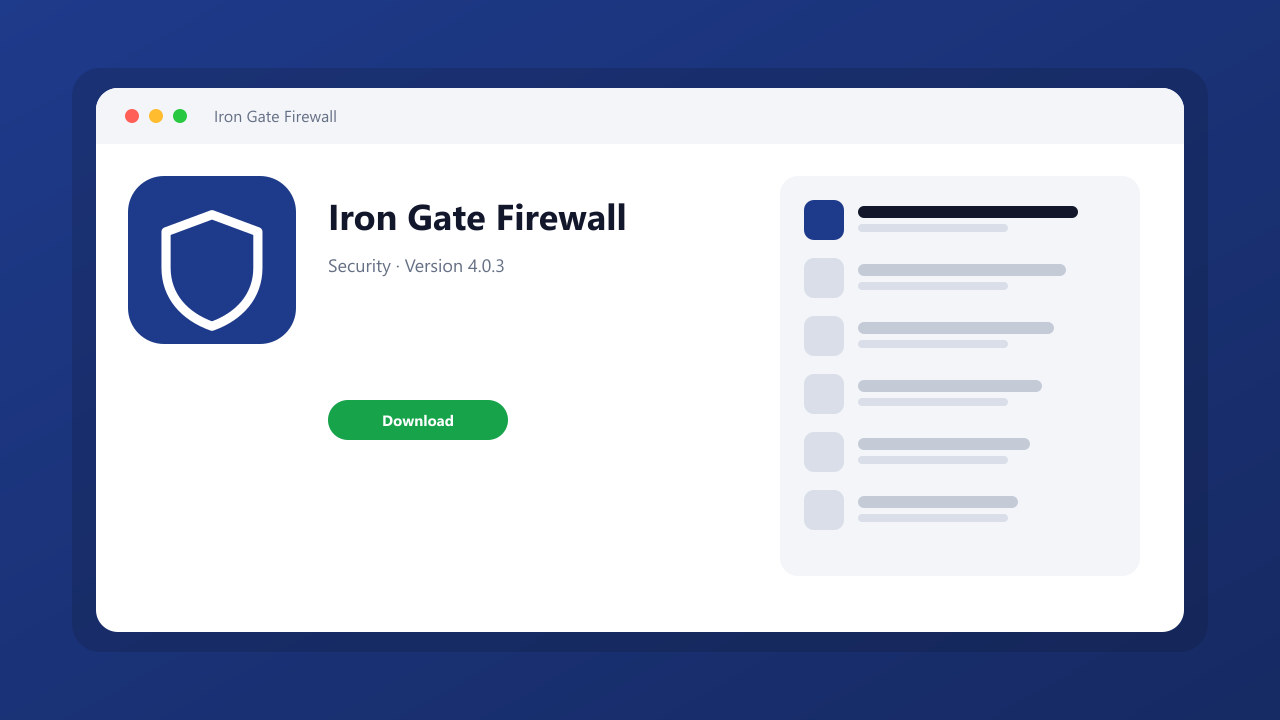
Screenshots
What's new
Iron Gate Firewall 4.0.3: current catalog build. rules show publisher name when Authenticode is valid.
System requirements
Windows 10 or Windows 11, 64-bit, 200 MB free disk space, and a display of 1280×720 or higher.
How to install
Download Iron Gate Firewall with the labeled button on this page, verify the SHA-256, then run iron-gate-firewall-setup.exe. The installer does not change the default browser or search engine.
Pros
- Simple allow list
- Signature-aware prompts