PatchCleaner for Windows
by HomeDev
Free HomeDev utility that finds orphaned MSI/MSP files in C:\Windows\Installer and can move or delete them.
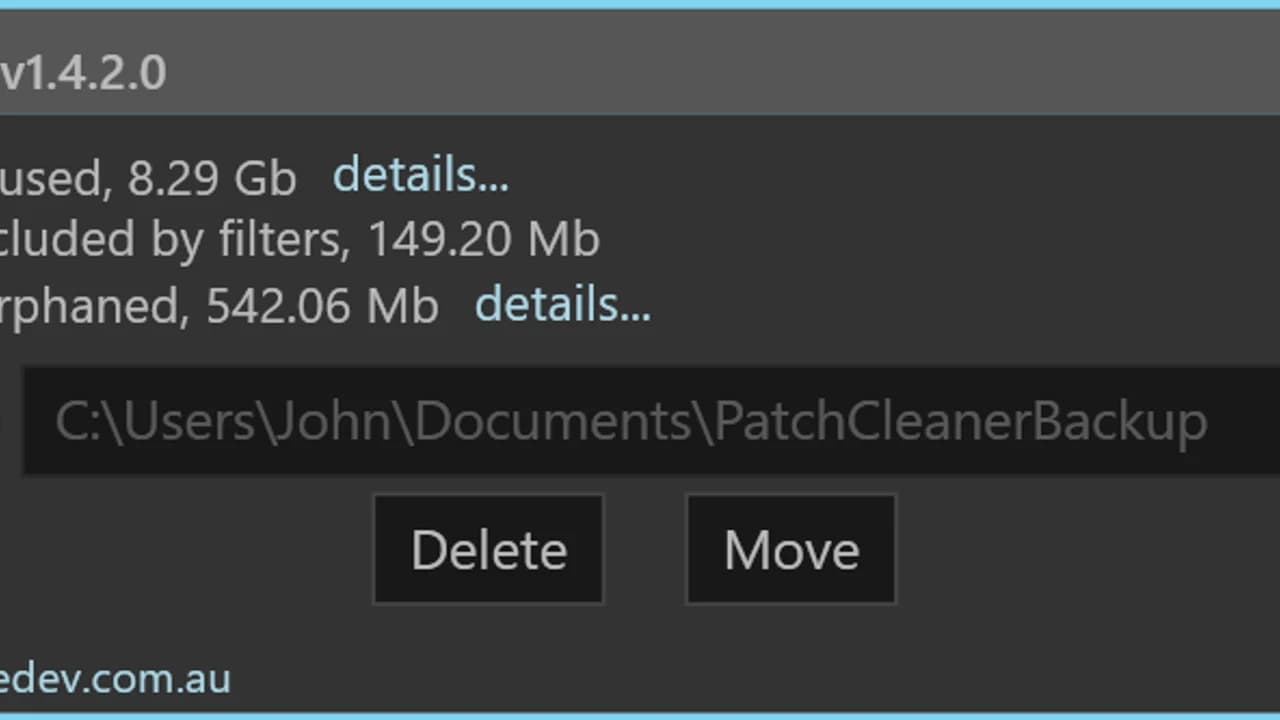
PatchCleaner 1.4.2.0 is HomeDev's free, unsigned Windows tool from 3 March 2016 for comparing the Installer folder with registrations Windows still knows about.
Editorial description
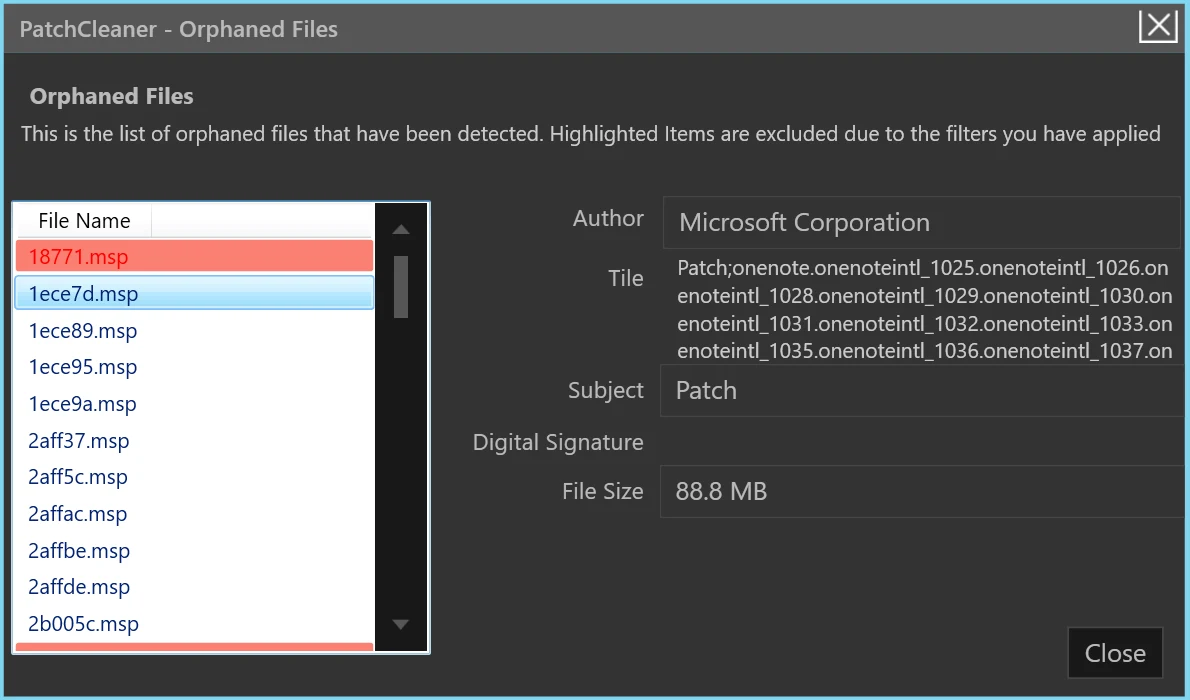
Windows stores MSI and MSP files in the hidden C:\Windows\Installer folder. After updates, some files become orphaned. PatchCleaner asks Windows (via WMI/VBScript) which packages are still registered, compares that list with files on disk, and marks leftovers. HomeDev recommends Move over Delete and does not warrant zero false positives. Version 1.4 adds exclusion filters, preloaded to skip Acrobat/Adobe Reader patches that were mis-detected.
Requirements on the official page are Windows 7, 8, or 10 (x86/x64), .NET 4.5.2, and not Windows XP. Server 2008 R2 and 2012 R2 were confirmed by the author. Windows 11 is not claimed. The installer is an unsigned 7-Zip SFX. A CLI exists since 1.3 (/d, /m). The marketing site patchcleaner.com is not a source. Working VBScript is required.
Features
Compare with Windows
Uses WMI to list registered MSI/MSP packages and flags files missing from that list.
Move or delete
HomeDev recommends moving orphans first so they can be copied back.
Exclusion filters
1.4 can exclude names such as Acrobat after Adobe Reader false positives.
Optional CLI
Since 1.3, /d and /m run delete or move and write to the console and event log.