Roblox for Windows
Play millions of community-created 3D games and social experiences on Windows.
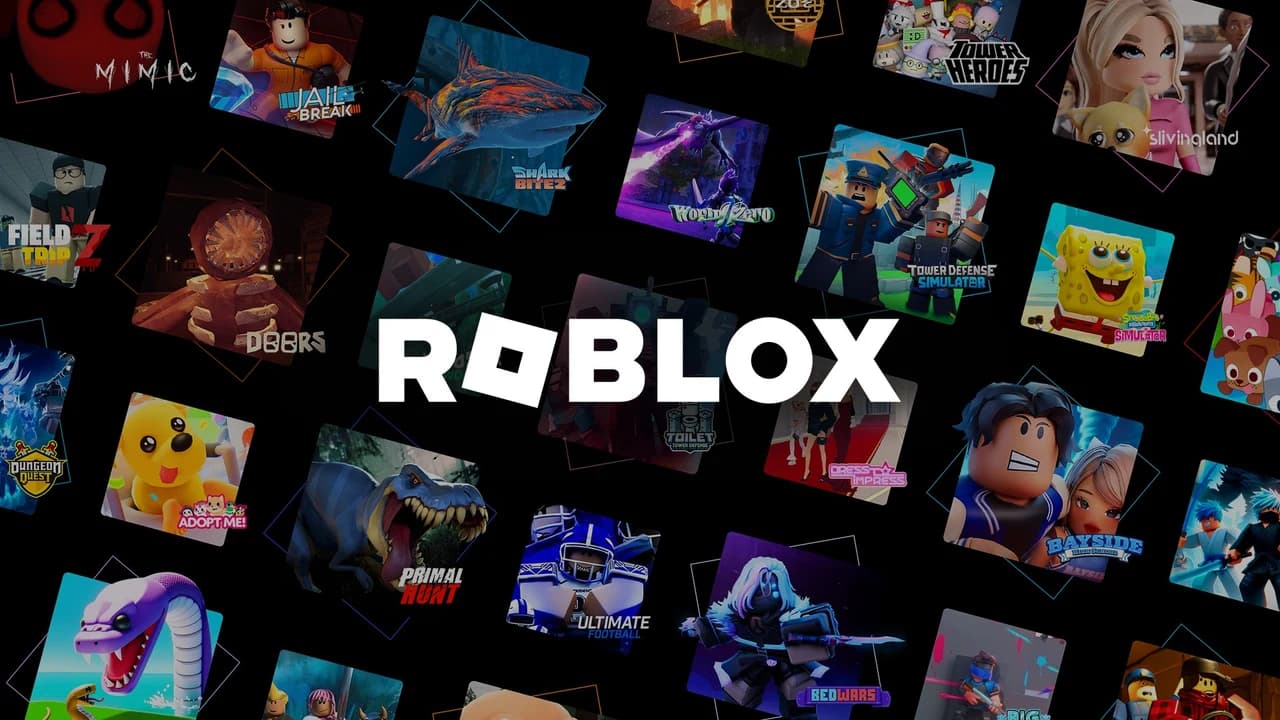
Roblox Player is the Windows app for discovering and joining the games and interactive worlds published on Roblox.
Editorial description
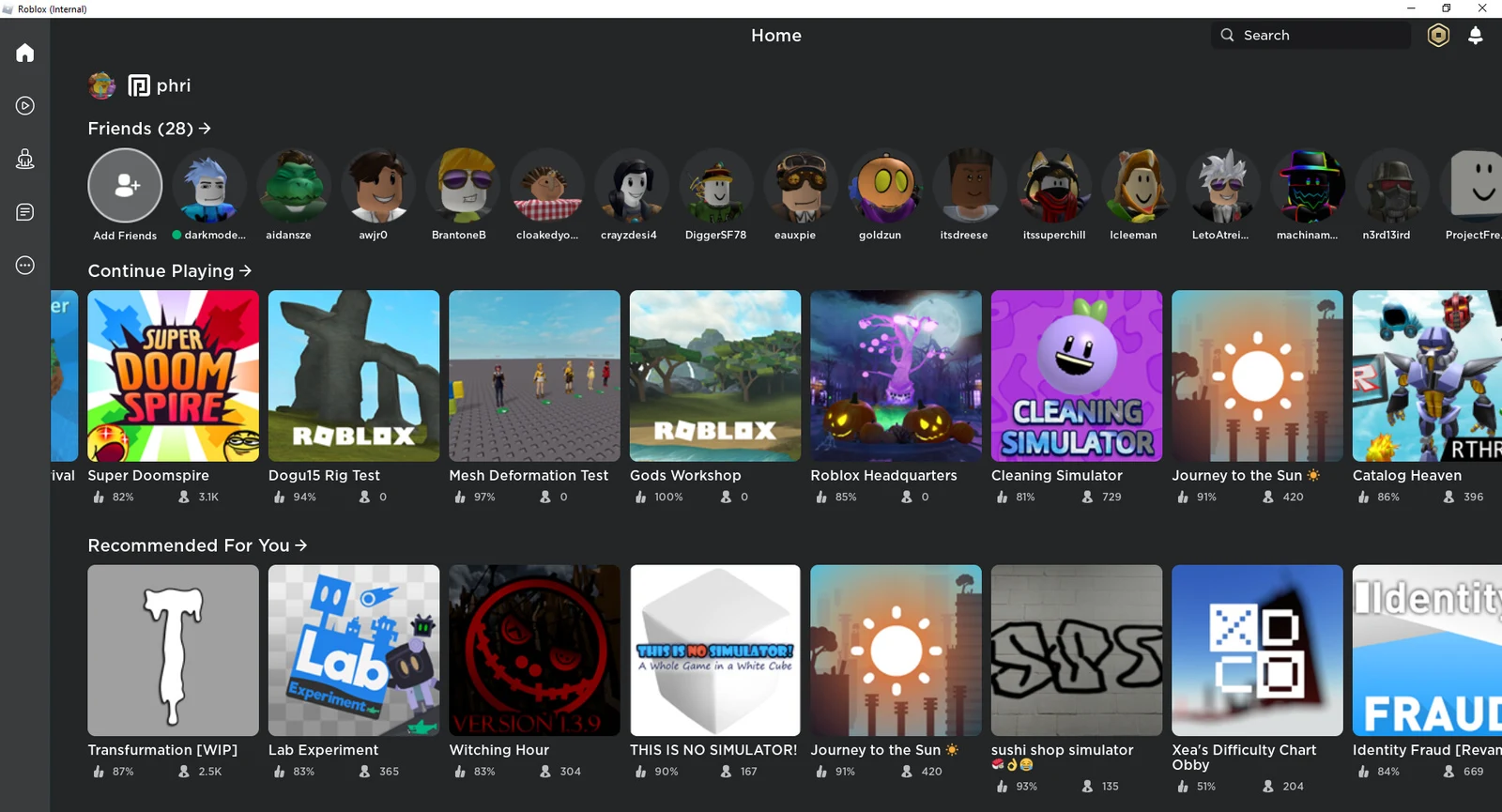
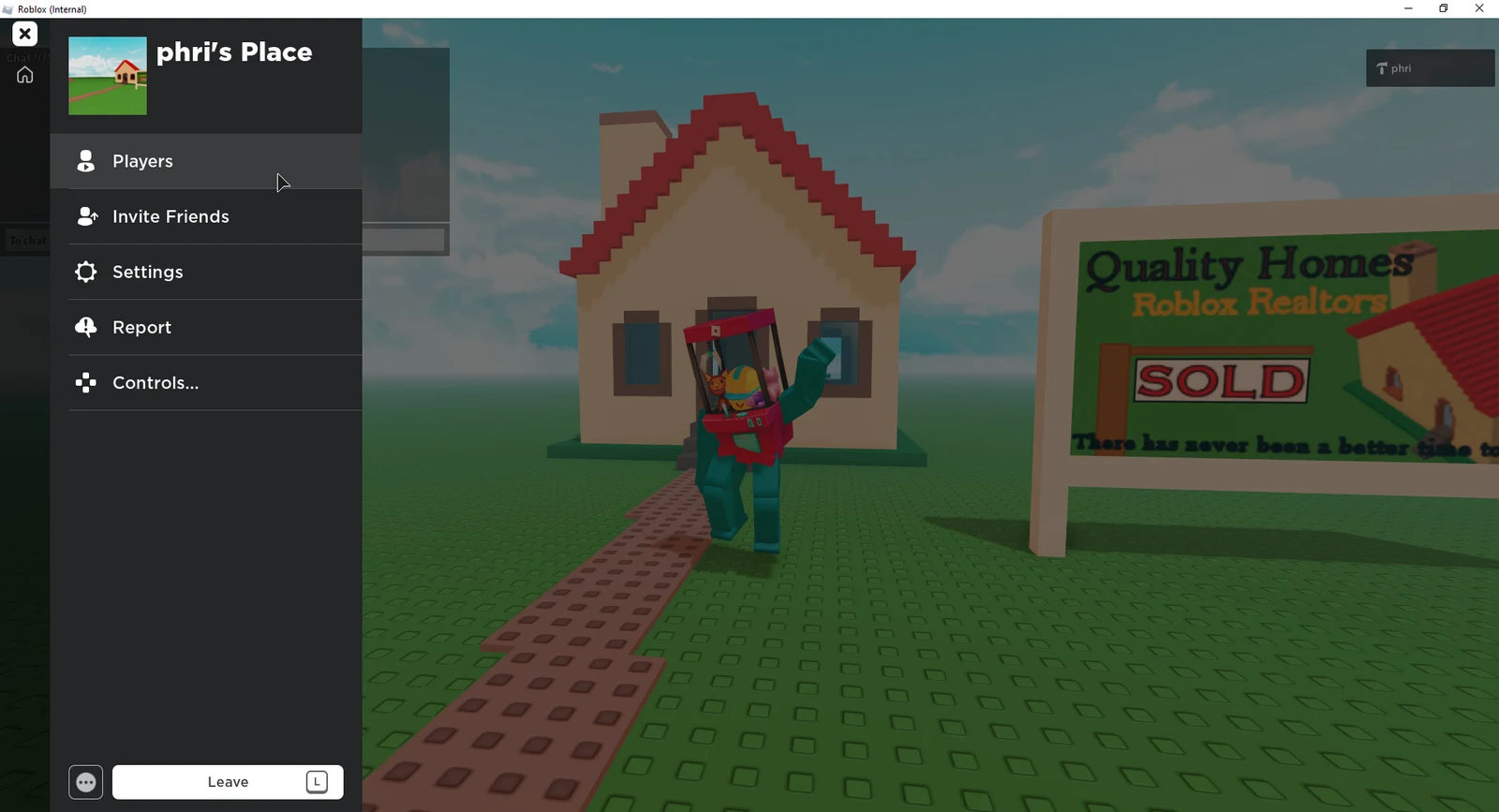
Roblox Player opens a huge, continually changing catalog of community-created experiences. After signing in, you can browse genres ranging from action and adventure to role-play, simulation and casual games, then join a compatible experience from the Roblox website or app. Your avatar, friends, inventory and progress remain connected to your Roblox account across supported devices.
The player is free to install and many experiences can be entered without payment, but Roblox includes optional purchases such as Robux, avatar items and Premium. Social tools make playing with friends easy, while content maturity settings, communication controls, reporting and linked parental controls help families shape a more appropriate experience. This listing covers Roblox Player only, not the separate Roblox Studio creation software.
Features
Millions of experiences
Explore a broad catalog of user-created games and interactive worlds across many genres.
Cross-device account
Keep your avatar, friends, inventory and eligible progress attached to one Roblox account.
Social play
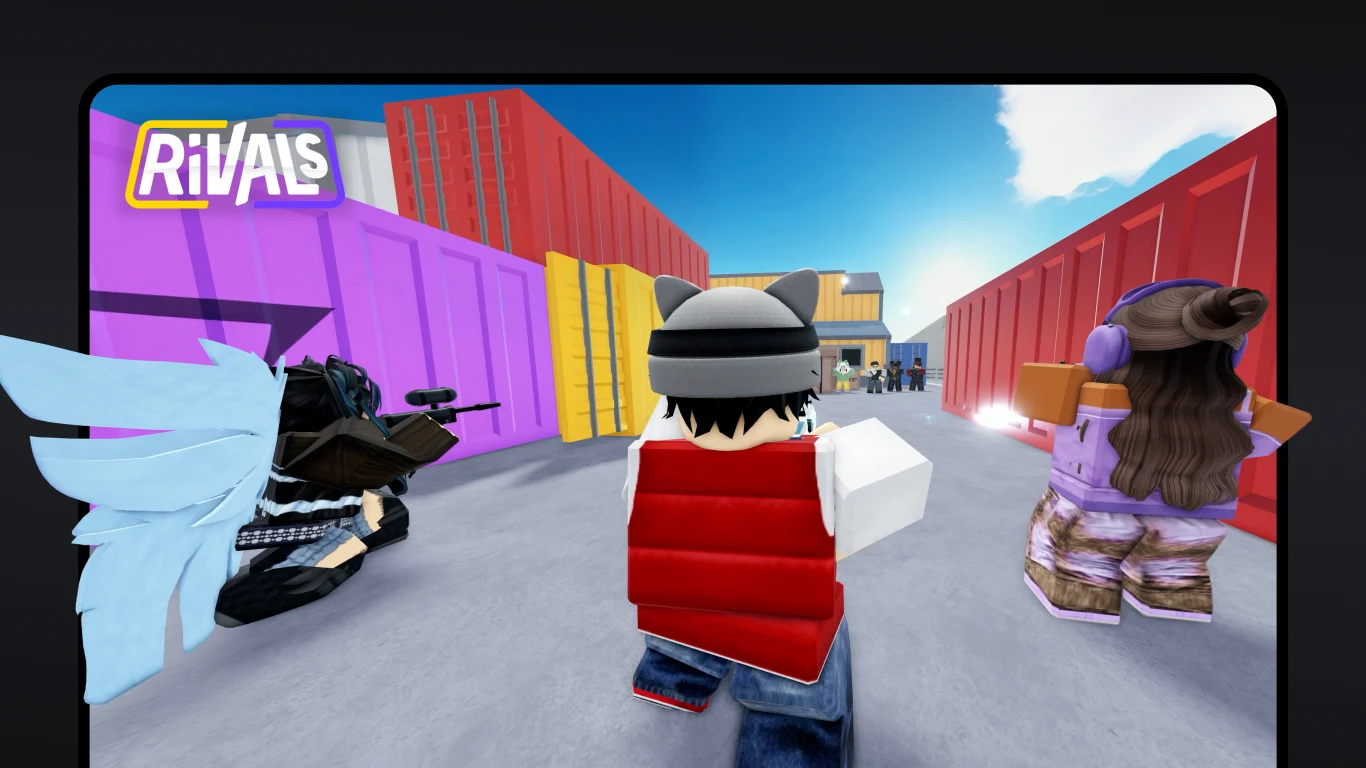
Join friends, communicate through supported features and discover experiences together.
Family controls
Linked parental controls can manage content maturity, communication, screen time and spending.
Customizable avatar
Personalize your avatar with owned items and use it throughout compatible experiences.