Task Sentinel for Windows
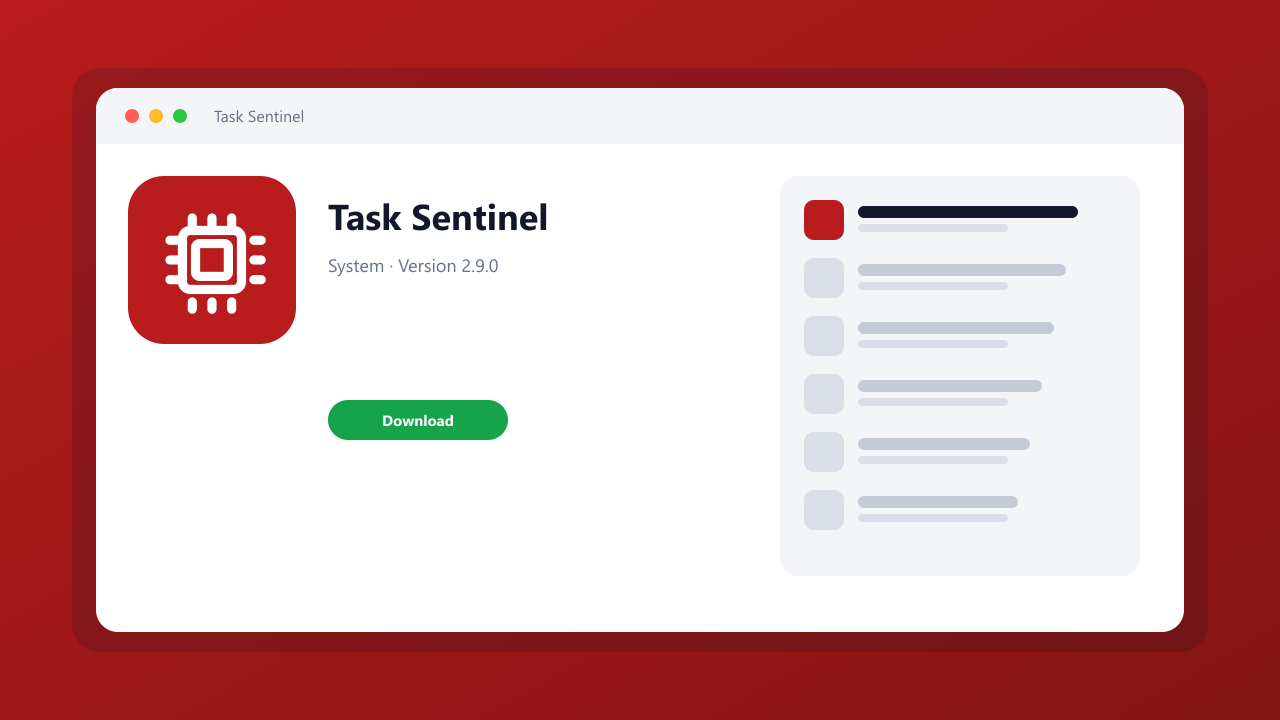
A process list with CPU, GPU, and disk columns plus a hang dump button.
Version 2.9.0 · Windows 10 / 11 · 64-bit · 8.8 MB
Scanned file · SHA-256 published below
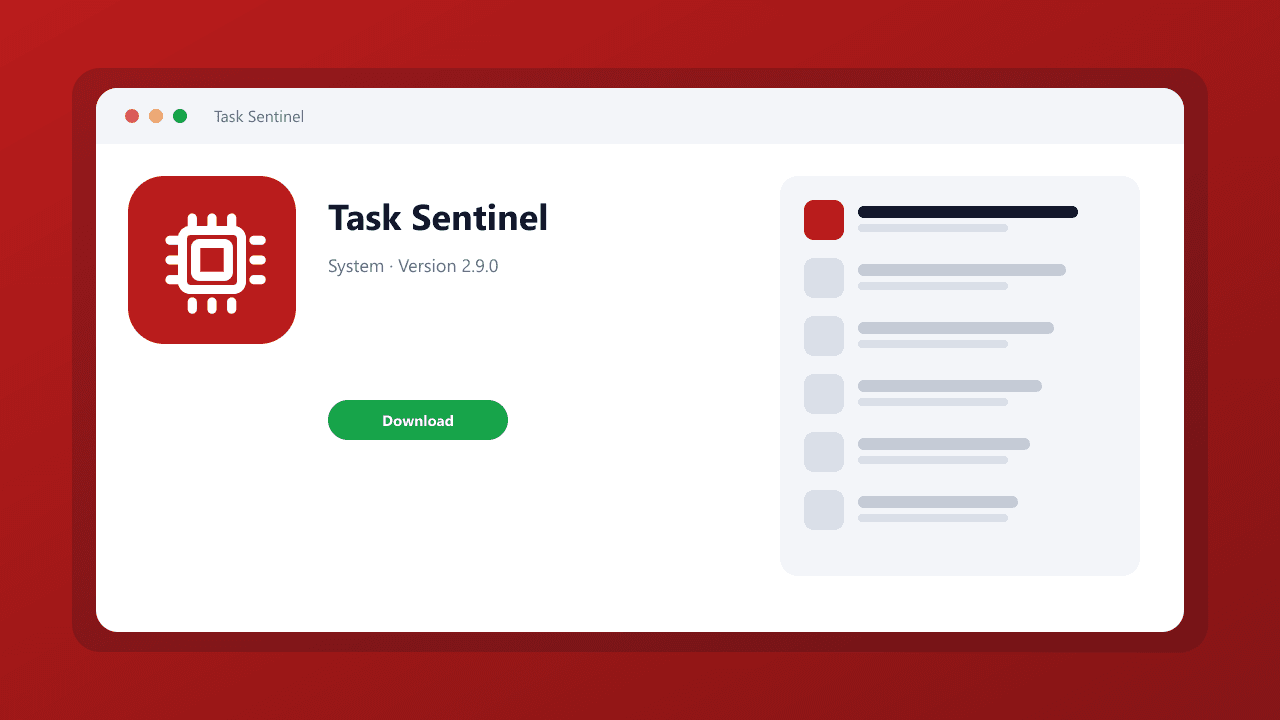
A process list with CPU, GPU, and disk columns plus a hang dump button.
Editorial description
Task Sentinel is a process monitor for Windows 10 and 11. A process list with CPU, GPU, and disk columns plus a hang dump button. This catalog page covers the current 2.9.0 installer we measured at 8.8 MB, including the SHA-256 published with the release.
In daily use it lets you sort processes, search by path, and write a dump. We noted GPU column uses the same counters Task Manager exposes. Setup does not bundle extra toolbars. It will not 'boost' FPS with a slider.
Key features
Path search
Find the helper that lives in AppData.
Hang dump
Write a dump when an app freezes.
Screenshots
What's new
Task Sentinel 2.9.0: current catalog build. GPU column uses the same counters Task Manager exposes.
System requirements
Windows 10 or Windows 11, 64-bit, 200 MB free disk space, and a display of 1280×720 or higher.
How to install
Download Task Sentinel with the labeled button on this page, verify the SHA-256, then run task-sentinel-setup.exe. The installer does not change the default browser or search engine.
Pros
- GPU column
- Dump button
Cons
- No fake booster
Editorial review
Reviewed as a process monitor with original editorial copy, a published release record, and a documented file hash. GPU column uses the same counters Task Manager exposes.