µTorrent Classic for Windows
A lightweight Windows torrent client with automatic bandwidth tuning, remote access, RSS rules, scheduling, and completion actions.

µTorrent Classic is the long-running Windows desktop client focused on a small footprint, flexible automation, and remote control of torrent queues.
Editorial description
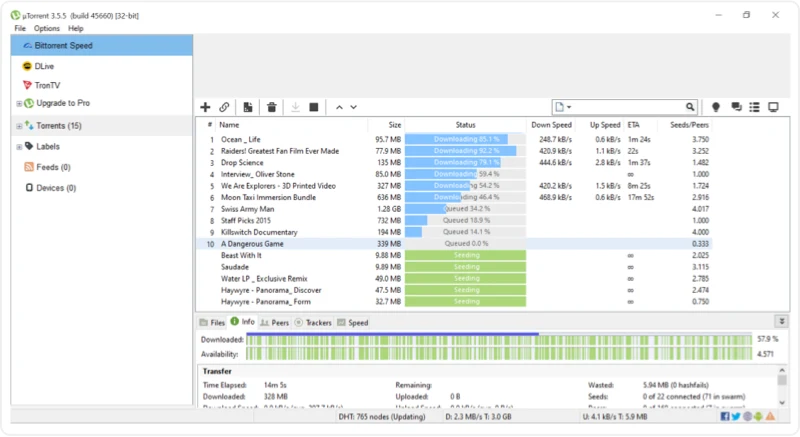
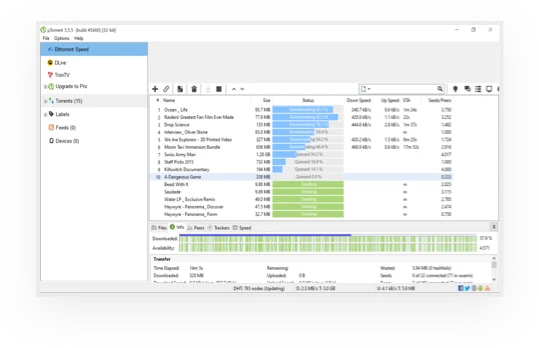
µTorrent Classic is the original desktop edition of µTorrent, also known as “micro torrent.” Its official page emphasizes the small setup and memory footprint that made the client popular, while retaining a broad set of controls for simultaneous downloads. It automatically adjusts bandwidth use to the network connection, centralizes multiple torrent jobs, and offers enough display and behavior settings for experienced users without requiring beginners to change the defaults.
Compared with a basic queue manager, µTorrent Classic places more emphasis on unattended and remote operation. Users can schedule starting, stopping, or seeding, create RSS rules for selected feed titles, add torrents remotely from a browser or µTorrent Android, and tell the client to quit, reboot, or shut down the computer after transfers complete. The free Basic plan is one of several tiers alongside Ad-Free, Pro, and Pro+VPN. Torrent technology is lawful, but the user must have permission to download or share each item.
Features
Automatic bandwidth adjustment
Adapt bandwidth use to the current network and Internet connection.
Remote torrent access
Add torrents through a web browser or µTorrent Android while the home client is running.
Flexible scheduler
Set days and times to start, stop, or seed torrent jobs.
Selective RSS rules
Automatically download every feed item or only titles that meet chosen rules.
Completion actions
Quit the client, reboot Windows, or shut down the computer after torrents finish.