WinRAR 64-bit for Windows
by win.rar GmbH
The stable 64-bit Windows edition of WinRAR 7.23 for creating RAR or ZIP archives and opening a broad range of archive formats.
WinRAR 64-bit is the x64 Windows desktop archiver from RARLAB. This listing tracks the stable 7.23 release, not the newer 7.30 beta offered separately on the official download page.
Editorial description
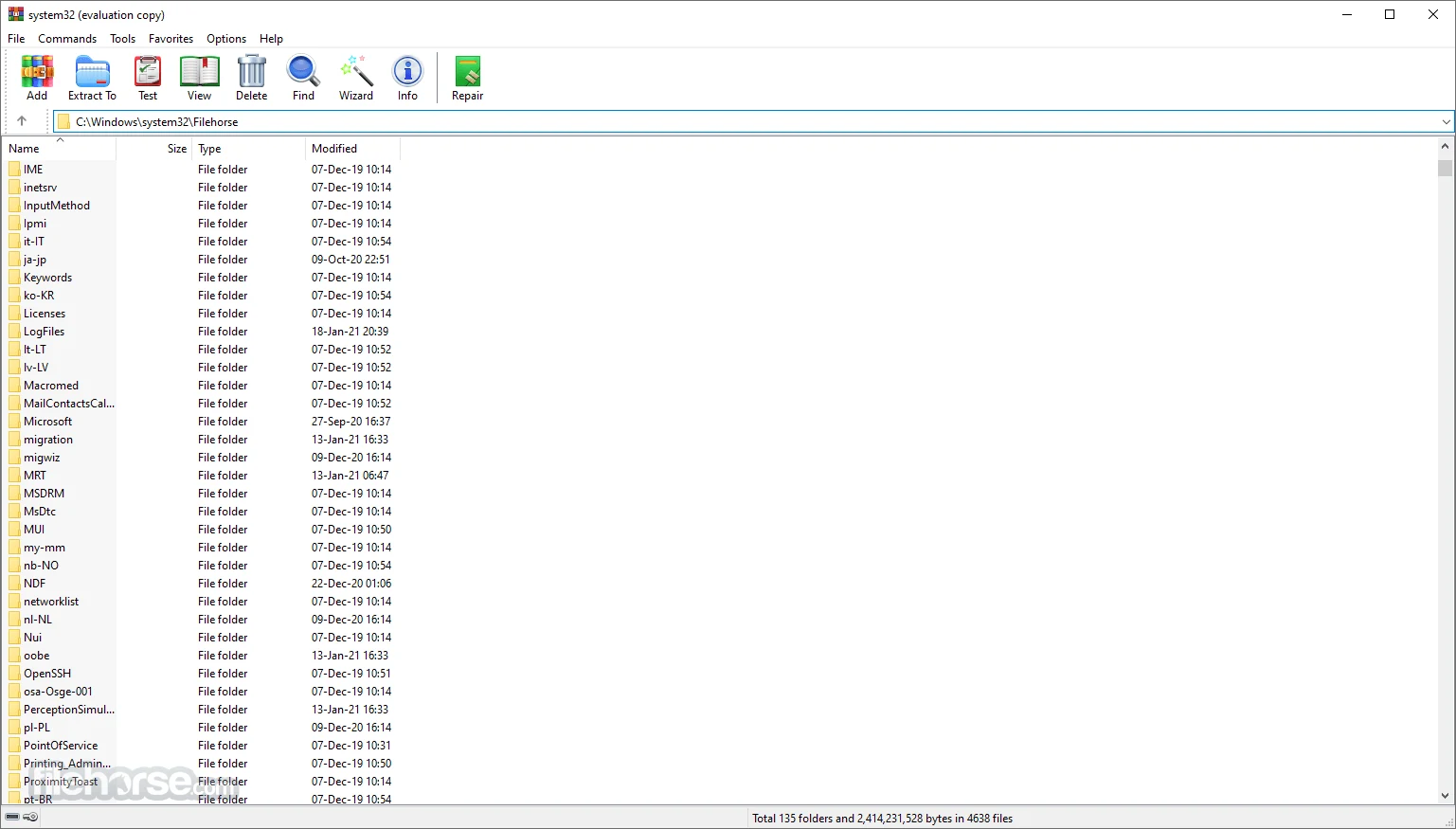
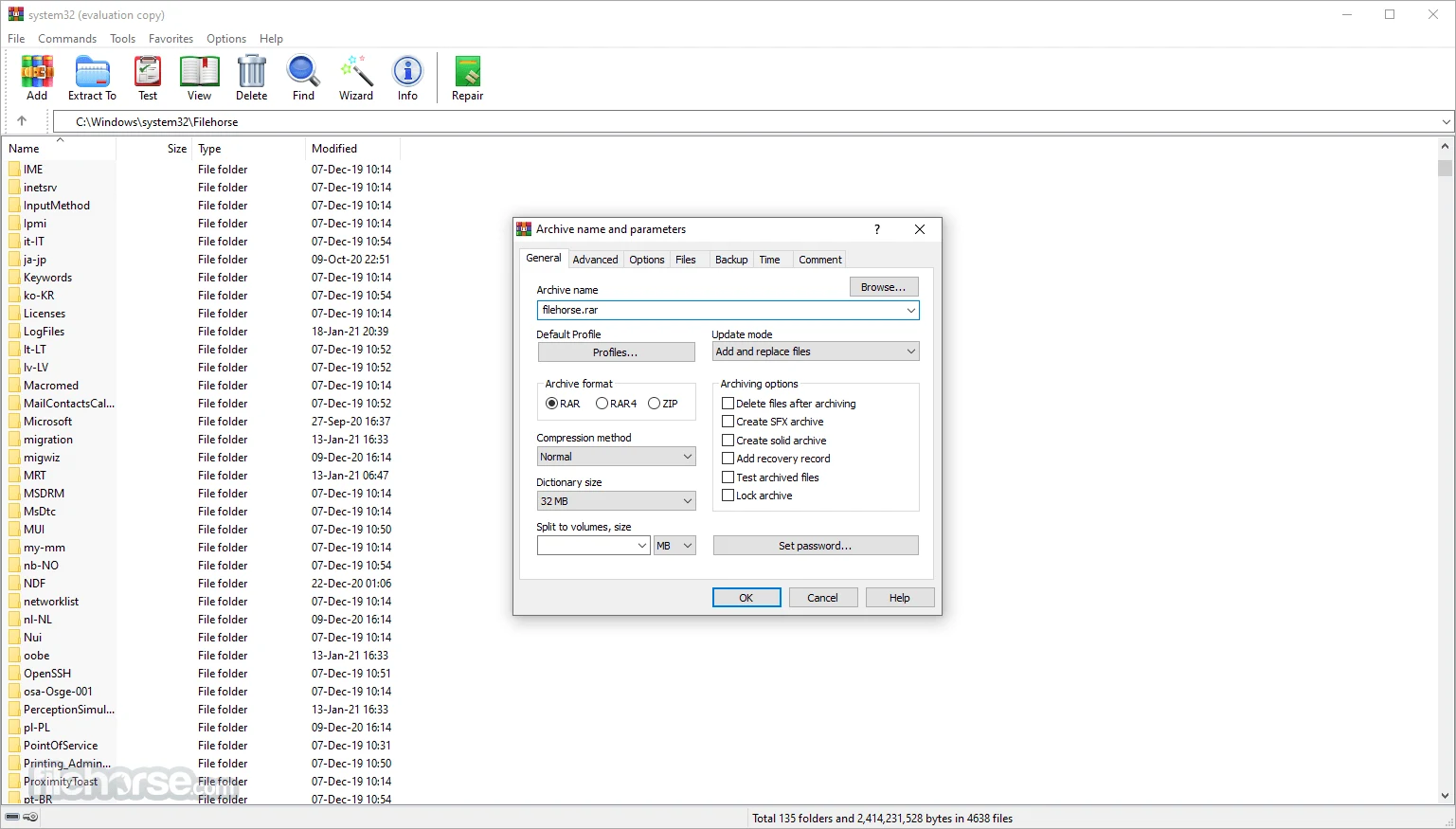
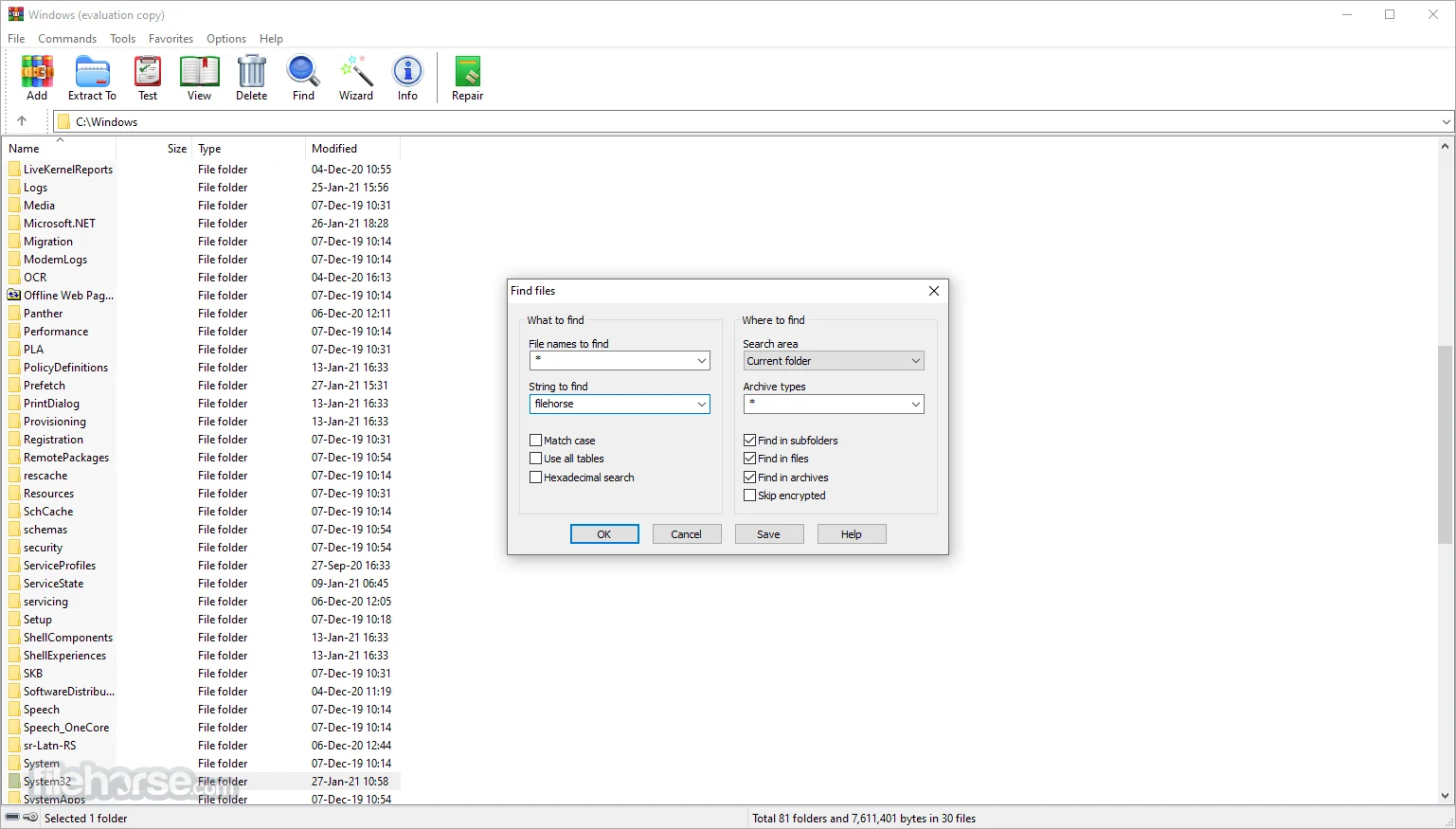
WinRAR combines a graphical file manager with command-line tools for packing, browsing, testing, and extracting archives. It creates RAR and ZIP files and opens formats including CAB, ARJ, LZH, TAR, GZ, BZ2, JAR, ISO, 7Z, XZ, and Z. Explorer context-menu commands make everyday extraction quick, while the main window exposes profiles, solid compression, volume splitting, and archive testing.
The x64 package is now the relevant Windows build: WinRAR 7.10 and later require Windows 7 x64 or newer, and 32-bit Windows is no longer supported. Version 7.23 is the latest stable release verified on 16 September 2026. RARLAB also lists WinRAR 7.30 beta 1, but beta software is intentionally not represented as the stable download here.
WinRAR is commercial trial software rather than freeware. The official product information specifies a 40-day evaluation, after which the user must purchase a license or uninstall it. Its distinctive tools include RAR creation, AES-256 archive encryption, recovery records, multivolume sets, self-extracting archives, and a Wizard mode. Encryption protects an archive only when a strong password is chosen and handled safely; it does not make untrusted extracted files safe to run.
Features
RAR and ZIP creation
Create standard archives from the interface, Explorer menu, or command line, including solid RAR archives and reusable profiles.
Broad extraction support
Open and unpack RAR, ZIP, CAB, ARJ, LZH, TAR, GZ, BZ2, JAR, ISO, 7Z, XZ, Z, and other supported containers.
AES-256 archive encryption
Protect file data and, when selected, archive names with password-based AES-256 encryption in supported formats.
Recovery and archive testing
Test archive integrity and add RAR recovery records or recovery volumes for some physical-damage scenarios.
Split and self-extracting archives