
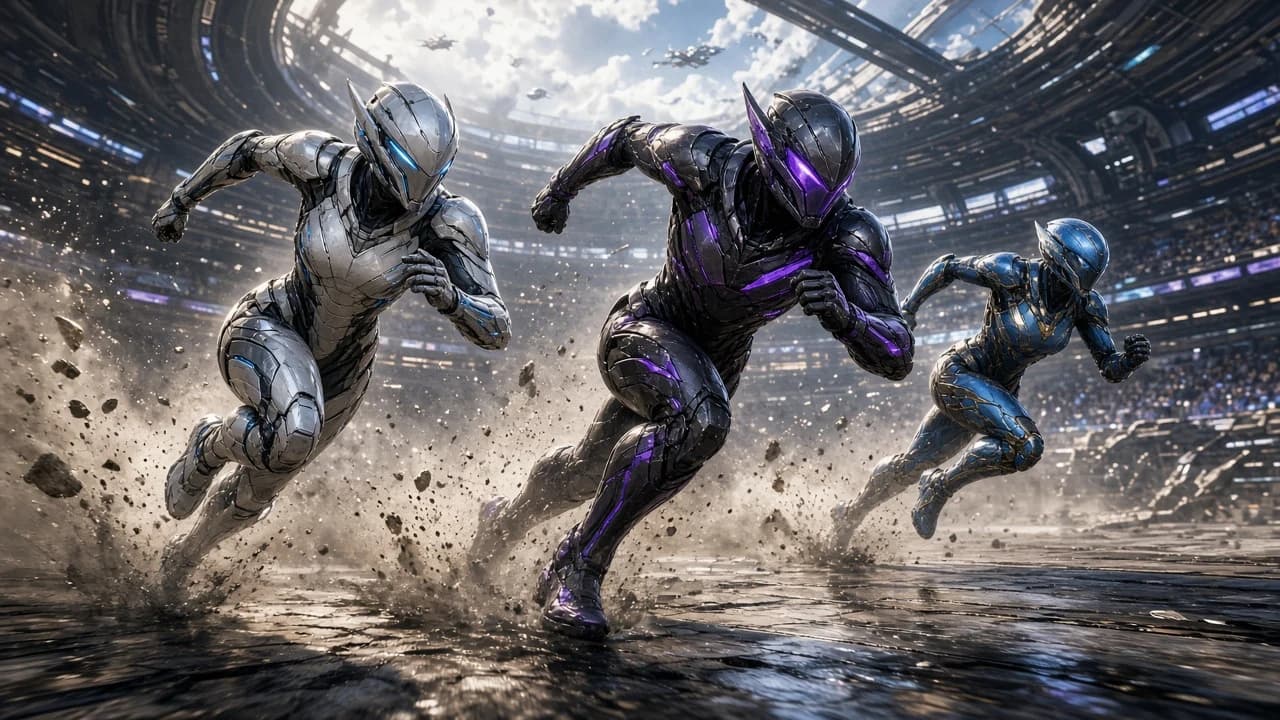
Install Apex Legends on PC, Check the Specs, and Fix Launch Problems
Create an EA account, install the free PC game from the EA app, Steam, or Epic, match the published requirements, and clear disk space and Easy Anti-Cheat prompts.
By Editorial Team · Oct 23, 2026
Apex Legends on PC is free to play, and it is not a file you can drop on a desktop and open offline. You need an EA account, a network connection, and one store install: the EA app, Steam, or the Epic Games Store. EA’s download article is the path this guide follows. It also tells you not to run the EA app copy and the Steam copy at the same time when both are tied to one linked account. Pick a store, finish that install, and leave the other closed.
The catalog listing is Apex Legends for Windows. Softcoria does not host the installer. The game comes from the store you chose.
Read the PC requirements first
EA’s PC system requirements publish a minimum and a recommended PC. The minimum is the floor. A machine under that floor is a bad install target, no matter which store you pick. The recommended line is a stronger CPU, more memory, and a stronger GPU. It does not replace the minimum operating system, DirectX 12, or the 75 GB of storage.
PartMinimumRecommended Operating system64-bit Windows 10Meet the minimum. No separate OS is listed here. ProcessorIntel Core i3-6300 at 3.8 GHz, or AMD FX-4350 at 4.2 GHzIntel Core i5-3570K, or AMD Ryzen 5 Memory6 GB of RAM8 GB of RAM GraphicsNVIDIA GeForce GTX 950, or AMD Radeon HD 7790NVIDIA GeForce GTX 970, or AMD Radeon R9 290 Graphics APIDirectX 12Still needs the DirectX 12 minimum
Storage75 GBUse 75 GB as the floor. No second size is published on the page used here.
A newer 64-bit Windows release can sit above the Windows 10 minimum. This guide does not add a Windows 11-only rule. Compare the CPU, the memory, the GPU, DirectX 12, and free disk space with the table before you start a 75 GB download. If the drive you plan to use has less than 75 GB free, choose another disk or clear space first. Updates can need more room later, so a drive that only just holds the install will get tight.
Create the EA account and choose one store
The game is free. The account is not optional. Create an EA account on EA’s site, or create it when the store asks you to sign in. Use one EA account and keep the password. A second EA account is a second profile. It will not show the progress of the first.
Choose one installer and stay with it:
- EA app. Install the EA app from EA, sign in, and install Apex Legends from that library.
- Steam. Install Steam, install Apex Legends from the Steam store, and link the EA account when the game asks. Linking is part of the first launch on Steam, not an extra purchase.
- Epic Games Store. Install the Epic app, install Apex Legends there, and sign in with the EA account when the game asks.
Read How to Safely Download and Install Software on Windows before you run the EA app, Steam, or the Epic installer. Each of those is a real Windows installer. Confirm the publisher and skip repack sites that wrap the game in their own setup. Softcoria’s page can point at the game. It is not a second download host.
Do not install the EA app copy and the Steam copy and then launch both. EA’s download article says not to run those two at the same time on one linked account. Quit one completely before you start the other. Running both also wastes the 75 GB twice.
Install and launch the first time
- Sign in to the store you chose, with enough free space on the library drive.
- Start the Apex Legends install and leave the PC online until it finishes. A download that stops near the end is often a full disk, not a bad password.
- On Steam, launch once and complete the EA sign-in so the Steam account you are playing on is the one linked to your EA account.
- On the EA app or Epic, launch once and sign in to the same EA account you meant to keep.
- If Easy Anti-Cheat shows its own installer, allow that prompt. It arrives with the game. Canceling it leaves a game that will not enter a match. The prompt may ask for administrator approval. On a PC you do not administer, you cannot finish that step.
- Reach the lobby once while the network is up. Apex Legends needs the internet to play. This guide does not describe an offline mode.
Update the graphics driver in ordinary terms before you blame the install for a crash at the logo. Install the current driver the card maker offers for that GPU — NVIDIA, AMD, or Intel — then restart Windows and launch again. Do not stack a random beta driver from a forum post if you have not tried the current stable driver. A driver update does not shrink the 75 GB requirement, and it does not replace Easy Anti-Cheat.
When the install or the first launch fails
- There is not enough disk. The published minimum is 75 GB. Check free space on the drive the store is using, not only on the Windows drive. Point the library at a disk that has the room, or remove other games, then resume. A download that dies at the last few percent is the usual face of a full volume.
- Easy Anti-Cheat asks to install. Allow the prompt that came with Apex. The game uses Easy Anti-Cheat, and a match will not start if that component is missing. If Windows blocks the prompt because you are not an administrator, stop and use a PC where you can approve it.
- You uninstalled the Steam copy and Easy Anti-Cheat is still listed. Steam’s notes say Easy Anti-Cheat has to be removed manually after you uninstall. Open Settings, Apps, Installed apps, and remove Easy Anti-Cheat if it is still there and you are done with the game. Do not download an unrelated “anti-cheat cleaner.” If you still play Apex from the EA app or Epic, leave the component those copies need.
- The EA app and Steam both start. Quit one. One linked account should not have both copies running. Progress and the session belong to the account, not to two windows.
- The first launch sits on an EA login. Finish the sign-in in the window the store opened. Creating a brand-new EA account at that moment splits you from the profile you already made. Sign in to the original account and complete the link.
- The game closes at the logo or the picture never appears. Confirm the GPU is at least a GTX 950 or an HD 7790, that DirectX 12 is present, and that you installed the current driver from the GPU maker and restarted. A PC under the minimum table will not become playable because the download finished.
- The launcher says you are offline. The game needs a connection. Rejoin the network and launch again. There is no offline campaign described in the pages used here.
One store, one EA account, 75 GB free, and Easy Anti-Cheat allowed through its own prompt: that is the install. The recommended CPU, 8 GB of memory, and a GTX 970 or R9 290 are the stronger target when the minimum PC feels thin. Keep the second store closed while the first one is running.
FAQ
Is Apex Legends free on PC?
Yes. The game is free to play, and it still needs an EA account and an internet connection. Install it from the EA app, Steam, or the Epic Games Store. Pick one store. Softcoria does not host the installer.
Can I run the EA app copy and the Steam copy at the same time?
Do not run the EA app copy and the Steam copy at the same time on one linked account. Quit one before you start the other. Two installs also mean two copies of a game that asks for 75 GB.
What PC does EA list as the minimum?
EA’s PC requirements list 64-bit Windows 10, an Intel Core i3-6300 at 3.8 GHz or an AMD FX-4350 at 4.2 GHz, 6 GB of RAM, a GeForce GTX 950 or a Radeon HD 7790, DirectX 12, and 75 GB of storage.
What does the recommended PC add?
The recommended line is an Intel Core i5-3570K or an AMD Ryzen 5, 8 GB of RAM, and a GeForce GTX 970 or a Radeon R9 290. Still meet every minimum line, including DirectX 12, 64-bit Windows 10, and 75 GB. EA’s page used here does not publish a second disk size.
Why does Easy Anti-Cheat appear during install or after uninstall?
Apex Legends uses Easy Anti-Cheat. The first launch can show that installer’s own prompt. Allow it if it came with the game. Steam’s notes say Easy Anti-Cheat has to be removed by hand after you uninstall the Steam copy. Check Installed apps if the component is still listed. Do not download a random cleaner.
The download stops before the game will launch. What should I check?
Check free space against the 75 GB minimum on the drive you chose. A disk that fills up stops the download even when the account is fine. Then update the graphics driver from the card maker, restart Windows, and launch once. Keep the PC online. The game needs a connection.
Related guides
- How to Safely Download and Install Software on Windows — confirm the EA app, Steam, or Epic installer before you approve it.
Related software
- Apex Legends — the Softcoria listing. The game stays on EA, Steam, or Epic.
- Games for Windows — other catalog listings. They do not change the Apex requirements.
Related guides
View all →Windows 10 LTS Explained: What LTSC Is, When Support Ends, and Who Should Use It
Editorial Team · Oct 25, 2026

Is Download.it Safe? What to Check Before You Download Anything
Download.it is not automatically unsafe, but it is not automatically safe either. Check the exact domain, publisher and installer before you download anything.
Editorial Team · Oct 24, 2026
What Is a RAR File? A Plain-English Guide for Windows Users
Editorial Team · Oct 24, 2026
Install BlueStacks 5, Turn On Virtualization, and Open an Android App
Download BlueStacks 5 only from the official site, install it as an administrator, check virtualization, sign in to Google Play if you want it, and launch one Android app.
Editorial Team · Oct 23, 2026