Spotify for Windows
by Spotify
Music and podcast client for 64-bit Windows 10 and Windows 11, with a free ad-supported tier and paid Premium.
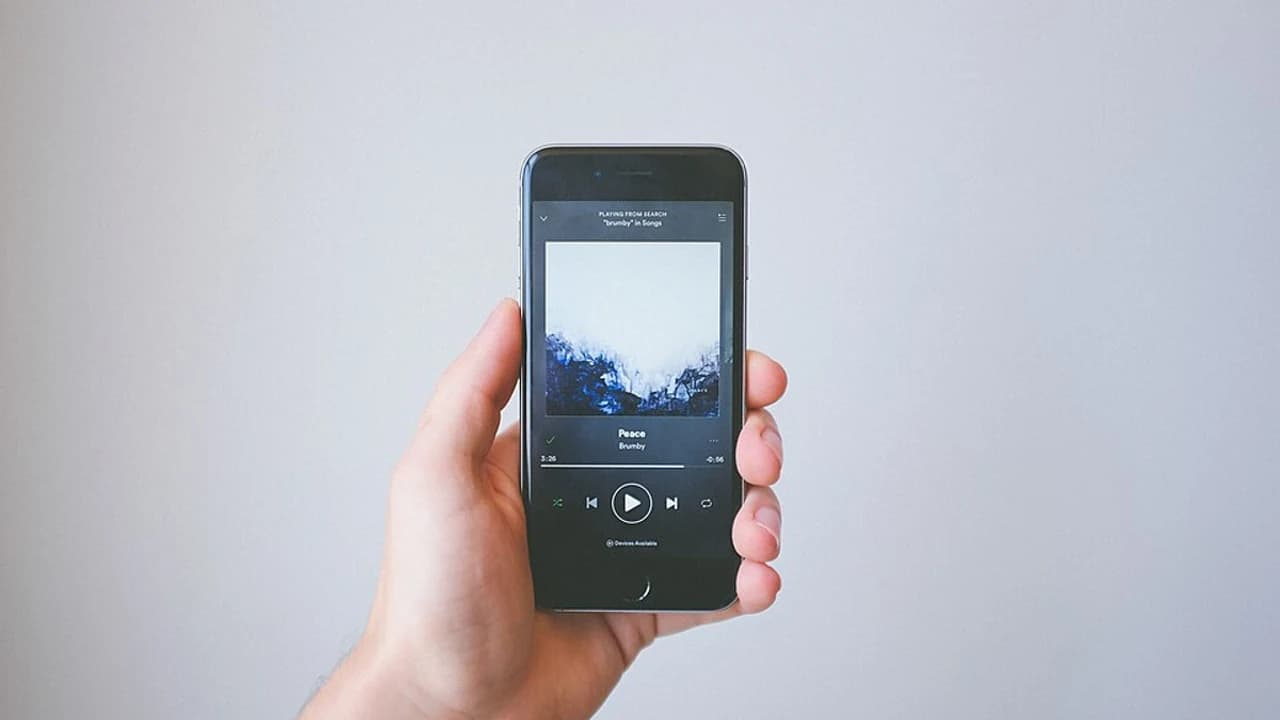
Spotify for Windows plays music and podcasts in an official 64-bit desktop client. Free accounts hear ads on music; Premium is the paid plan that unlocks offline songs.
Editorial description
Spotify publishes a Windows desktop client for the music and podcasts on your account. Its supported-devices article lists Windows 10 (64-bit) and Windows 11 or above for the app, plus a web player that works in Chrome, Firefox, Edge, Opera, and Safari. Only one device plays at a time per account. The desktop download is the page at open.spotify.com/download. This catalog does not pin a client version, a catalog size, or an audio bitrate.
The free tier plays music with ads. Premium is a paid plan, and this page does not quote a price. Offline music downloads require Premium. Free accounts can download podcasts only. On Premium, Spotify documents up to 10,000 tracks on each of up to 5 devices, and the app must go online at least once every 30 days or those music downloads do not stay available. Podcast downloads are the offline option that does not require the paid plan.
Features
Music and podcasts
Play both from the Windows desktop client or from the web player in Chrome, Firefox, Edge, Opera, or Safari.
Free tier with ads
A free account plays music with ads and can download podcasts without a Premium plan.
Premium offline music
Offline songs require Premium: up to 10,000 tracks on each of up to 5 devices, with an online check at least every 30 days.
One device at a time
The supported-devices article says only one device plays at a time on a single account.
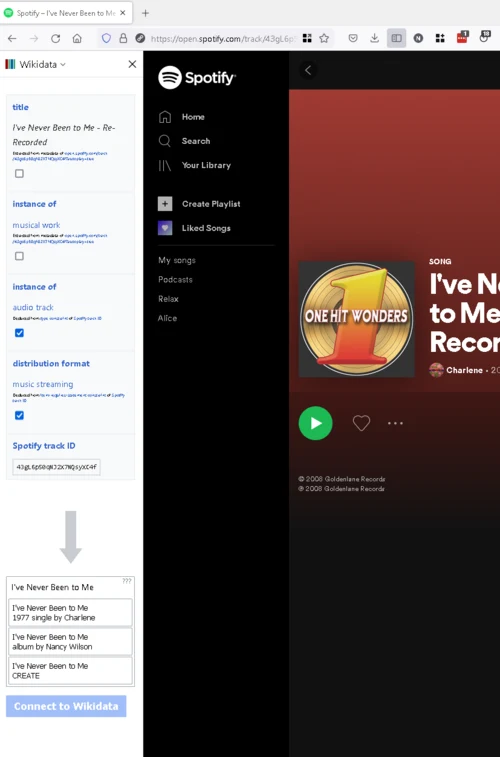
Screenshots
What's new
No detailed changelog provided.