


How to choose Windows software
Match license, publisher trust, and daily workflow before you download—starting with a short list from this catalog.
By Maya Chen · Sep 19, 2026
Choosing Windows software is less about chasing the newest brand and more about matching a clear job, a trustworthy publisher, and a license you can live with.
1. Name the job in one sentence
Write what you need to do on an ordinary Tuesday: browse safely, store passwords, open office files, or extract an archive. A one-sentence job keeps you from installing three overlapping tools.
2. Prefer inspectable publishers
Open-source or long-running freeware projects with a known homepage are easier to verify than unknown “optimizer” bundles. Start with catalog pages for Mozilla Firefox, Bitwarden, 7-Zip, and LibreOffice when those jobs match.
3. Read license and account requirements
Free is not the same as open source, and freemium often means real-time features sit behind a paywall. Decide whether you accept a vendor account before you install.
4. Check version, size, and hash
Confirm the published version and SHA-256 on the program page after download. If those fields do not match, stop and re-download from the labeled button.
A short trusted list beats a folder of half-installed trials.
If you are choosing between 32-bit, 64-bit, and ARM builds, read x64 vs x86 vs ARM64 Windows: Which Software Version Do You Need? before you download. For the actual install path, use How to Safely Download and Install Software on Windows.
Related guides
View all →Windows Update Assistant: How to Download and Use It to Update Windows 10
Windows Update Assistant installs the newest Windows 10 feature update when Settings will not offer it. Download it safely from Microsoft, pass the compatibility check, and finish the upgrade step by step — plus the checks to run before and after.
Editorial Team · Oct 16, 2026
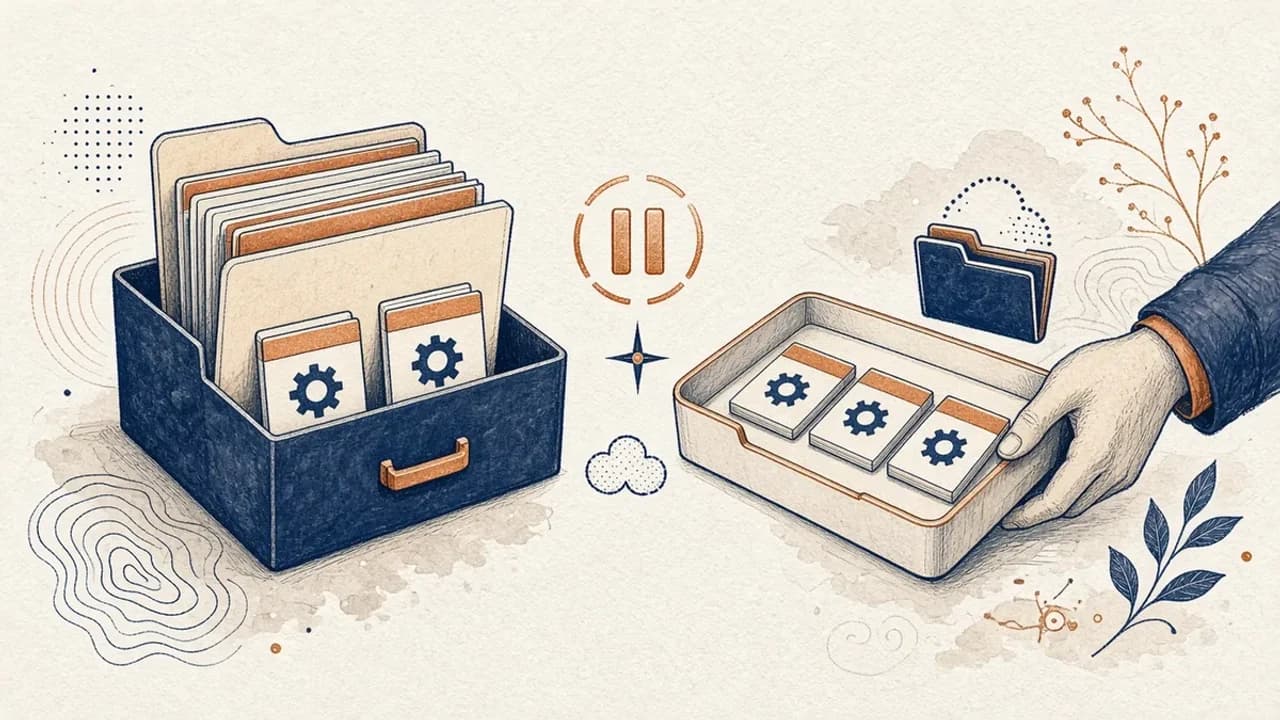
PatchCleaner Guide: How to Manage Windows Installer Files Safely
What HomeDev’s PatchCleaner 1.4.2.0 actually compares in C:\Windows\Installer, why Move is safer than Delete, and what the 2016 release does not claim.
Editorial Team · Oct 10, 2026
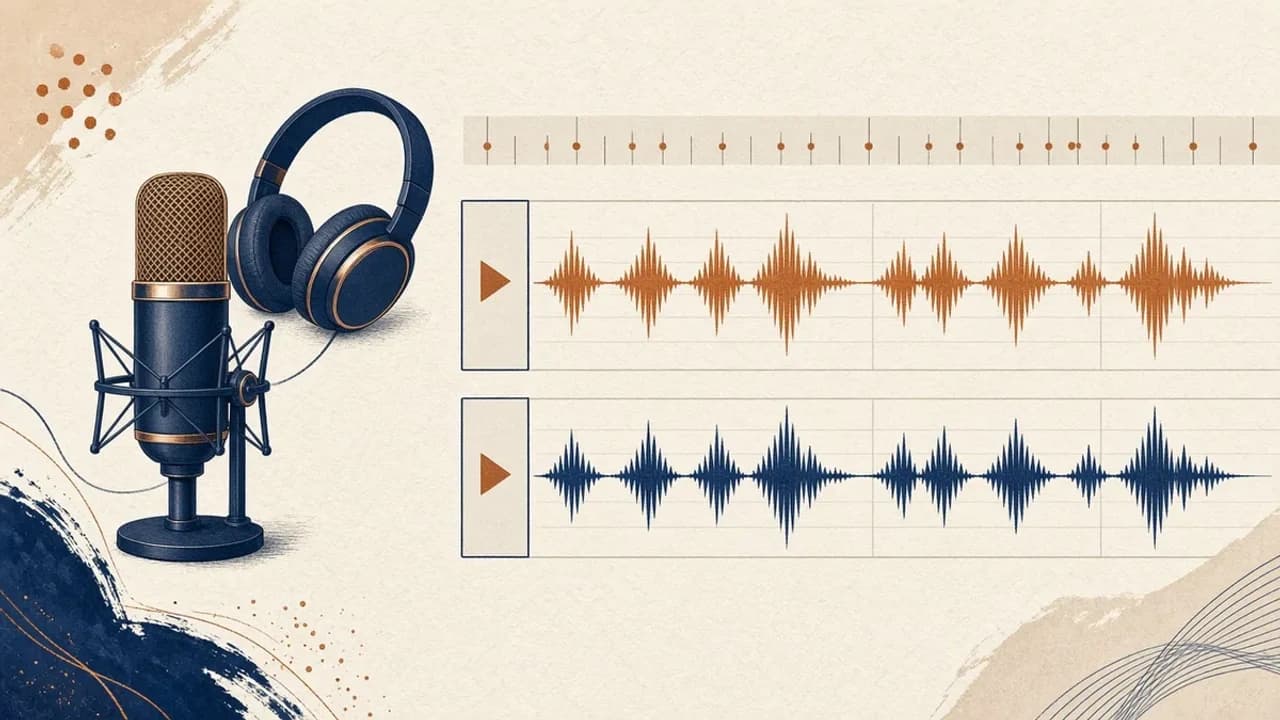
Audacity for Beginners: How to Record and Edit Audio on Windows
Install Audacity 4 from the official Windows page, pick a microphone, record a take, trim it, and export a file — using the labels in the current Audacity manual.
Editorial Team · Oct 10, 2026
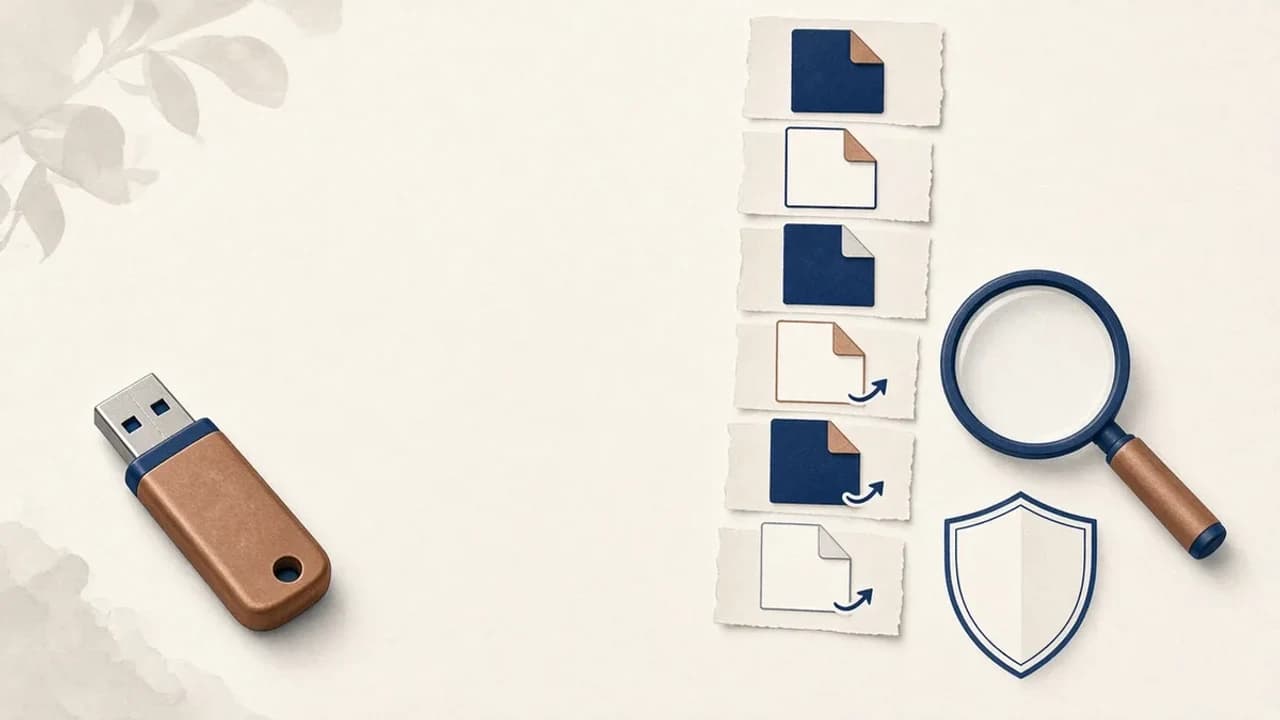
How to Remove Shortcut Viruses from USB Drives on Windows
A practical path for a USB stick that shows shortcuts instead of your files: protect the data, check Windows, and use Shortcut Virus Remover only for what its publisher actually documents.
Editorial Team · Oct 10, 2026