


Windows security basics
Keep Windows Security on, use a password manager, scan second opinions carefully, and treat unexpected installers as hostile until verified.
By Elena Voss · Sep 5, 2026
Windows security is mostly habit: keep the built-in protections on, reduce the number of passwords you reuse, and verify installers before you elevate.
1. Leave Windows Security enabled
Real-time protection and SmartScreen are the baseline. Third-party tools should add coverage, not silently replace the stack unless you understand the trade-off.
2. Use a password manager
Bitwarden stores unique passwords and fills them through the browser extension. Prefer that over a spreadsheet of reused logins.
3. Keep a second-opinion scanner
Malwarebytes remains useful as an on-demand check. Premium real-time is optional; the free scan still helps after a suspicious download.
4. Browse and install carefully
A privacy-aware browser such as Mozilla Firefox reduces drive-by clutter. When you write an OS installer USB with Rufus, confirm the ISO hash and the target disk before you click Start.
Most breaches still begin with a file someone chose to run.
For the full download-to-install path, see How to Safely Download and Install Software on Windows. To inspect an installer before you elevate, use How to Check if a Windows Program Is Safe Before Installing It.
Related guides
View all →Windows Update Assistant: How to Download and Use It to Update Windows 10
Windows Update Assistant installs the newest Windows 10 feature update when Settings will not offer it. Download it safely from Microsoft, pass the compatibility check, and finish the upgrade step by step — plus the checks to run before and after.
Editorial Team · Oct 16, 2026
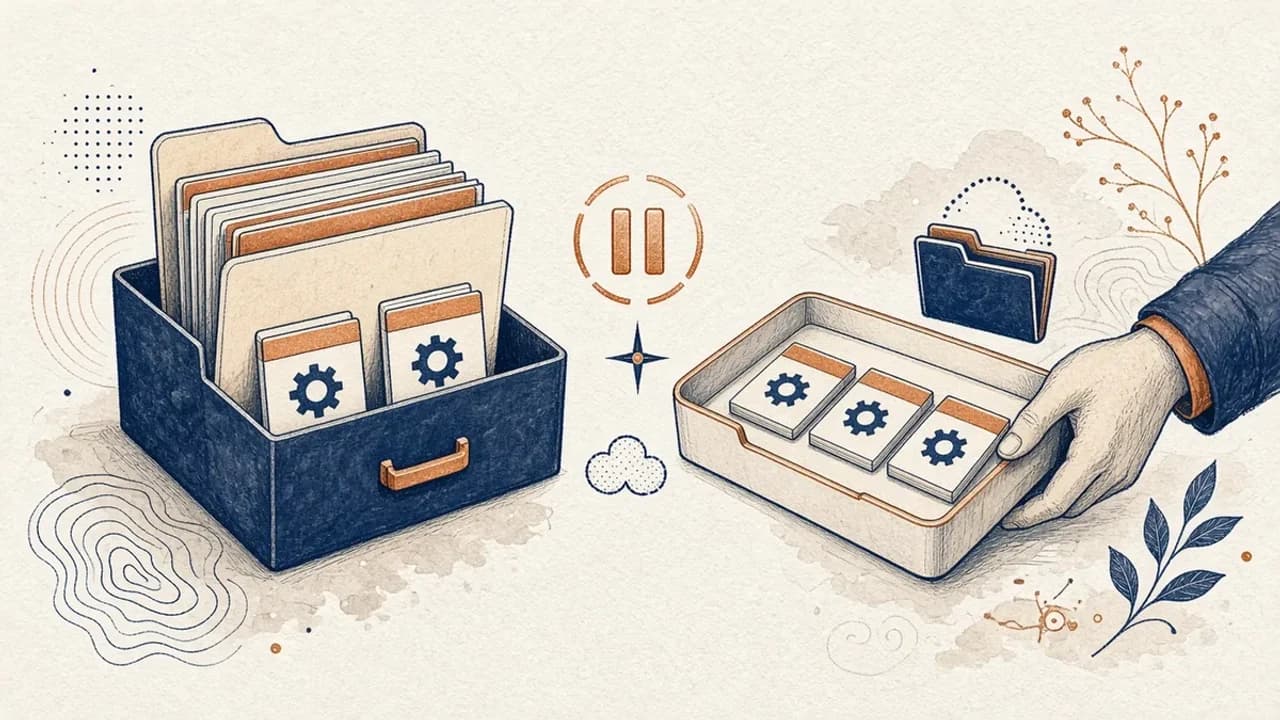
PatchCleaner Guide: How to Manage Windows Installer Files Safely
What HomeDev’s PatchCleaner 1.4.2.0 actually compares in C:\Windows\Installer, why Move is safer than Delete, and what the 2016 release does not claim.
Editorial Team · Oct 10, 2026
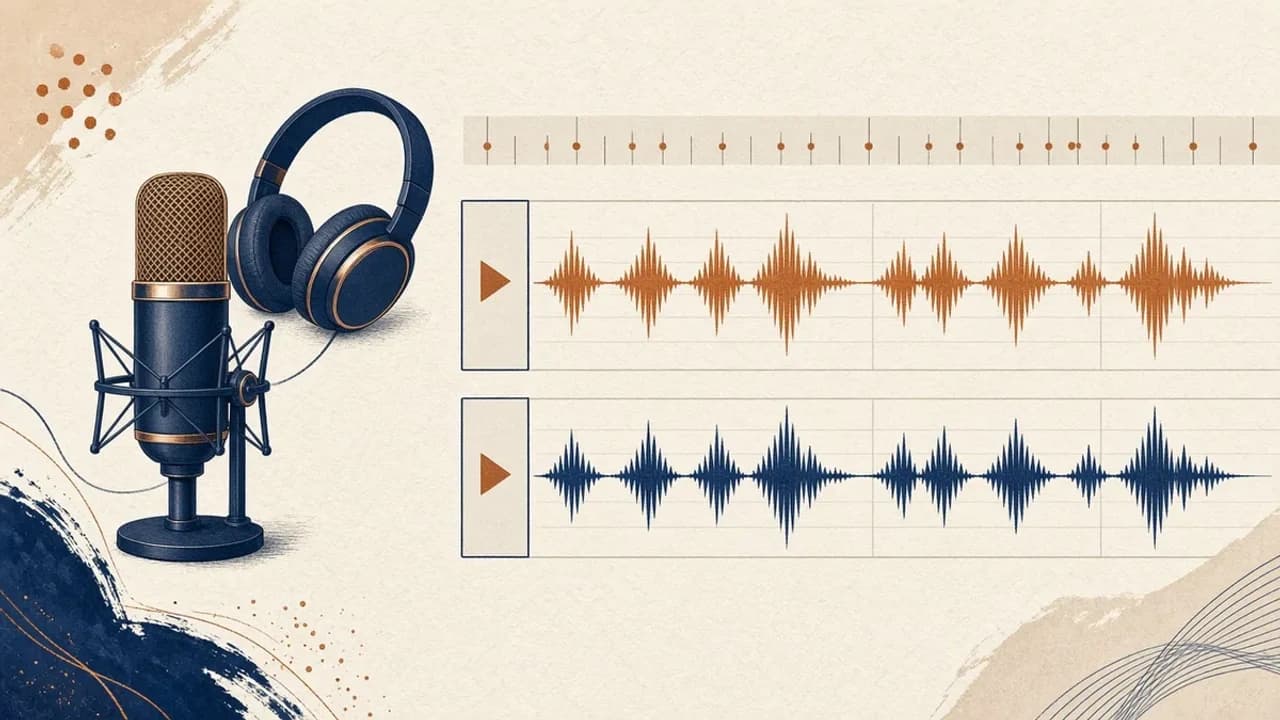
Audacity for Beginners: How to Record and Edit Audio on Windows
Install Audacity 4 from the official Windows page, pick a microphone, record a take, trim it, and export a file — using the labels in the current Audacity manual.
Editorial Team · Oct 10, 2026
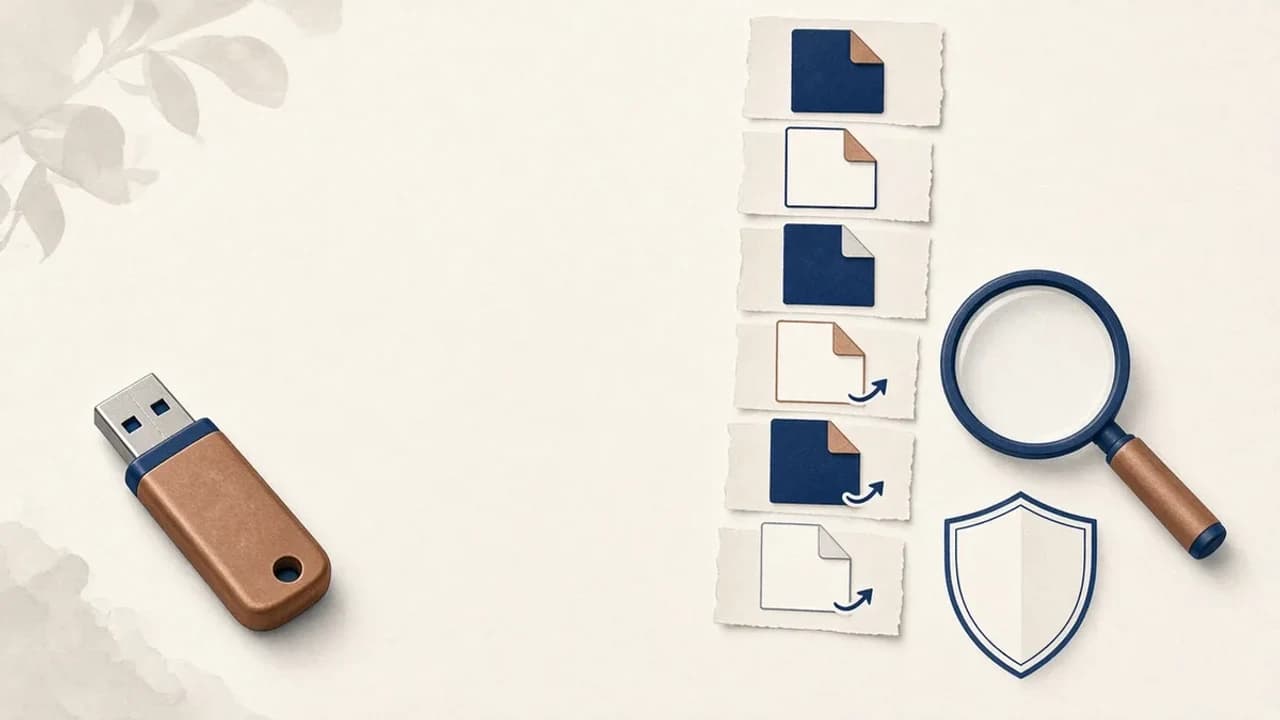
How to Remove Shortcut Viruses from USB Drives on Windows
A practical path for a USB stick that shows shortcuts instead of your files: protect the data, check Windows, and use Shortcut Virus Remover only for what its publisher actually documents.
Editorial Team · Oct 10, 2026