


Como verificar hashes de ficheiros
Use Get-FileHash do PowerShell (ou certutil) para comparar valores SHA-256 com o digest publicado no catálogo.
Por Elena Voss · Sep 9, 2026
Um hash é a impressão digital dos bytes exatos no disco. Se um bit mudar, o digest muda. Por isso a Softcoria publica SHA-256 junto de cada instalador.
A hash is a fingerprint of the exact bytes on disk. If one bit changes, the digest changes. That is why Softcoria publishes SHA-256 next to each installer.
PowerShell (recommended)
Open PowerShell in the download folder and run:
Get-FileHash .\example-setup.exe -Algorithm SHA256Copy the Hash value and compare it character-by-character with the program page. Case does not matter for hex.
certutil alternative
certutil -hashfile .\example-setup.exe SHA256When the hash does not match
Do not install. Delete the file, clear partial downloads, and fetch again from the labeled button. Incomplete transfers and lookalike mirrors are the usual causes.
Finding the file quickly
Use Everything to locate the installer by name, inspect archives with 7-Zip, and keep a hardware inventory with CPU-Z if a support ticket asks for your CPU model. Lightweight readers such as Sumatra PDF are useful when a publisher ships a checksum list as a PDF.
A hash is one check, not the whole safety review. Pair it with How to Check if a Windows Program Is Safe Before Installing It.
Guias relacionadas
Ver tudo →Windows Update Assistant: How to Download and Use It to Update Windows 10
Editorial Team · Oct 16, 2026
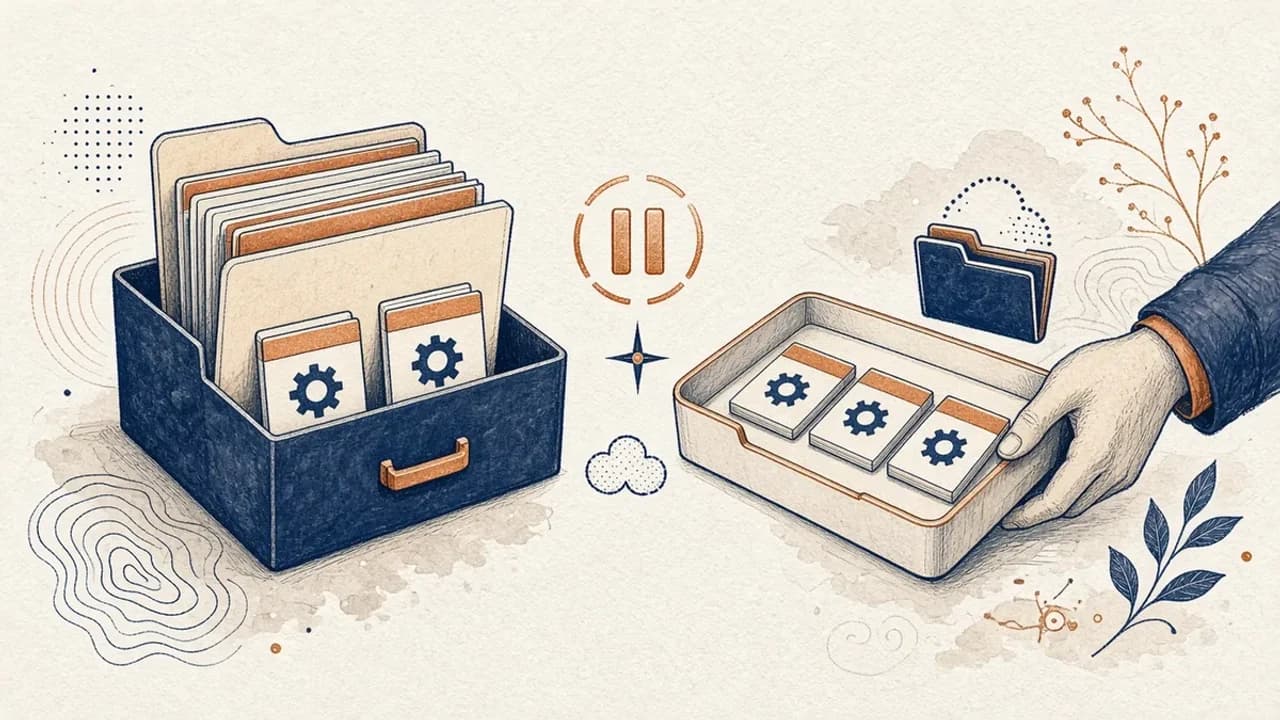
Guia do PatchCleaner: gerir ficheiros do Windows Installer com cuidado
O que o PatchCleaner 1.4.2.0 da HomeDev compara de facto em C:\Windows\Installer, porque Mover é mais seguro do que Apagar, e o que a versão de 2016 não afirma.
Editorial Team · Oct 10, 2026
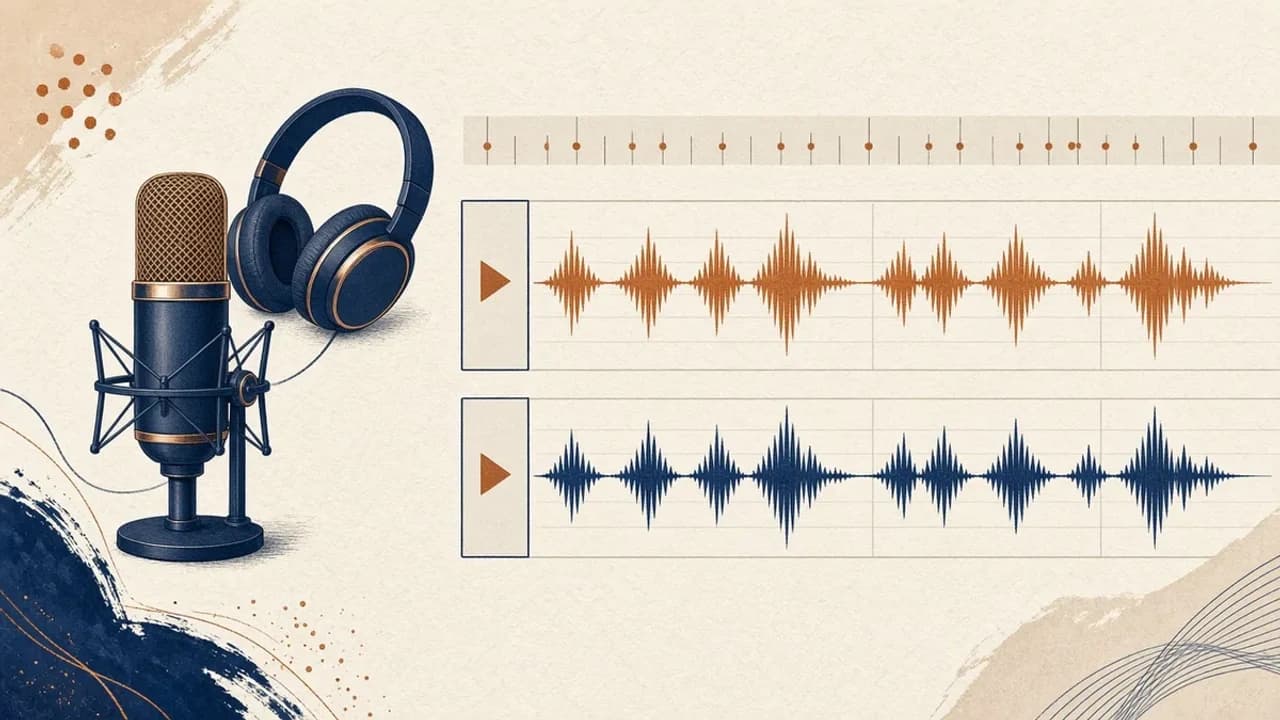
Audacity para principiantes: gravar e editar áudio no Windows
Instale o Audacity 4 na página oficial do Windows, escolha o microfone, grave, corte e exporte com os nomes do manual atual.
Editorial Team · Oct 10, 2026
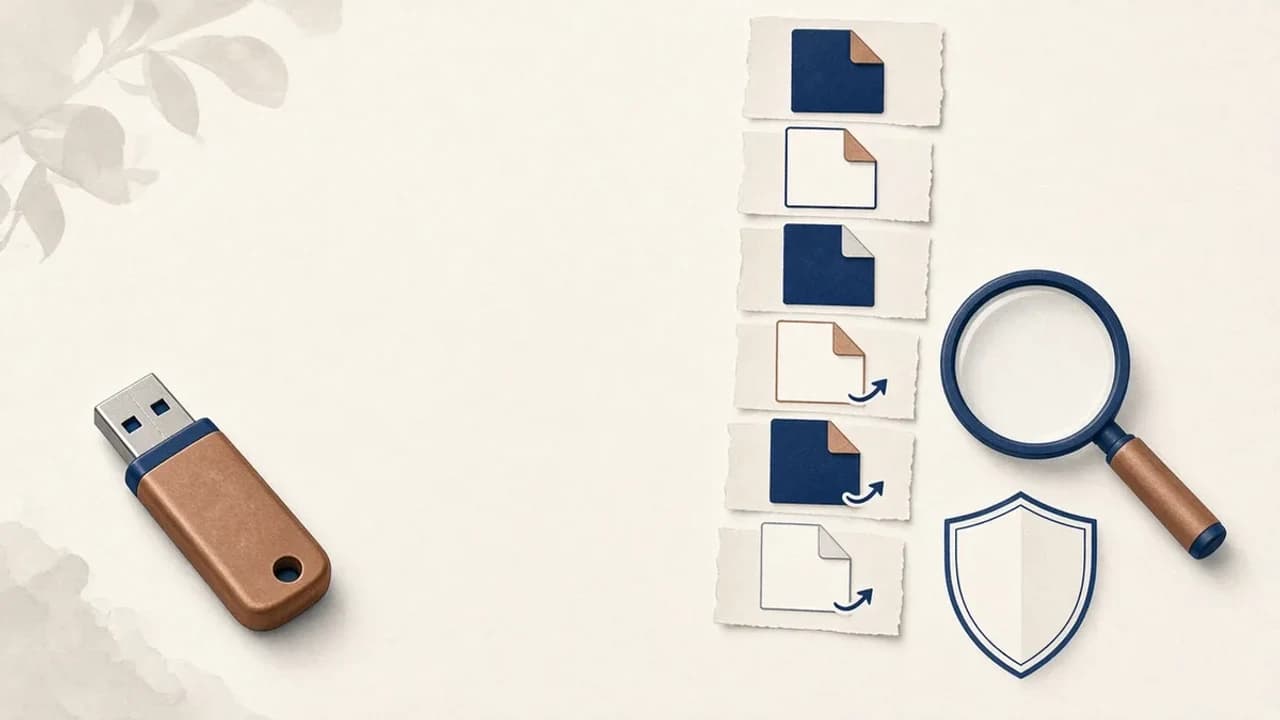
Como remover vírus de atalhos de pens USB no Windows
O que fazer quando uma pen USB mostra atalhos em vez dos ficheiros: proteger os dados, verificar o Windows e usar o Shortcut Virus Remover só para o que o editor documenta.
Editorial Team · Oct 10, 2026