


Como escolher software para Windows
Alinhe licença, confiança no editor e uso diário antes de transferir—começando por uma lista curta deste catálogo.
Por Maya Chen · Sep 19, 2026
Escolher software para Windows não é seguir a marca mais nova, e sim combinar uma tarefa clara, um editor fiável e uma licença com a qual possa viver.
Choosing Windows software is less about chasing the newest brand and more about matching a clear job, a trustworthy publisher, and a license you can live with.
1. Name the job in one sentence
Write what you need to do on an ordinary Tuesday: browse safely, store passwords, open office files, or extract an archive. A one-sentence job keeps you from installing three overlapping tools.
2. Prefer inspectable publishers
Open-source or long-running freeware projects with a known homepage are easier to verify than unknown “optimizer” bundles. Start with catalog pages for Mozilla Firefox, Bitwarden, 7-Zip, and LibreOffice when those jobs match.
3. Read license and account requirements
Free is not the same as open source, and freemium often means real-time features sit behind a paywall. Decide whether you accept a vendor account before you install.
4. Check version, size, and hash
Confirm the published version and SHA-256 on the program page after download. If those fields do not match, stop and re-download from the labeled button.
A short trusted list beats a folder of half-installed trials.
If you are choosing between 32-bit, 64-bit, and ARM builds, read x64 vs x86 vs ARM64 Windows: Which Software Version Do You Need? before you download. For the actual install path, use How to Safely Download and Install Software on Windows.
Guias relacionadas
Ver tudo →Windows Update Assistant: How to Download and Use It to Update Windows 10
Editorial Team · Oct 16, 2026
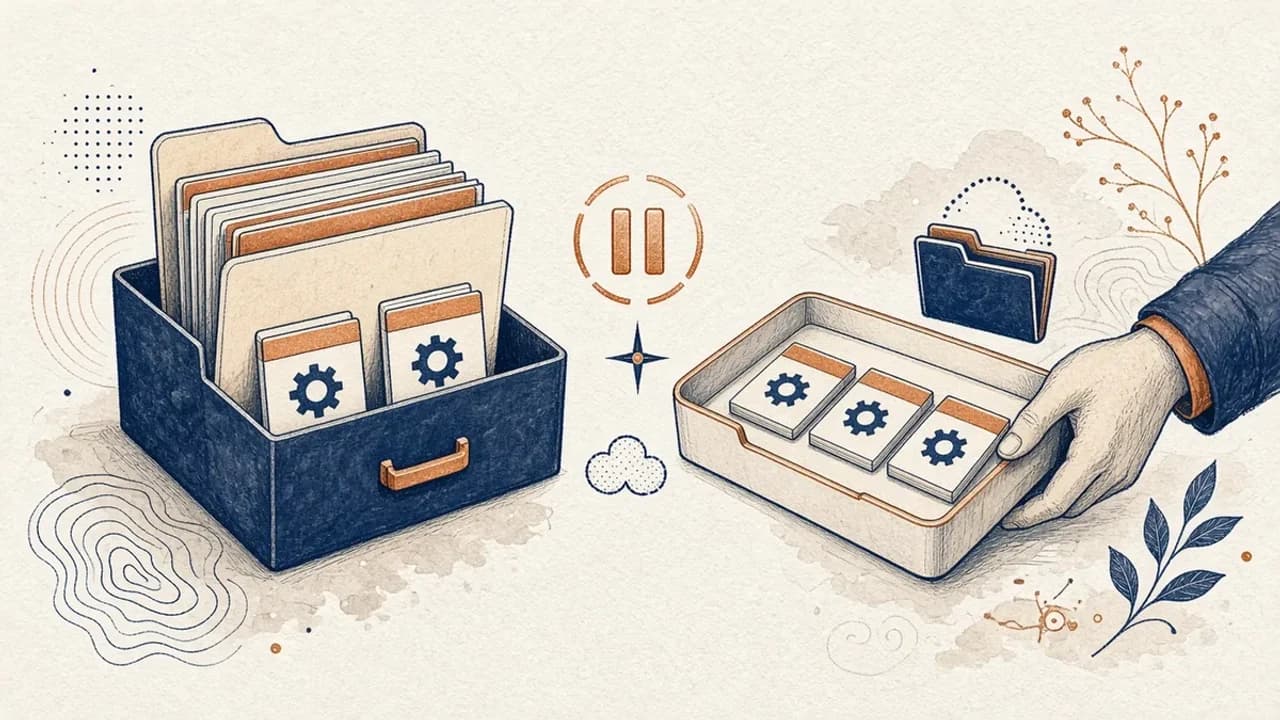
Guia do PatchCleaner: gerir ficheiros do Windows Installer com cuidado
O que o PatchCleaner 1.4.2.0 da HomeDev compara de facto em C:\Windows\Installer, porque Mover é mais seguro do que Apagar, e o que a versão de 2016 não afirma.
Editorial Team · Oct 10, 2026
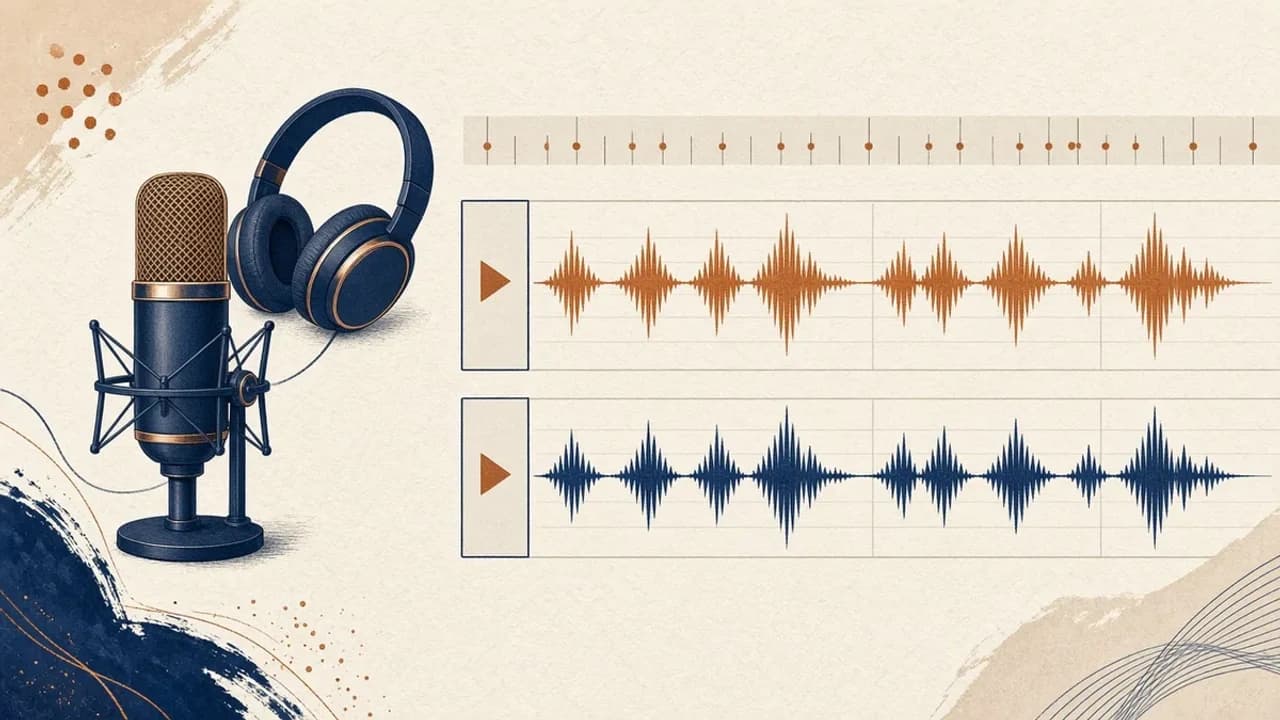
Audacity para principiantes: gravar e editar áudio no Windows
Instale o Audacity 4 na página oficial do Windows, escolha o microfone, grave, corte e exporte com os nomes do manual atual.
Editorial Team · Oct 10, 2026
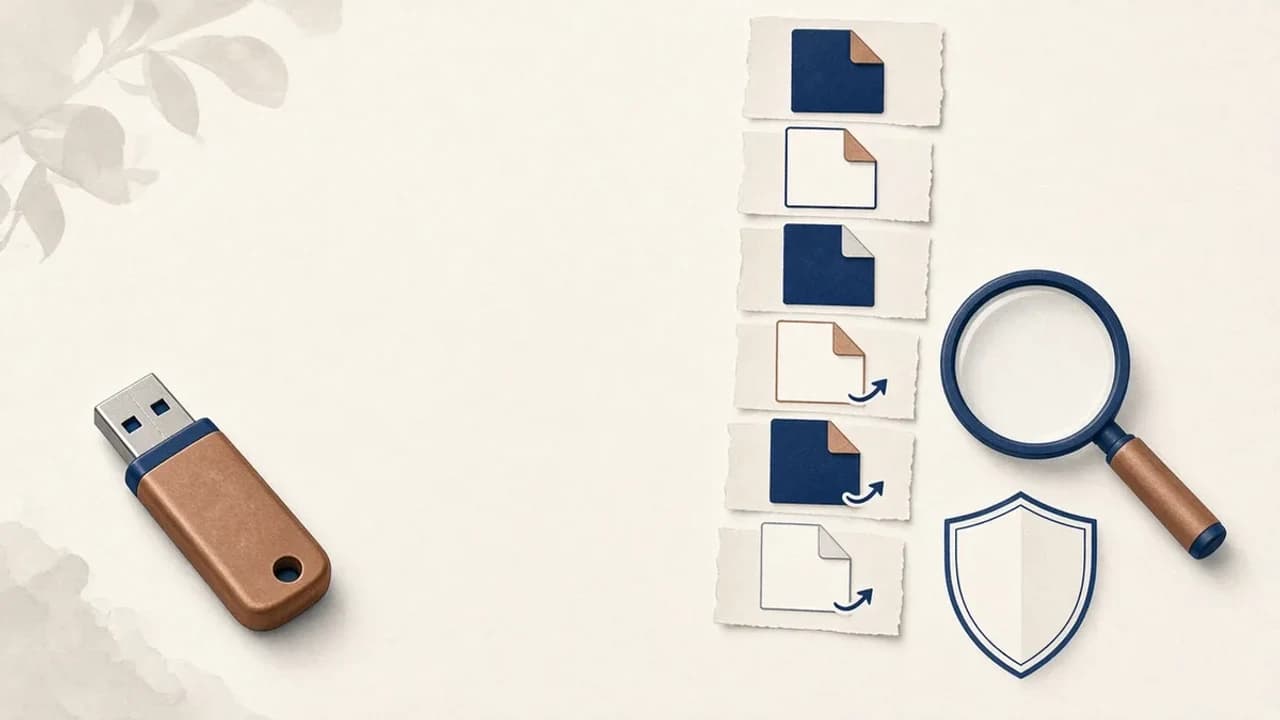
Como remover vírus de atalhos de pens USB no Windows
O que fazer quando uma pen USB mostra atalhos em vez dos ficheiros: proteger os dados, verificar o Windows e usar o Shortcut Virus Remover só para o que o editor documenta.
Editorial Team · Oct 10, 2026