


Como verificar um instalador transferido
Confirme a página, compare o SHA-256, leia o estado da assinatura e só depois execute o setup no Windows 10 ou 11.
Por Maya Chen · Sep 16, 2026
Cada instalador deste catálogo inclui tamanho e SHA-256 publicados. Trate-os como parte da transferência, não como notas opcionais.
Every installer on this catalog ships with a published size and SHA-256. Treat those fields as part of the download, not as optional footnotes.
1. Confirm the page before you click
Open the program page from search or a category, not from a random redirect. Check the program name, current version, and that the download button is labeled for that build.
2. Compare the hash after the file lands
Once the file is on disk, hash it with PowerShell:
Get-FileHash .\program-setup.exe -Algorithm SHA256The hex string should match the SHA-256 on the program page. Archive tools such as 7-Zip help you inspect paths inside zip packages before you extract them.
3. Read the signature status
A signed installer is not a guarantee of quality, but an unexpected unsigned executable deserves a second look—especially when the publisher usually ships signed builds.
4. Install with a narrow path
For USB writers such as Rufus, confirm the target drive letter twice. Keep a second-opinion scanner like Malwarebytes available, and capture screenshots of setup dialogs with ShareX if you need a paper trail.
Verification is cheap. Cleaning a compromised user profile is not.
For publisher identity, SmartScreen warnings, and a Windows Security scan, continue with How to Check if a Windows Program Is Safe Before Installing It.
Guias relacionadas
Ver tudo →Windows Update Assistant: How to Download and Use It to Update Windows 10
Editorial Team · Oct 16, 2026
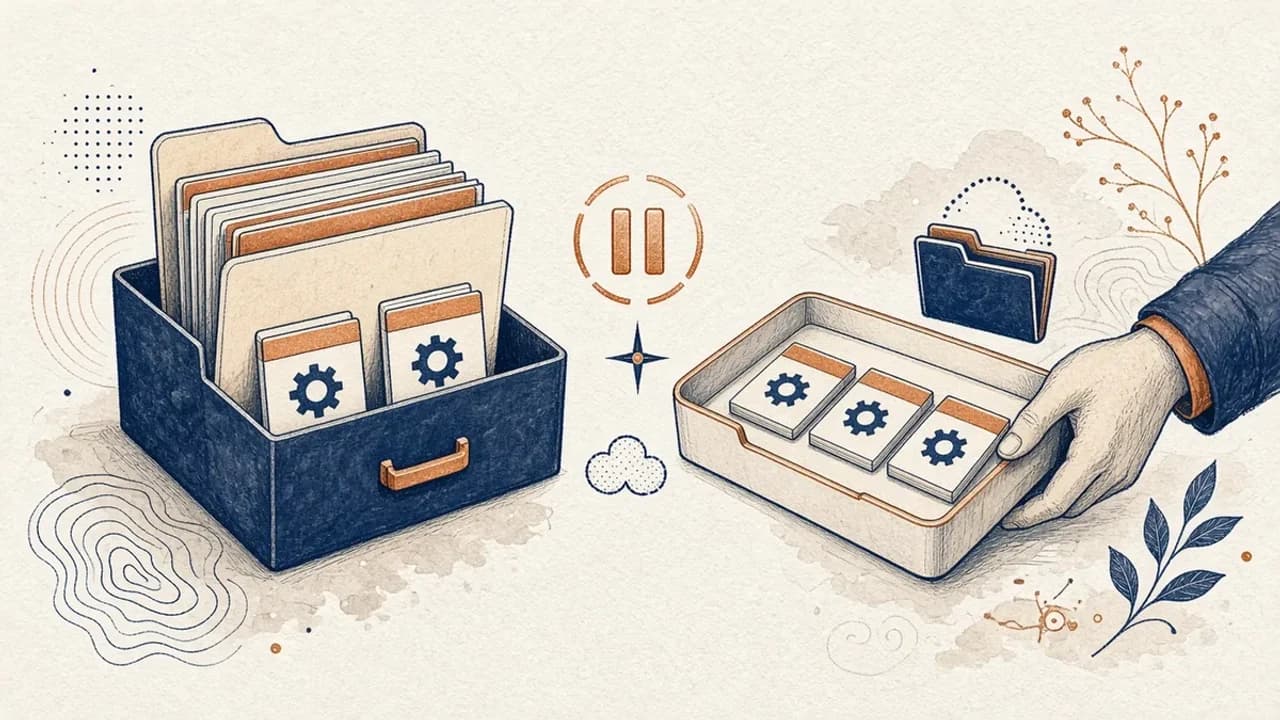
Guia do PatchCleaner: gerir ficheiros do Windows Installer com cuidado
O que o PatchCleaner 1.4.2.0 da HomeDev compara de facto em C:\Windows\Installer, porque Mover é mais seguro do que Apagar, e o que a versão de 2016 não afirma.
Editorial Team · Oct 10, 2026
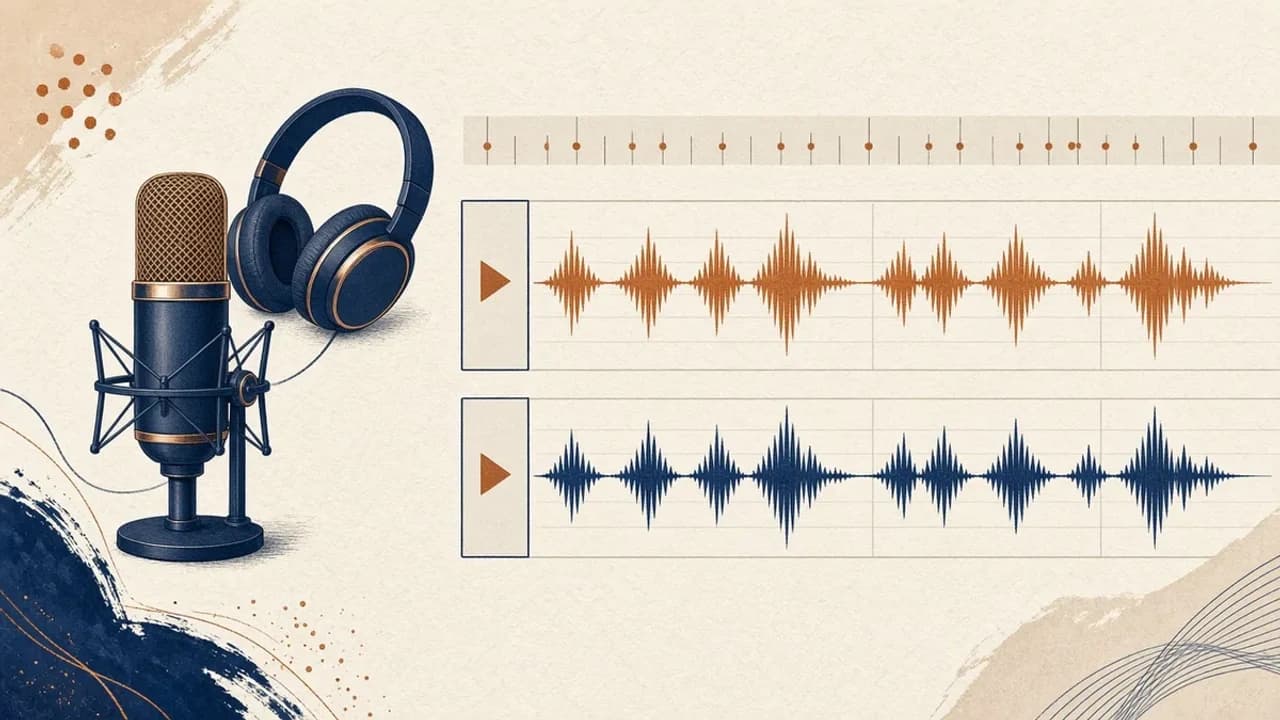
Audacity para principiantes: gravar e editar áudio no Windows
Instale o Audacity 4 na página oficial do Windows, escolha o microfone, grave, corte e exporte com os nomes do manual atual.
Editorial Team · Oct 10, 2026
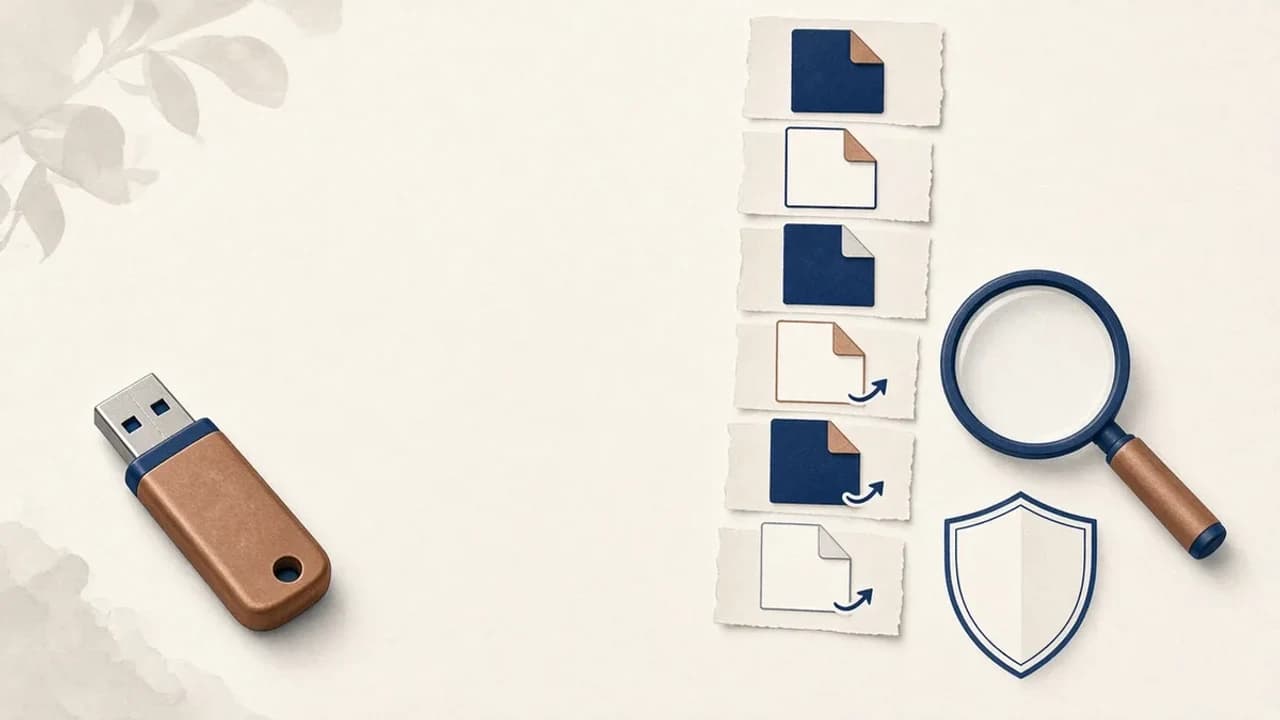
Como remover vírus de atalhos de pens USB no Windows
O que fazer quando uma pen USB mostra atalhos em vez dos ficheiros: proteger os dados, verificar o Windows e usar o Shortcut Virus Remover só para o que o editor documenta.
Editorial Team · Oct 10, 2026