


Guia de instalação de software no Windows
Um caminho de instalação calmo para programas do dia a dia: transferir, verificar, recusar extras e confirmar o primeiro arranque.
Por Jonas Reed · Sep 13, 2026
A maioria das instalações no Windows falha por motivos banais: arquitetura errada, oferta de barra de ferramentas marcada ou reinício omitido. Uma lista curta mantém os setups previsíveis.
Most Windows installs fail for boring reasons: the wrong architecture, an unchecked toolbar offer, or a skipped reboot. A short checklist keeps everyday setups predictable.
1. Download from the labeled button
Use the download control on the Softcoria program page. Avoid mirrored “download now” ads that sit beside the article.
2. Verify, then run as a standard user when possible
Compare SHA-256 first. Prefer a standard user account; elevate only when the installer asks for administrator rights.
3. Read every optional checkbox
Decline browser, search-engine, and toolbar offers. Keep default paths unless you have a reason to change them.
4. Confirm the first launch
Open the Start menu entry once. For media work, launch VLC media player or OBS Studio and confirm the expected window. For development, open Visual Studio Code and Git for Windows, then verify git --version in a new terminal.
- Close leftover setup windows.
- Note the installed version on the About screen.
- Create a restore point before large suite installs when the PC is important.
The longer walkthrough — including UAC, architecture, and uninstall — is How to Safely Download and Install Software on Windows.
Guias relacionadas
Ver tudo →Windows Update Assistant: How to Download and Use It to Update Windows 10
Editorial Team · Oct 16, 2026
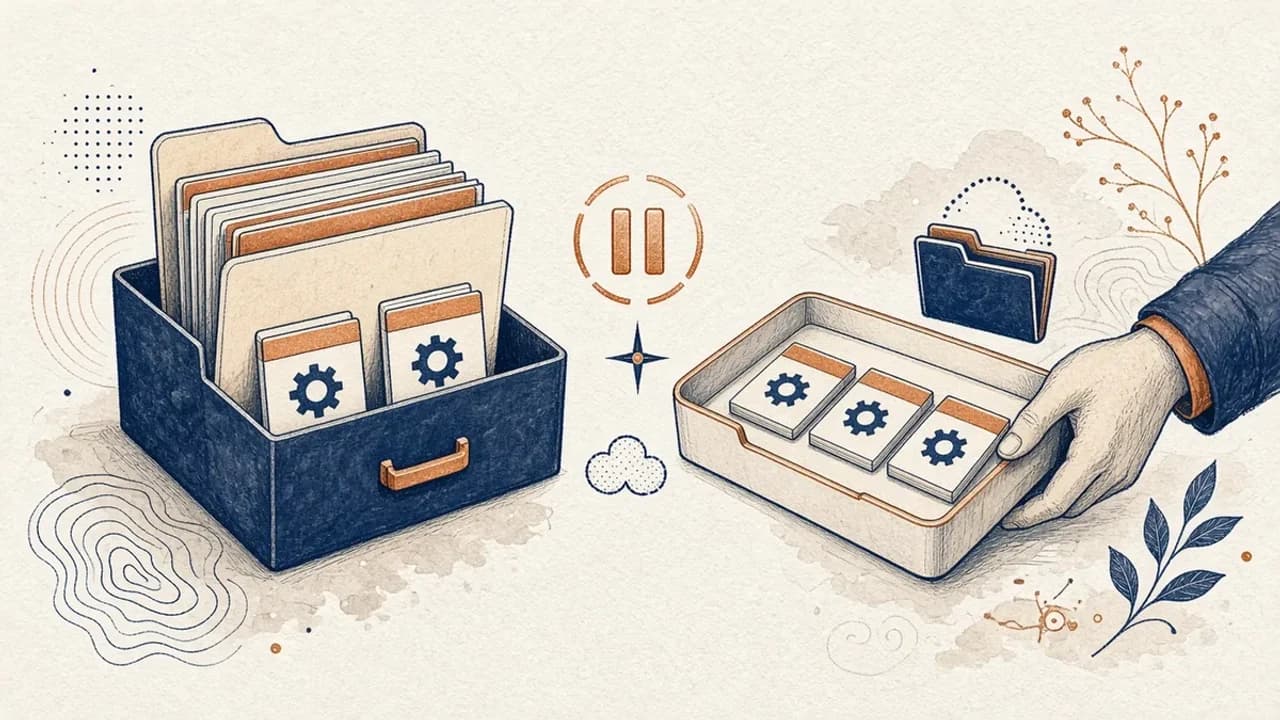
Guia do PatchCleaner: gerir ficheiros do Windows Installer com cuidado
O que o PatchCleaner 1.4.2.0 da HomeDev compara de facto em C:\Windows\Installer, porque Mover é mais seguro do que Apagar, e o que a versão de 2016 não afirma.
Editorial Team · Oct 10, 2026
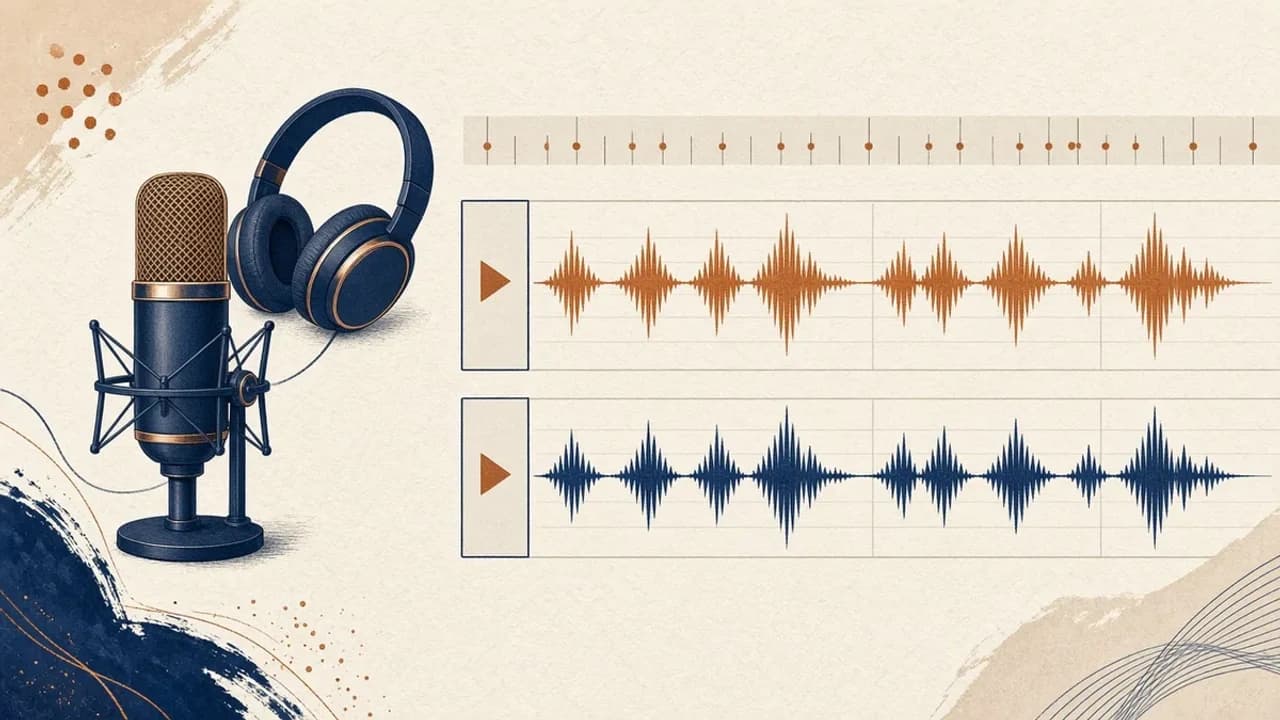
Audacity para principiantes: gravar e editar áudio no Windows
Instale o Audacity 4 na página oficial do Windows, escolha o microfone, grave, corte e exporte com os nomes do manual atual.
Editorial Team · Oct 10, 2026
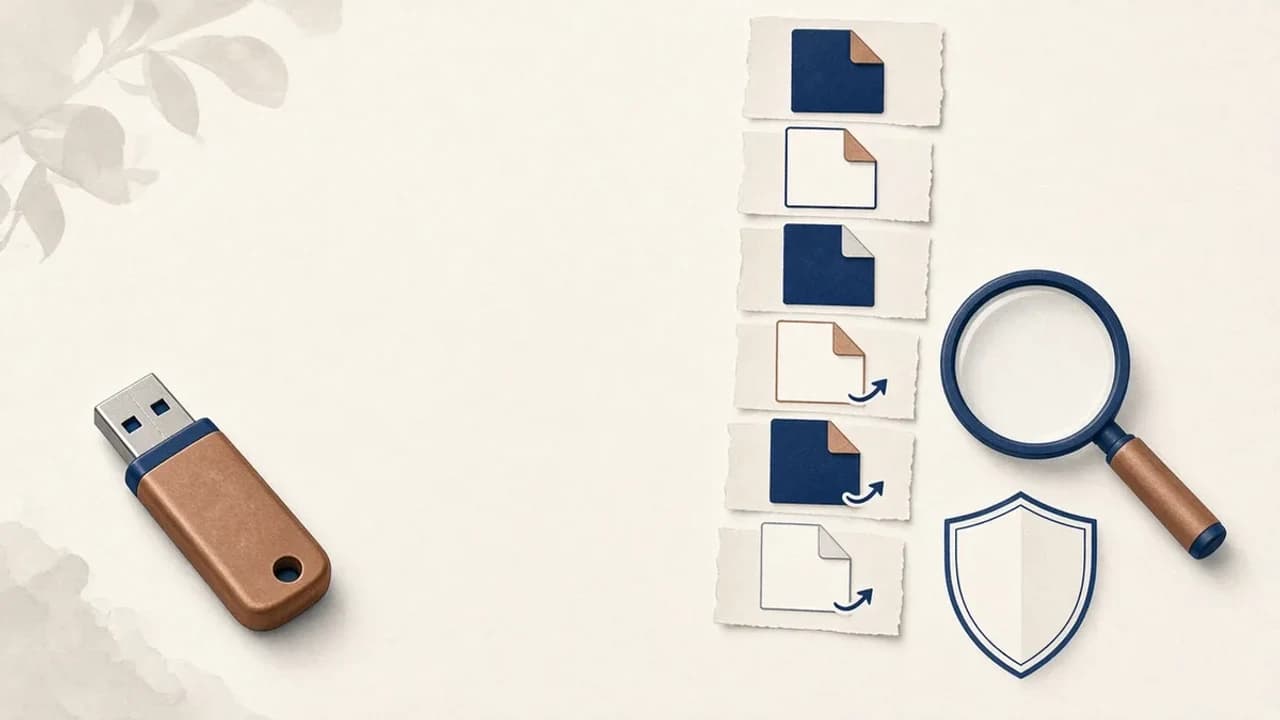
Como remover vírus de atalhos de pens USB no Windows
O que fazer quando uma pen USB mostra atalhos em vez dos ficheiros: proteger os dados, verificar o Windows e usar o Shortcut Virus Remover só para o que o editor documenta.
Editorial Team · Oct 10, 2026