Microsoft Word for Windows
by Microsoft
Document editor on Windows through Microsoft 365, a one-time Office release, or Word for the web.
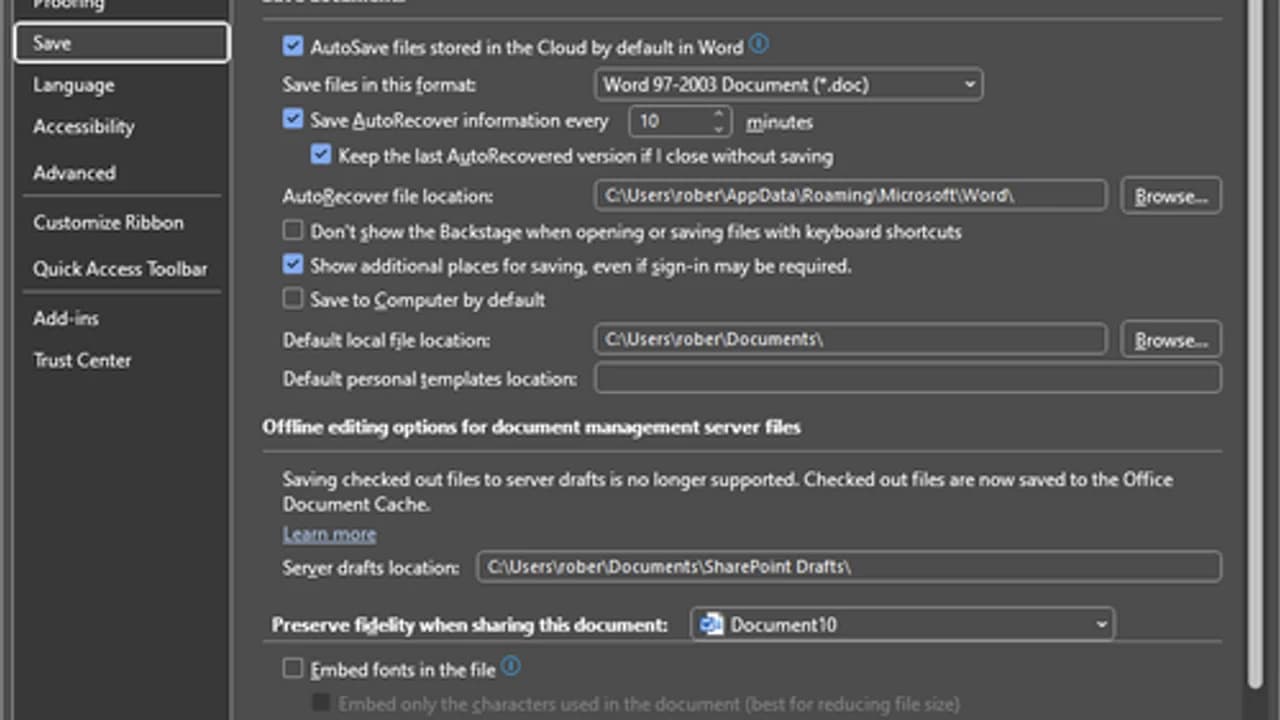
Microsoft Word reaches a Windows PC in three different ways: a Microsoft 365 desktop subscription, a one-time Office release such as Office 2024 or Office LTSC, or Word for the web in the browser.
Editorial description
Microsoft publishes Word as a document editor, but the Windows choices are not one product. The Microsoft 365 desktop app is the subscription install. One-time Office releases, including Office 2024 and Office LTSC, are copies a household or organization has already bought. Word for the web runs in a browser after sign-in with a Microsoft account. Treating those three as the same setup sends you to the wrong place.
The Microsoft 365 desktop app is installed from the Microsoft account and the Microsoft 365 setup flow. Softcoria does not host that file. Home use, as Microsoft publishes it, calls for Windows 11, a 1.6 GHz or faster 2-core processor, 4 GB of RAM (2 GB in the published 32-bit note), 4 GB of disk space, a 1280 x 768 display, and DirectX 9 or later for graphics acceleration. Internet is required for subscription features and licensing, and a Microsoft account is required.
Windows 10 reached end of support on October 14, 2025. Microsoft 365 is no longer supported for new features on Windows 10. Security updates for Microsoft 365 on Windows 10 continue until October 10, 2028. For a PC you rely on, use Windows 11.
Features
Three official ways
Microsoft 365 desktop, one-time Office such as Office 2024 or Office LTSC, and Word for the web are separate ways to use Word.
Subscription desktop setup
The Microsoft 365 app is installed from the Microsoft account and Microsoft 365 setup, not from a file Softcoria hosts.
Word for the web
The browser edition signs in with a Microsoft account and is not the installed desktop app.
Published home baseline
Home requirements list Windows 11, 1.6 GHz 2-core, 4 GB RAM, 4 GB disk, 1280 x 768, and DirectX 9 or later.