


Datei-Hashes prüfen
Nutzen Sie PowerShell Get-FileHash (oder certutil), um SHA-256-Werte mit dem veröffentlichten Katalog-Digest zu vergleichen.
Von Elena Voss · Sep 9, 2026
Ein Hash ist der Fingerabdruck der exakten Bytes auf der Festplatte. Ändert sich ein Bit, ändert sich der Digest. Deshalb veröffentlicht Softcoria SHA-256 neben jedem Installer.
A hash is a fingerprint of the exact bytes on disk. If one bit changes, the digest changes. That is why Softcoria publishes SHA-256 next to each installer.
PowerShell (recommended)
Open PowerShell in the download folder and run:
Get-FileHash .\example-setup.exe -Algorithm SHA256Copy the Hash value and compare it character-by-character with the program page. Case does not matter for hex.
certutil alternative
certutil -hashfile .\example-setup.exe SHA256When the hash does not match
Do not install. Delete the file, clear partial downloads, and fetch again from the labeled button. Incomplete transfers and lookalike mirrors are the usual causes.
Finding the file quickly
Use Everything to locate the installer by name, inspect archives with 7-Zip, and keep a hardware inventory with CPU-Z if a support ticket asks for your CPU model. Lightweight readers such as Sumatra PDF are useful when a publisher ships a checksum list as a PDF.
A hash is one check, not the whole safety review. Pair it with How to Check if a Windows Program Is Safe Before Installing It.
Verwandte Ratgeber
Alle anzeigen →Windows Update Assistant: How to Download and Use It to Update Windows 10
Editorial Team · Oct 16, 2026
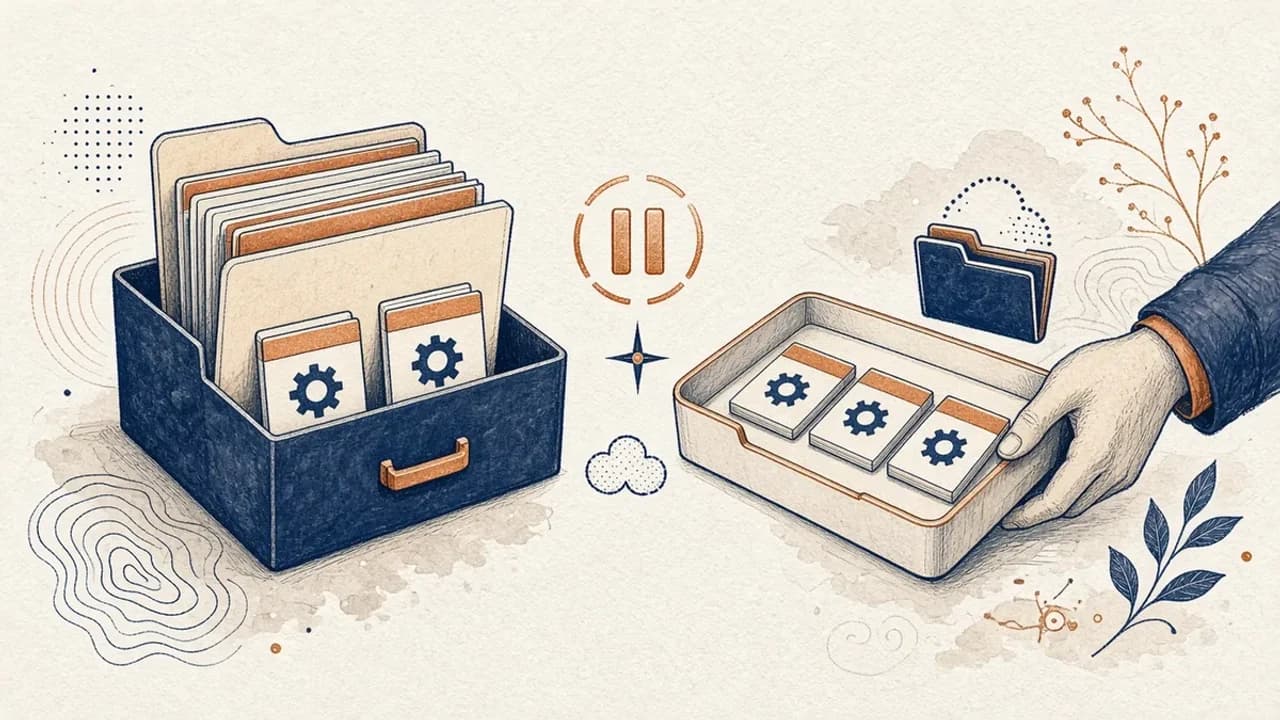
PatchCleaner: Windows-Installer-Dateien sicher verwalten
Was HomeDevs PatchCleaner 1.4.2.0 in C:\Windows\Installer wirklich vergleicht, warum Verschieben sicherer ist als Löschen, und was die Version von 2016 nicht behauptet.
Editorial Team · Oct 10, 2026
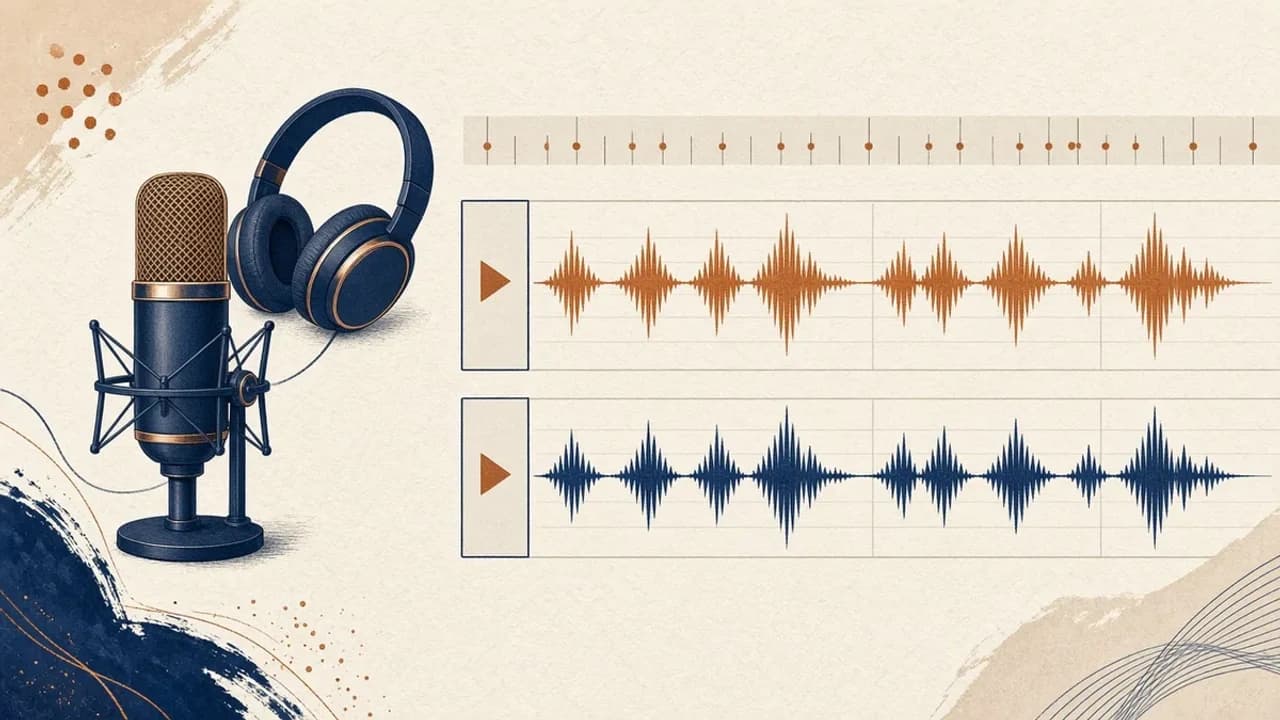
Audacity für Einsteiger: Audio unter Windows aufnehmen und schneiden
Audacity 4 von der offiziellen Windows-Seite installieren, Mikrofon wählen, eine Aufnahme schneiden und exportieren — mit den Bezeichnungen aus dem aktuellen Handbuch.
Editorial Team · Oct 10, 2026
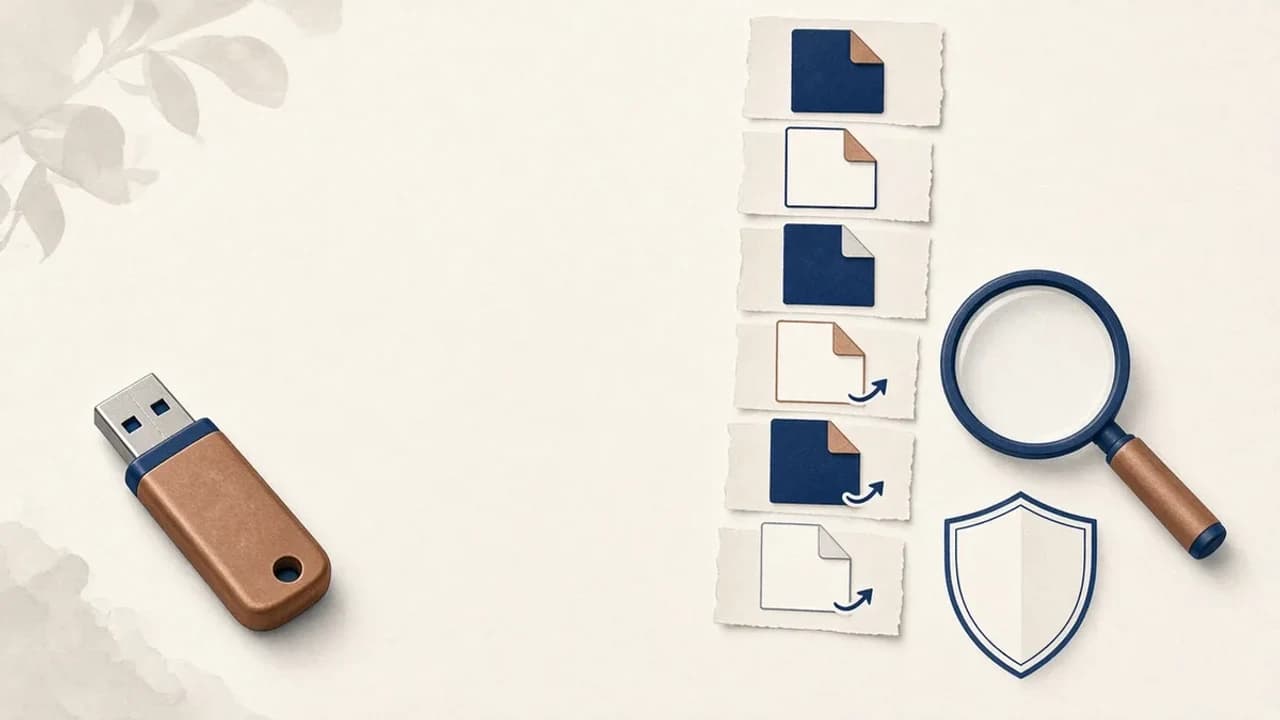
Shortcut-Viren von USB-Sticks unter Windows entfernen
Was tun, wenn ein USB-Stick Verknüpfungen statt Ihrer Dateien zeigt: Daten sichern, Windows prüfen und Shortcut Virus Remover nur für das einsetzen, was der Herausgeber belegt.
Editorial Team · Oct 10, 2026