


So wählen Sie Windows-Software aus
Passen Sie Lizenz, Publisher-Vertrauen und Alltag vor dem Download an—beginnend mit einer kurzen Liste aus diesem Katalog.
Von Maya Chen · Sep 19, 2026
Windows-Software zu wählen heißt weniger, der neuesten Marke hinterherzujagen, sondern eine klare Aufgabe, einen vertrauenswürdigen Publisher und eine tragbare Lizenz zu finden.
Choosing Windows software is less about chasing the newest brand and more about matching a clear job, a trustworthy publisher, and a license you can live with.
1. Name the job in one sentence
Write what you need to do on an ordinary Tuesday: browse safely, store passwords, open office files, or extract an archive. A one-sentence job keeps you from installing three overlapping tools.
2. Prefer inspectable publishers
Open-source or long-running freeware projects with a known homepage are easier to verify than unknown “optimizer” bundles. Start with catalog pages for Mozilla Firefox, Bitwarden, 7-Zip, and LibreOffice when those jobs match.
3. Read license and account requirements
Free is not the same as open source, and freemium often means real-time features sit behind a paywall. Decide whether you accept a vendor account before you install.
4. Check version, size, and hash
Confirm the published version and SHA-256 on the program page after download. If those fields do not match, stop and re-download from the labeled button.
A short trusted list beats a folder of half-installed trials.
If you are choosing between 32-bit, 64-bit, and ARM builds, read x64 vs x86 vs ARM64 Windows: Which Software Version Do You Need? before you download. For the actual install path, use How to Safely Download and Install Software on Windows.
Verwandte Ratgeber
Alle anzeigen →Windows Update Assistant: How to Download and Use It to Update Windows 10
Editorial Team · Oct 16, 2026
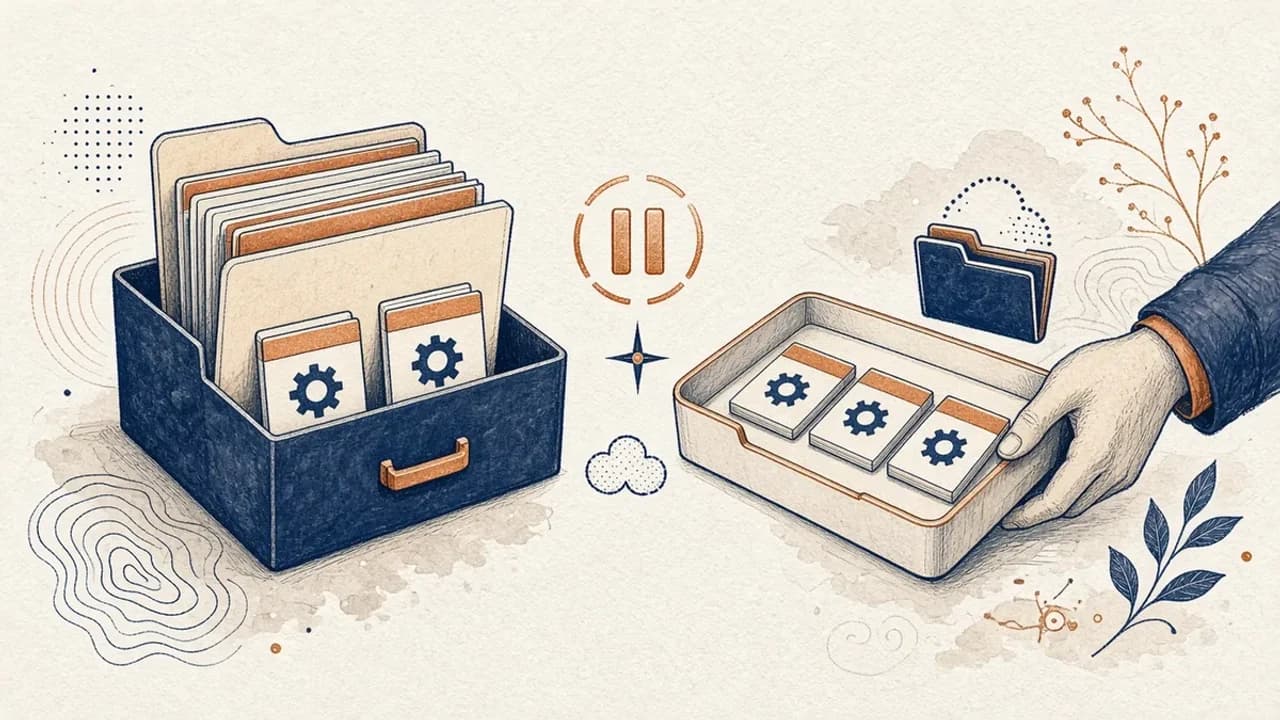
PatchCleaner: Windows-Installer-Dateien sicher verwalten
Was HomeDevs PatchCleaner 1.4.2.0 in C:\Windows\Installer wirklich vergleicht, warum Verschieben sicherer ist als Löschen, und was die Version von 2016 nicht behauptet.
Editorial Team · Oct 10, 2026
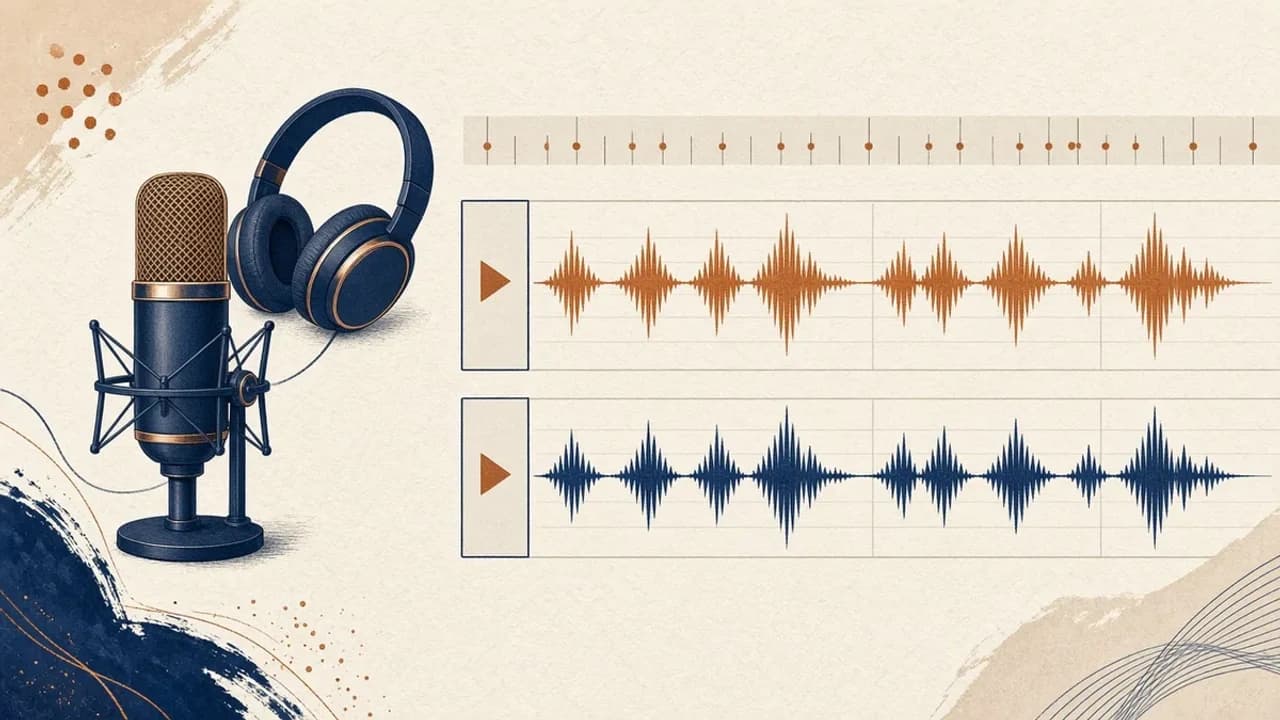
Audacity für Einsteiger: Audio unter Windows aufnehmen und schneiden
Audacity 4 von der offiziellen Windows-Seite installieren, Mikrofon wählen, eine Aufnahme schneiden und exportieren — mit den Bezeichnungen aus dem aktuellen Handbuch.
Editorial Team · Oct 10, 2026
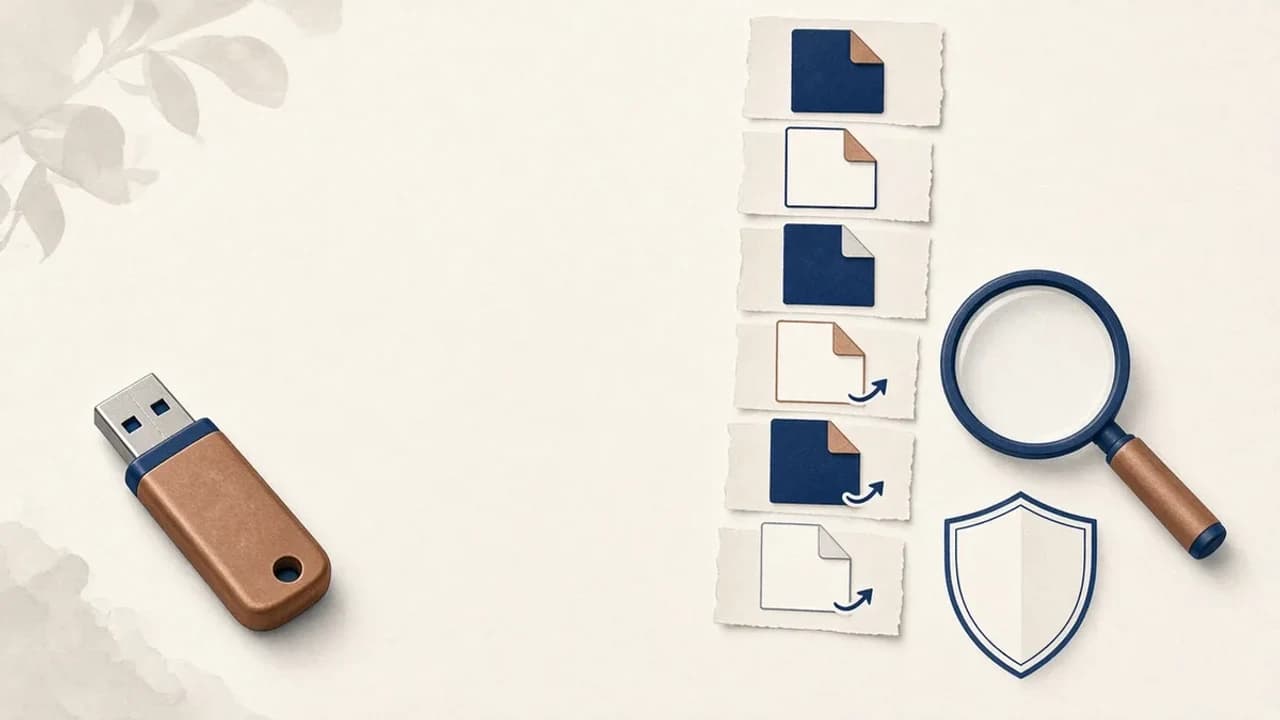
Shortcut-Viren von USB-Sticks unter Windows entfernen
Was tun, wenn ein USB-Stick Verknüpfungen statt Ihrer Dateien zeigt: Daten sichern, Windows prüfen und Shortcut Virus Remover nur für das einsetzen, was der Herausgeber belegt.
Editorial Team · Oct 10, 2026