


Installationsleitfaden für Windows-Software
Ein ruhiger Installationsweg für Alltagprogramme: herunterladen, prüfen, Extras ablehnen und den ersten Start bestätigen.
Von Jonas Reed · Sep 13, 2026
Die meisten Windows-Installationen scheitern an banalen Gründen: falsche Architektur, ein angehaktes Toolbar-Angebot oder ein übersprungener Neustart. Eine kurze Checkliste hält Setups vorhersehbar.
Most Windows installs fail for boring reasons: the wrong architecture, an unchecked toolbar offer, or a skipped reboot. A short checklist keeps everyday setups predictable.
1. Download from the labeled button
Use the download control on the Softcoria program page. Avoid mirrored “download now” ads that sit beside the article.
2. Verify, then run as a standard user when possible
Compare SHA-256 first. Prefer a standard user account; elevate only when the installer asks for administrator rights.
3. Read every optional checkbox
Decline browser, search-engine, and toolbar offers. Keep default paths unless you have a reason to change them.
4. Confirm the first launch
Open the Start menu entry once. For media work, launch VLC media player or OBS Studio and confirm the expected window. For development, open Visual Studio Code and Git for Windows, then verify git --version in a new terminal.
- Close leftover setup windows.
- Note the installed version on the About screen.
- Create a restore point before large suite installs when the PC is important.
The longer walkthrough — including UAC, architecture, and uninstall — is How to Safely Download and Install Software on Windows.
Verwandte Ratgeber
Alle anzeigen →Windows Update Assistant: How to Download and Use It to Update Windows 10
Editorial Team · Oct 16, 2026
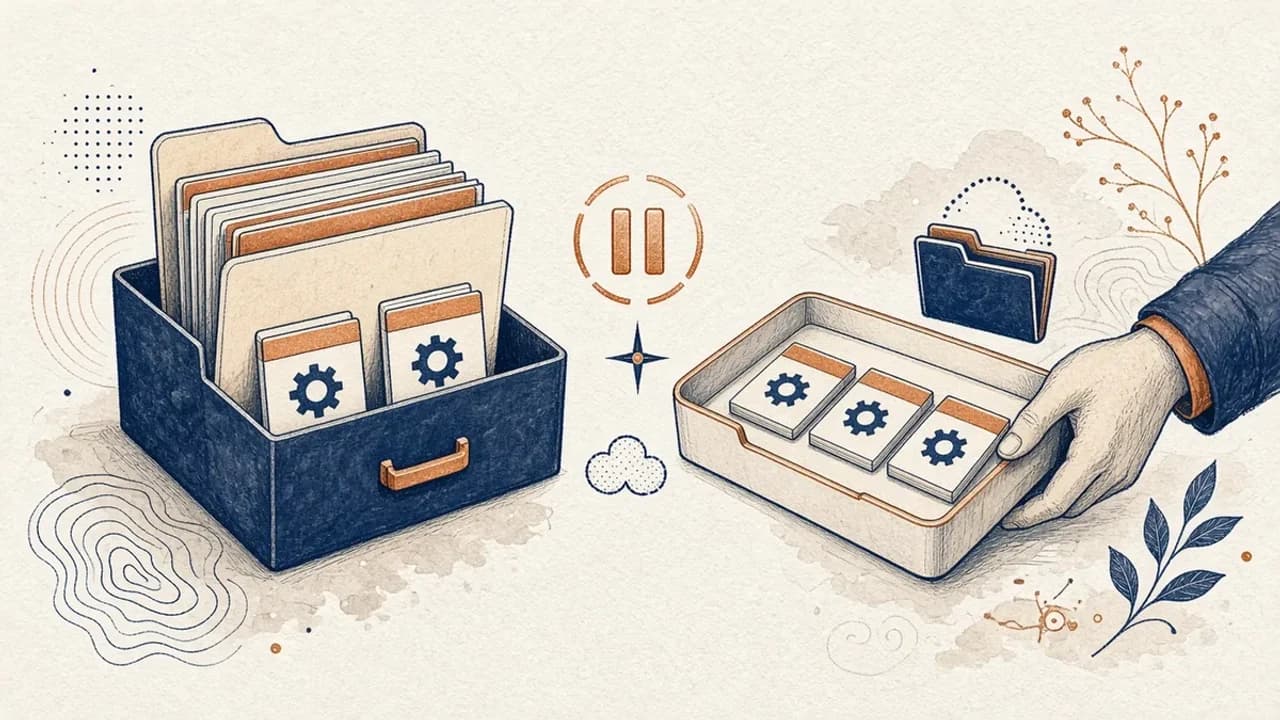
PatchCleaner: Windows-Installer-Dateien sicher verwalten
Was HomeDevs PatchCleaner 1.4.2.0 in C:\Windows\Installer wirklich vergleicht, warum Verschieben sicherer ist als Löschen, und was die Version von 2016 nicht behauptet.
Editorial Team · Oct 10, 2026
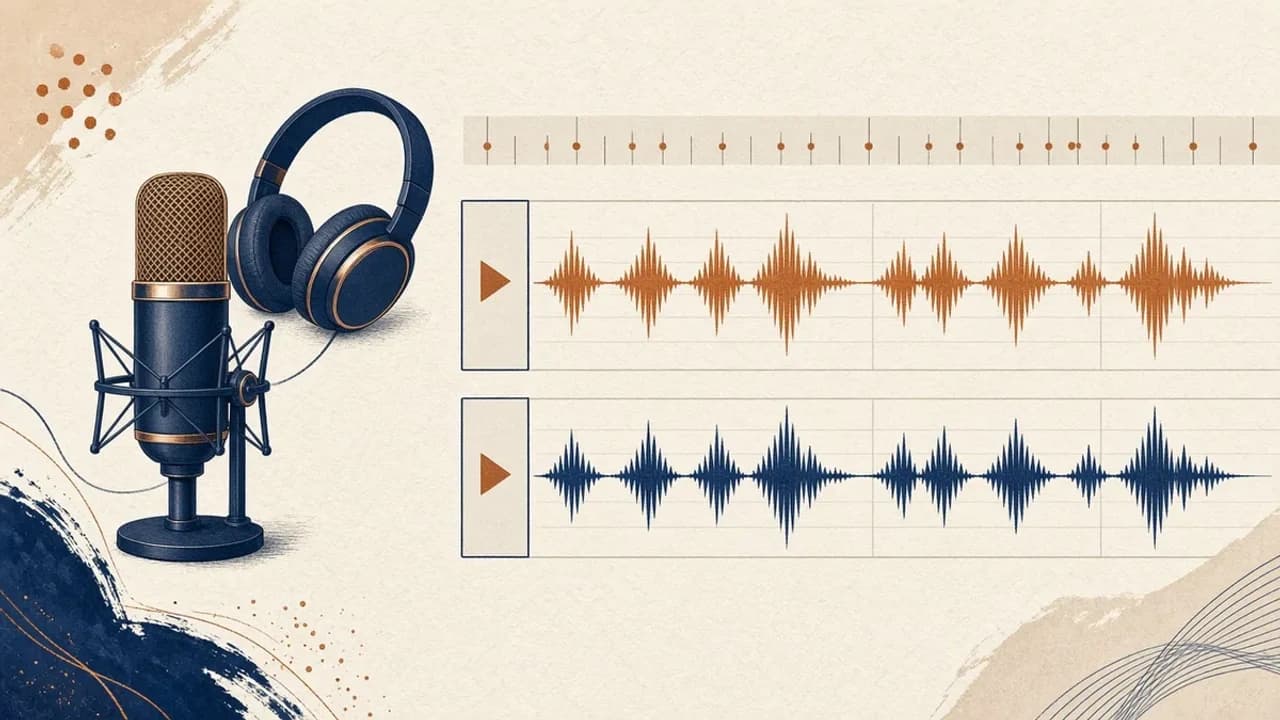
Audacity für Einsteiger: Audio unter Windows aufnehmen und schneiden
Audacity 4 von der offiziellen Windows-Seite installieren, Mikrofon wählen, eine Aufnahme schneiden und exportieren — mit den Bezeichnungen aus dem aktuellen Handbuch.
Editorial Team · Oct 10, 2026
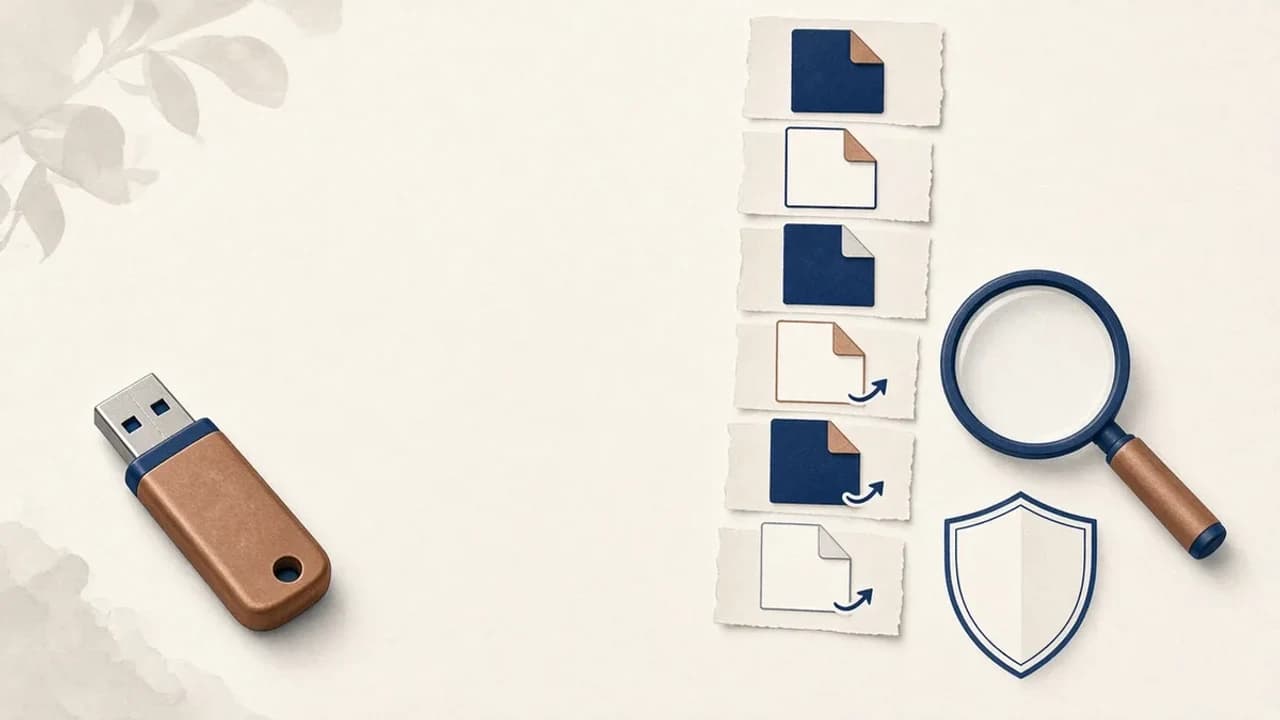
Shortcut-Viren von USB-Sticks unter Windows entfernen
Was tun, wenn ein USB-Stick Verknüpfungen statt Ihrer Dateien zeigt: Daten sichern, Windows prüfen und Shortcut Virus Remover nur für das einsetzen, was der Herausgeber belegt.
Editorial Team · Oct 10, 2026