


Guía de instalación de software en Windows
Una ruta de instalación tranquila para programas cotidianos: descargar, verificar, rechazar extras y confirmar el primer arranque.
Por Jonas Reed · Sep 13, 2026
La mayoría de instalaciones en Windows fallan por motivos aburridos: arquitectura incorrecta, una barra de herramientas marcada o un reinicio omitido. Una lista corta mantiene los setups predecibles.
Most Windows installs fail for boring reasons: the wrong architecture, an unchecked toolbar offer, or a skipped reboot. A short checklist keeps everyday setups predictable.
1. Download from the labeled button
Use the download control on the Softcoria program page. Avoid mirrored “download now” ads that sit beside the article.
2. Verify, then run as a standard user when possible
Compare SHA-256 first. Prefer a standard user account; elevate only when the installer asks for administrator rights.
3. Read every optional checkbox
Decline browser, search-engine, and toolbar offers. Keep default paths unless you have a reason to change them.
4. Confirm the first launch
Open the Start menu entry once. For media work, launch VLC media player or OBS Studio and confirm the expected window. For development, open Visual Studio Code and Git for Windows, then verify git --version in a new terminal.
- Close leftover setup windows.
- Note the installed version on the About screen.
- Create a restore point before large suite installs when the PC is important.
The longer walkthrough — including UAC, architecture, and uninstall — is How to Safely Download and Install Software on Windows.
Guías relacionadas
Ver todo →Windows Update Assistant: How to Download and Use It to Update Windows 10
Editorial Team · Oct 16, 2026
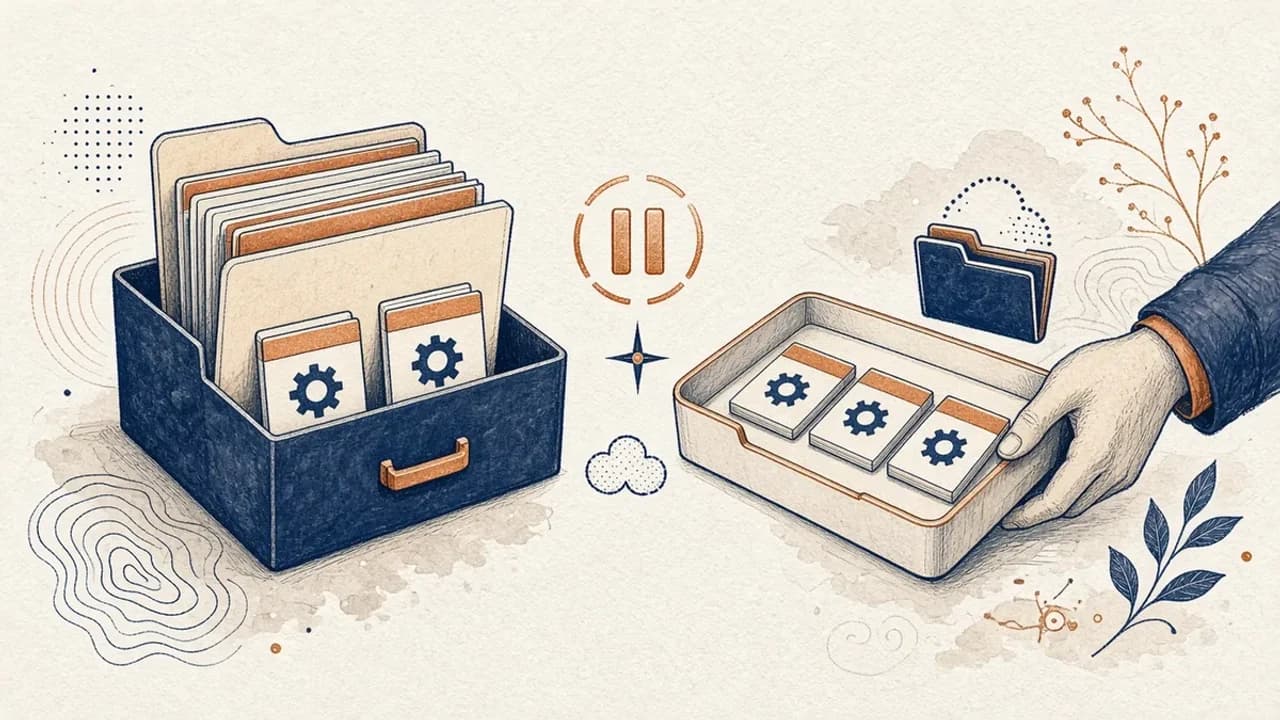
Guía de PatchCleaner: gestionar archivos de Windows Installer con cuidado
Qué compara de verdad PatchCleaner 1.4.2.0 de HomeDev en C:\Windows\Installer, por qué Mover es más prudente que Borrar y qué no afirma la versión de 2016.
Editorial Team · Oct 10, 2026
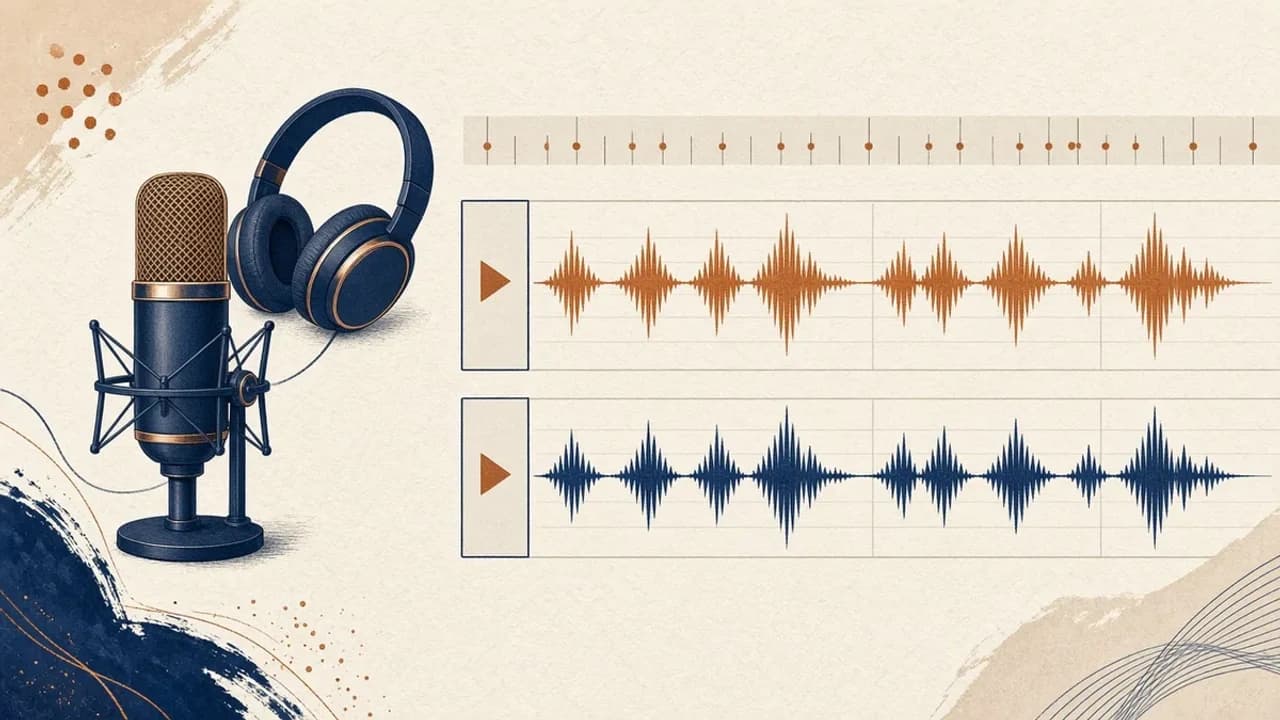
Audacity para principiantes: grabar y editar audio en Windows
Instala Audacity 4 desde la página oficial de Windows, elige el micrófono, graba una toma, recórtala y expórtala con los nombres del manual actual.
Editorial Team · Oct 10, 2026
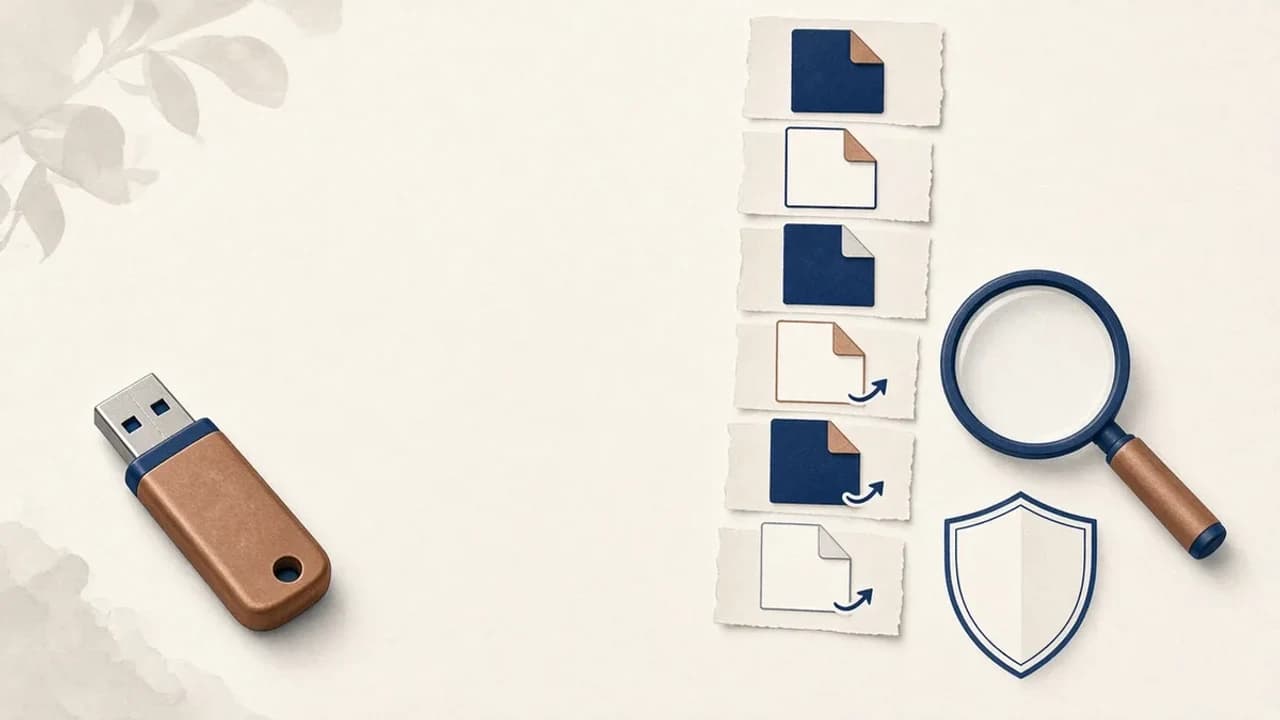
Cómo quitar virus de accesos directos de un USB en Windows
Qué hacer si un USB muestra accesos directos en lugar de tus archivos: protege los datos, revisa Windows y usa Shortcut Virus Remover solo para lo que el editor documenta.
Editorial Team · Oct 10, 2026