


Comment vérifier les hashes de fichiers
Utilisez Get-FileHash de PowerShell (ou certutil) pour comparer les valeurs SHA-256 au digest publié dans le catalogue.
Par Elena Voss · Sep 9, 2026
Un hash est l’empreinte des octets exacts sur le disque. Si un bit change, le digest change. C’est pourquoi Softcoria publie le SHA-256 à côté de chaque installateur.
A hash is a fingerprint of the exact bytes on disk. If one bit changes, the digest changes. That is why Softcoria publishes SHA-256 next to each installer.
PowerShell (recommended)
Open PowerShell in the download folder and run:
Get-FileHash .\example-setup.exe -Algorithm SHA256Copy the Hash value and compare it character-by-character with the program page. Case does not matter for hex.
certutil alternative
certutil -hashfile .\example-setup.exe SHA256When the hash does not match
Do not install. Delete the file, clear partial downloads, and fetch again from the labeled button. Incomplete transfers and lookalike mirrors are the usual causes.
Finding the file quickly
Use Everything to locate the installer by name, inspect archives with 7-Zip, and keep a hardware inventory with CPU-Z if a support ticket asks for your CPU model. Lightweight readers such as Sumatra PDF are useful when a publisher ships a checksum list as a PDF.
A hash is one check, not the whole safety review. Pair it with How to Check if a Windows Program Is Safe Before Installing It.
Guides associés
Tout voir →Windows Update Assistant: How to Download and Use It to Update Windows 10
Editorial Team · Oct 16, 2026
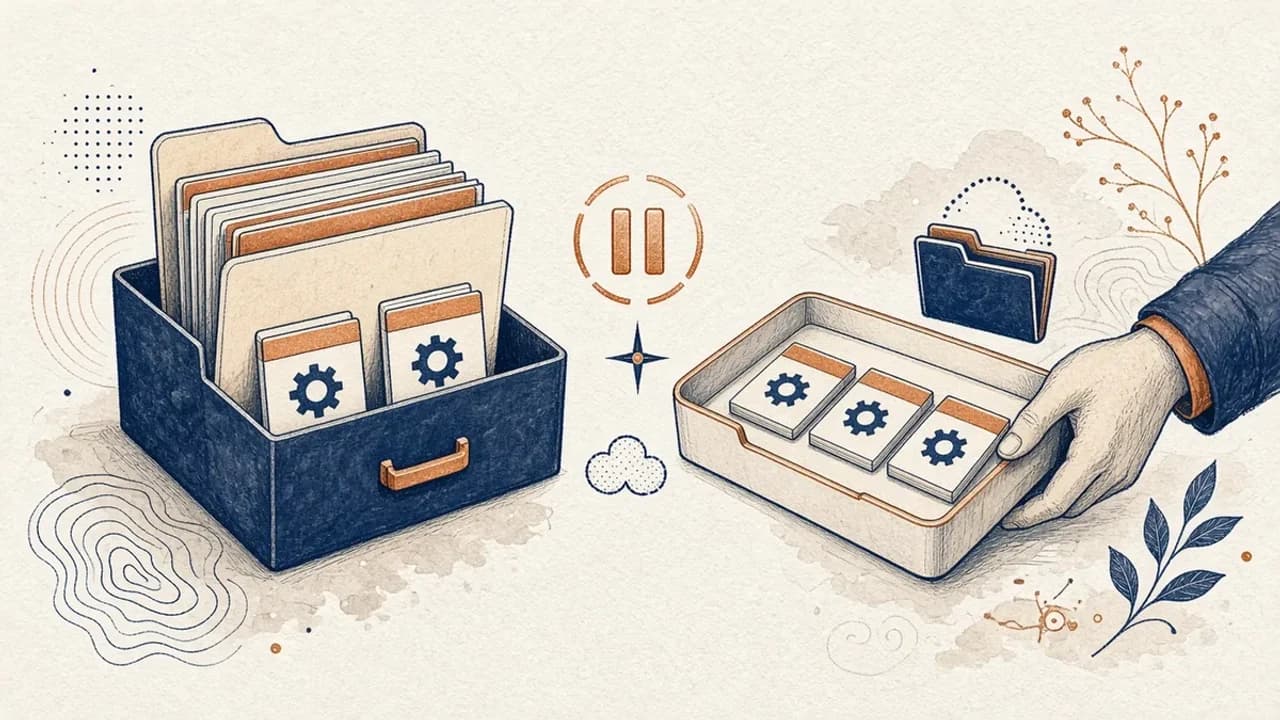
Guide PatchCleaner : gérer les fichiers Windows Installer sans risque inutile
Ce que PatchCleaner 1.4.2.0 de HomeDev compare vraiment dans C:\Windows\Installer, pourquoi Déplacer vaut mieux que Supprimer, et ce que la version de 2016 n’affirme pas.
Editorial Team · Oct 10, 2026
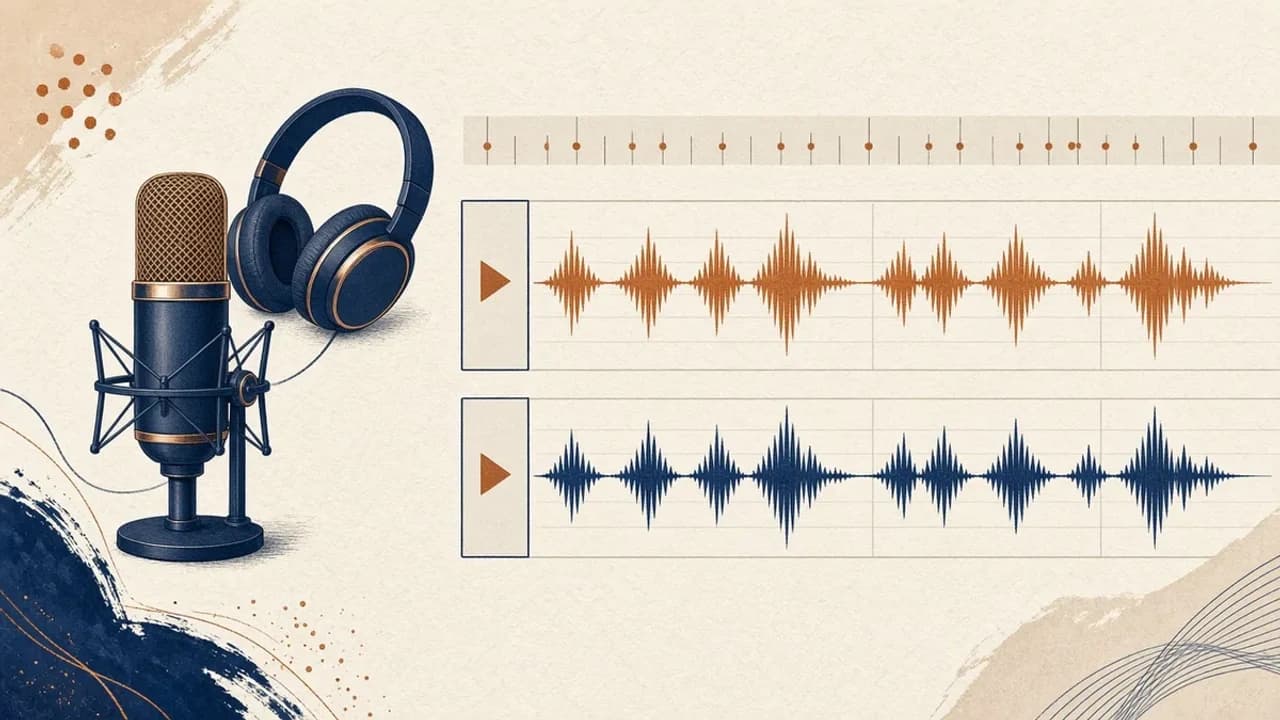
Audacity pour débutants : enregistrer et monter l’audio sous Windows
Installez Audacity 4 depuis la page Windows officielle, choisissez le micro, enregistrez, coupez et exportez avec les libellés du manuel actuel.
Editorial Team · Oct 10, 2026
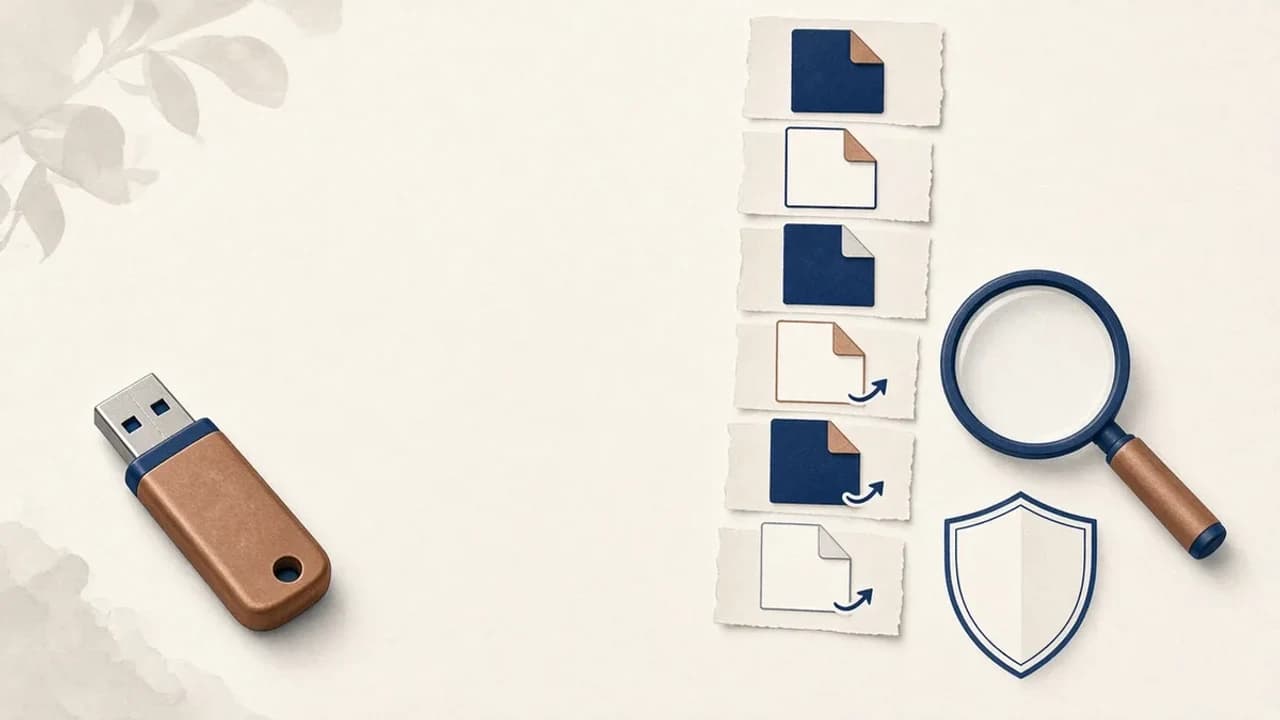
Supprimer les virus de raccourcis d’une clé USB sous Windows
Que faire si une clé USB affiche des raccourcis à la place de vos fichiers : protéger les données, vérifier Windows, et n’utiliser Shortcut Virus Remover que pour ce que l’éditeur documente.
Editorial Team · Oct 10, 2026