


Bases de la sécurité Windows
Laissez Windows Security activé, utilisez un gestionnaire de mots de passe, scannez avec un second avis avec prudence et traitez les installateurs inattendus comme hostiles jusqu’à vérification.
Par Elena Voss · Sep 5, 2026
La sécurité Windows est surtout une affaire d’habitudes : garder les protections intégrées, réduire les mots de passe réutilisés et vérifier les installateurs avant d’élever les droits.
Windows security is mostly habit: keep the built-in protections on, reduce the number of passwords you reuse, and verify installers before you elevate.
1. Leave Windows Security enabled
Real-time protection and SmartScreen are the baseline. Third-party tools should add coverage, not silently replace the stack unless you understand the trade-off.
2. Use a password manager
Bitwarden stores unique passwords and fills them through the browser extension. Prefer that over a spreadsheet of reused logins.
3. Keep a second-opinion scanner
Malwarebytes remains useful as an on-demand check. Premium real-time is optional; the free scan still helps after a suspicious download.
4. Browse and install carefully
A privacy-aware browser such as Mozilla Firefox reduces drive-by clutter. When you write an OS installer USB with Rufus, confirm the ISO hash and the target disk before you click Start.
Most breaches still begin with a file someone chose to run.
For the full download-to-install path, see How to Safely Download and Install Software on Windows. To inspect an installer before you elevate, use How to Check if a Windows Program Is Safe Before Installing It.
Guides associés
Tout voir →Windows Update Assistant: How to Download and Use It to Update Windows 10
Editorial Team · Oct 16, 2026
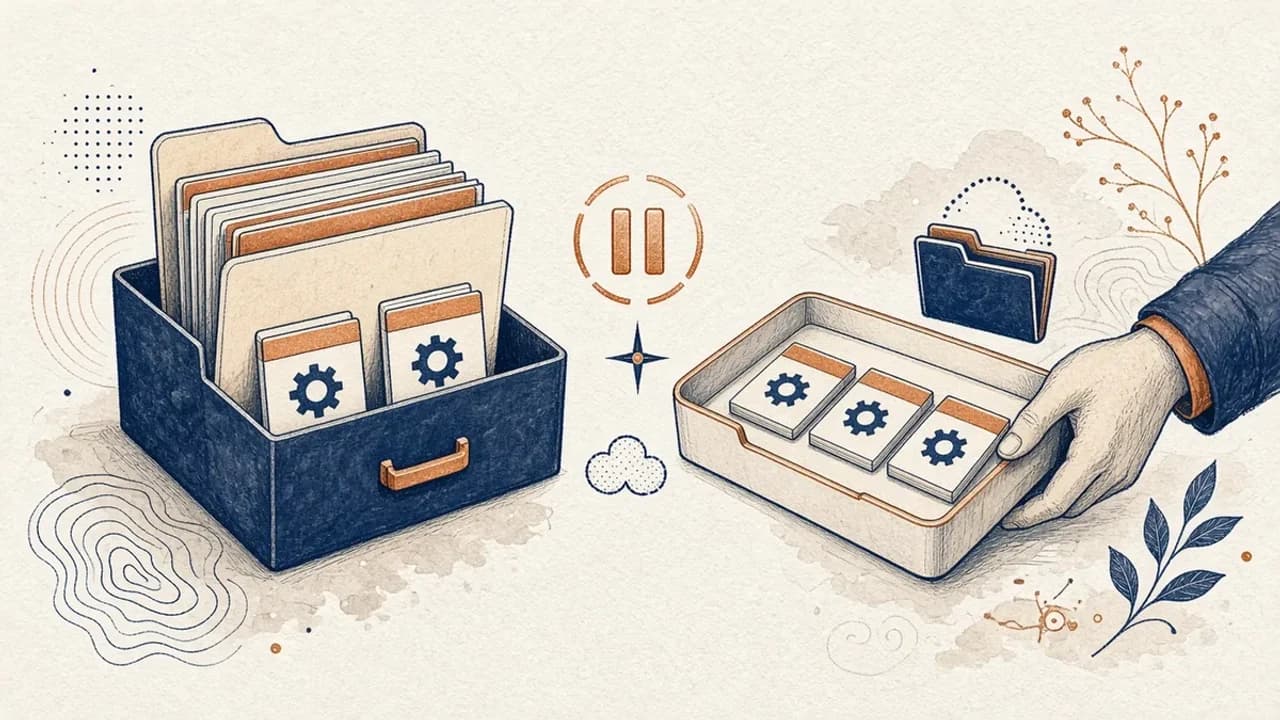
Guide PatchCleaner : gérer les fichiers Windows Installer sans risque inutile
Ce que PatchCleaner 1.4.2.0 de HomeDev compare vraiment dans C:\Windows\Installer, pourquoi Déplacer vaut mieux que Supprimer, et ce que la version de 2016 n’affirme pas.
Editorial Team · Oct 10, 2026

Audacity pour débutants : enregistrer et monter l’audio sous Windows
Installez Audacity 4 depuis la page Windows officielle, choisissez le micro, enregistrez, coupez et exportez avec les libellés du manuel actuel.
Editorial Team · Oct 10, 2026
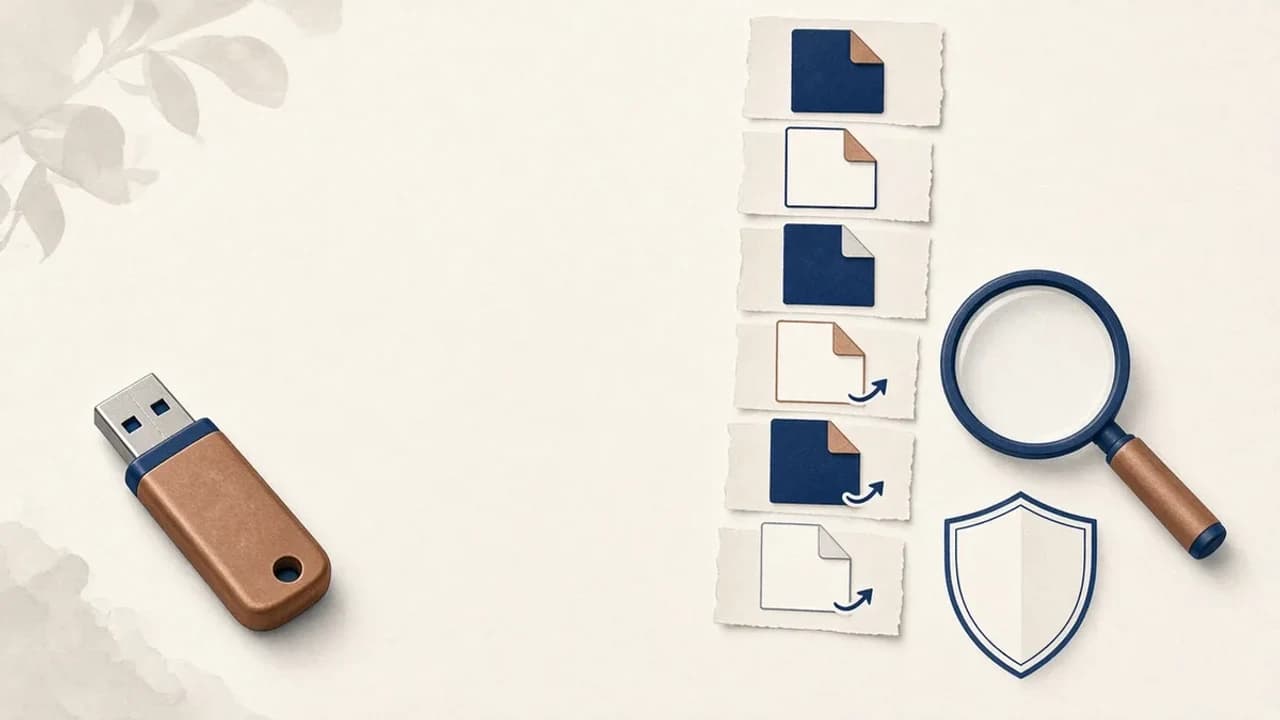
Supprimer les virus de raccourcis d’une clé USB sous Windows
Que faire si une clé USB affiche des raccourcis à la place de vos fichiers : protéger les données, vérifier Windows, et n’utiliser Shortcut Virus Remover que pour ce que l’éditeur documente.
Editorial Team · Oct 10, 2026