


Guide d’installation de logiciels Windows
Un parcours d’installation calme pour les programmes du quotidien : télécharger, vérifier, refuser les extras et confirmer le premier lancement.
Par Jonas Reed · Sep 13, 2026
La plupart des installations Windows échouent pour des raisons banales : mauvaise architecture, offre de barre d’outils cochée ou redémarrage oublié. Une courte checklist garde les setups prévisibles.
Most Windows installs fail for boring reasons: the wrong architecture, an unchecked toolbar offer, or a skipped reboot. A short checklist keeps everyday setups predictable.
1. Download from the labeled button
Use the download control on the Softcoria program page. Avoid mirrored “download now” ads that sit beside the article.
2. Verify, then run as a standard user when possible
Compare SHA-256 first. Prefer a standard user account; elevate only when the installer asks for administrator rights.
3. Read every optional checkbox
Decline browser, search-engine, and toolbar offers. Keep default paths unless you have a reason to change them.
4. Confirm the first launch
Open the Start menu entry once. For media work, launch VLC media player or OBS Studio and confirm the expected window. For development, open Visual Studio Code and Git for Windows, then verify git --version in a new terminal.
- Close leftover setup windows.
- Note the installed version on the About screen.
- Create a restore point before large suite installs when the PC is important.
The longer walkthrough — including UAC, architecture, and uninstall — is How to Safely Download and Install Software on Windows.
Guides associés
Tout voir →Windows Update Assistant: How to Download and Use It to Update Windows 10
Editorial Team · Oct 16, 2026
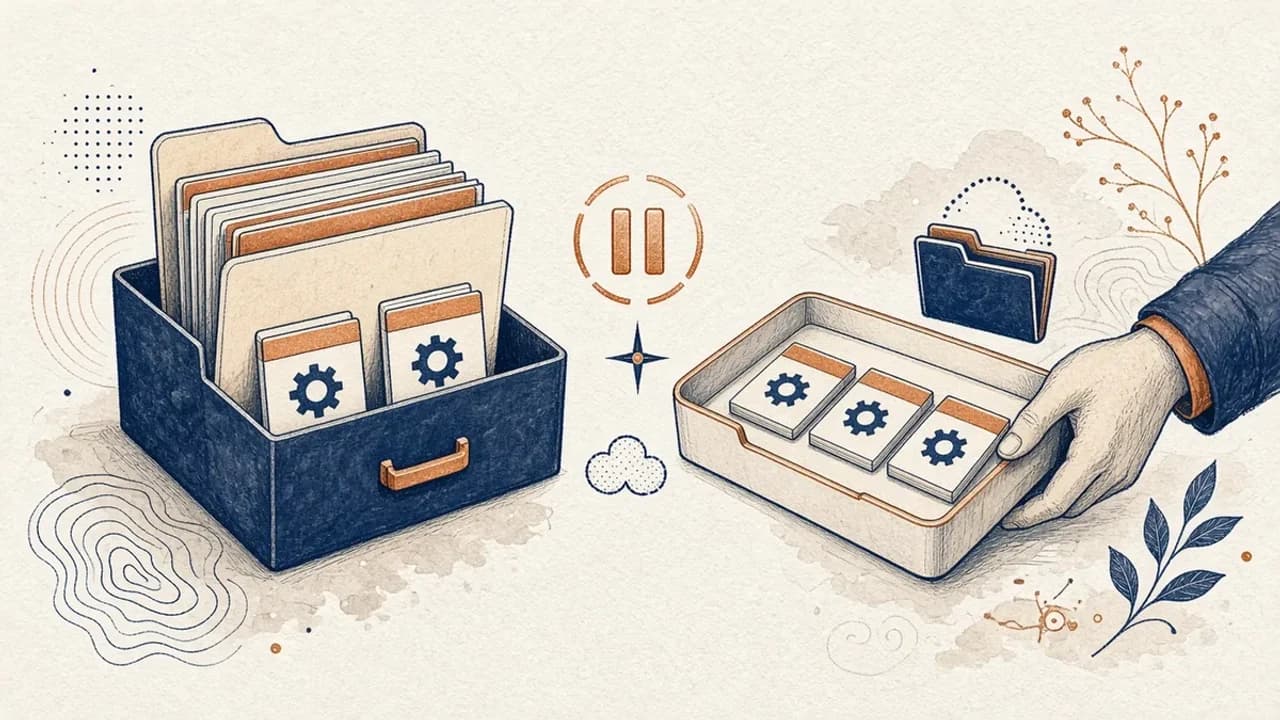
Guide PatchCleaner : gérer les fichiers Windows Installer sans risque inutile
Ce que PatchCleaner 1.4.2.0 de HomeDev compare vraiment dans C:\Windows\Installer, pourquoi Déplacer vaut mieux que Supprimer, et ce que la version de 2016 n’affirme pas.
Editorial Team · Oct 10, 2026
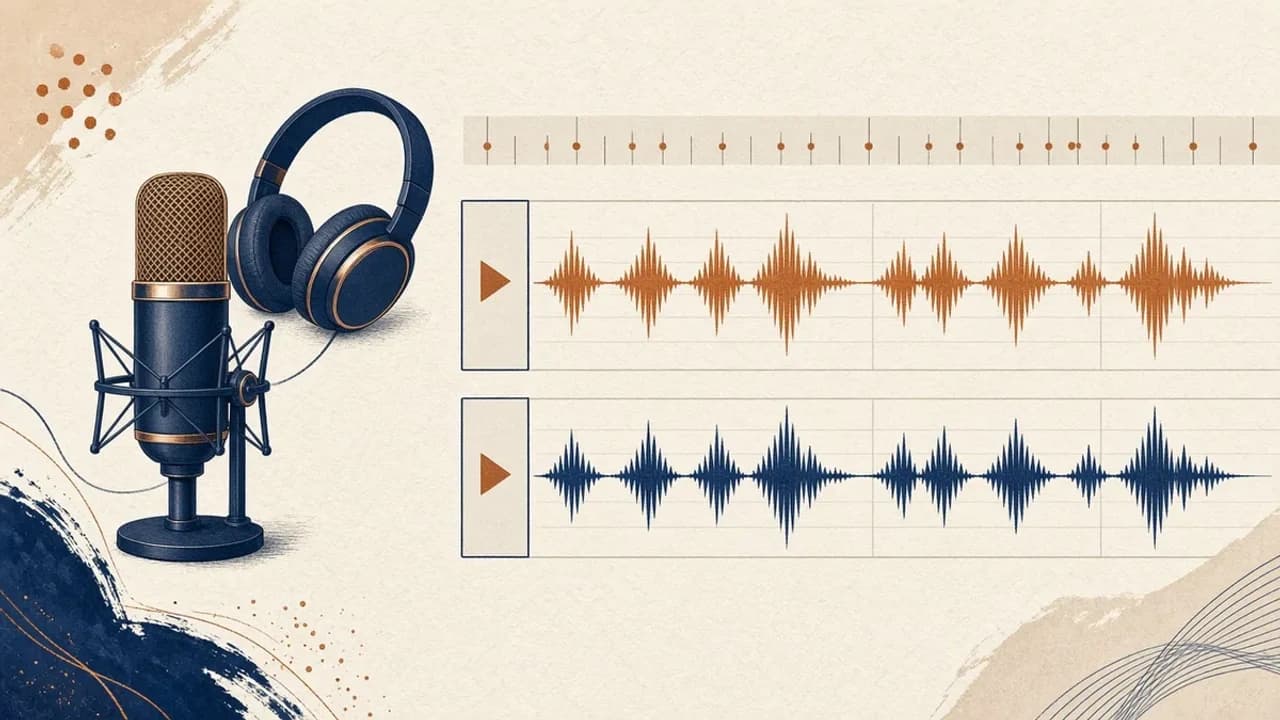
Audacity pour débutants : enregistrer et monter l’audio sous Windows
Installez Audacity 4 depuis la page Windows officielle, choisissez le micro, enregistrez, coupez et exportez avec les libellés du manuel actuel.
Editorial Team · Oct 10, 2026
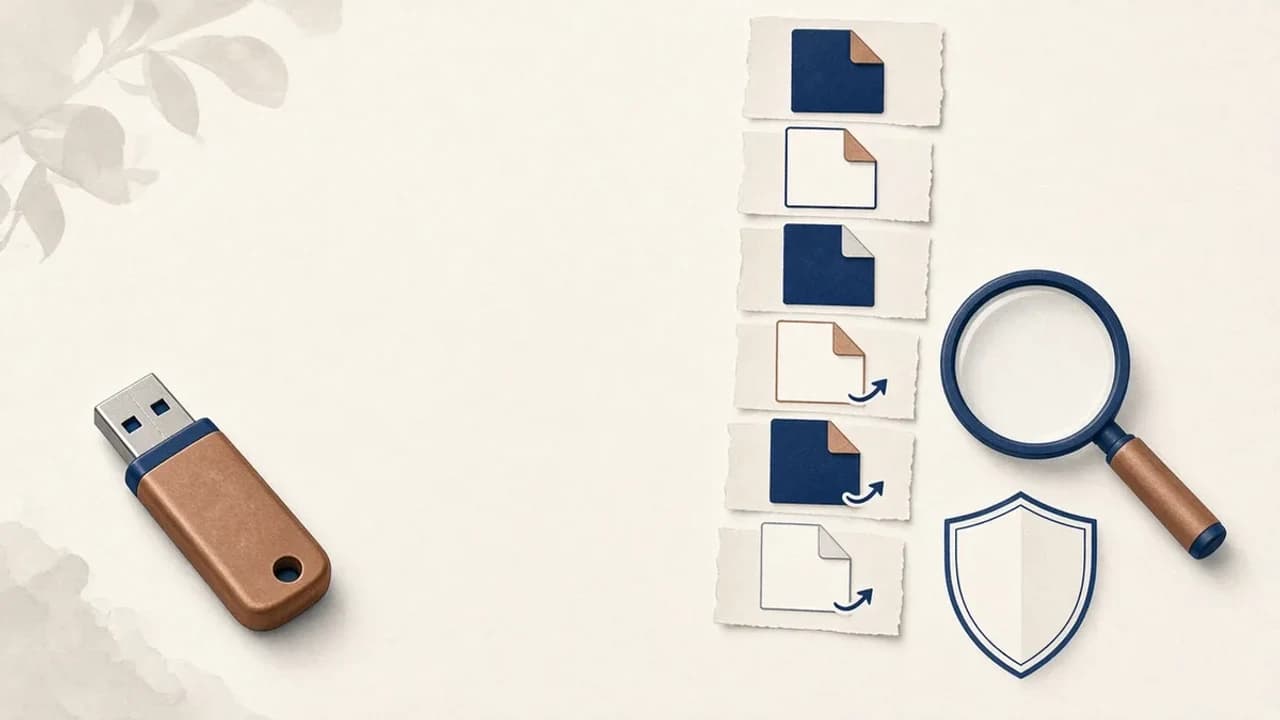
Supprimer les virus de raccourcis d’une clé USB sous Windows
Que faire si une clé USB affiche des raccourcis à la place de vos fichiers : protéger les données, vérifier Windows, et n’utiliser Shortcut Virus Remover que pour ce que l’éditeur documente.
Editorial Team · Oct 10, 2026