


Conceptos básicos de seguridad en Windows
Mantén Windows Security activo, usa un gestor de contraseñas, escanea con segunda opinión con cuidado y trata instaladores inesperados como hostiles hasta verificarlos.
Por Elena Voss · Sep 5, 2026
La seguridad en Windows es sobre todo hábito: dejar las protecciones integradas activas, reducir contraseñas reutilizadas y verificar instaladores antes de elevar privilegios.
Windows security is mostly habit: keep the built-in protections on, reduce the number of passwords you reuse, and verify installers before you elevate.
1. Leave Windows Security enabled
Real-time protection and SmartScreen are the baseline. Third-party tools should add coverage, not silently replace the stack unless you understand the trade-off.
2. Use a password manager
Bitwarden stores unique passwords and fills them through the browser extension. Prefer that over a spreadsheet of reused logins.
3. Keep a second-opinion scanner
Malwarebytes remains useful as an on-demand check. Premium real-time is optional; the free scan still helps after a suspicious download.
4. Browse and install carefully
A privacy-aware browser such as Mozilla Firefox reduces drive-by clutter. When you write an OS installer USB with Rufus, confirm the ISO hash and the target disk before you click Start.
Most breaches still begin with a file someone chose to run.
For the full download-to-install path, see How to Safely Download and Install Software on Windows. To inspect an installer before you elevate, use How to Check if a Windows Program Is Safe Before Installing It.
Guías relacionadas
Ver todo →Windows Update Assistant: How to Download and Use It to Update Windows 10
Editorial Team · Oct 16, 2026
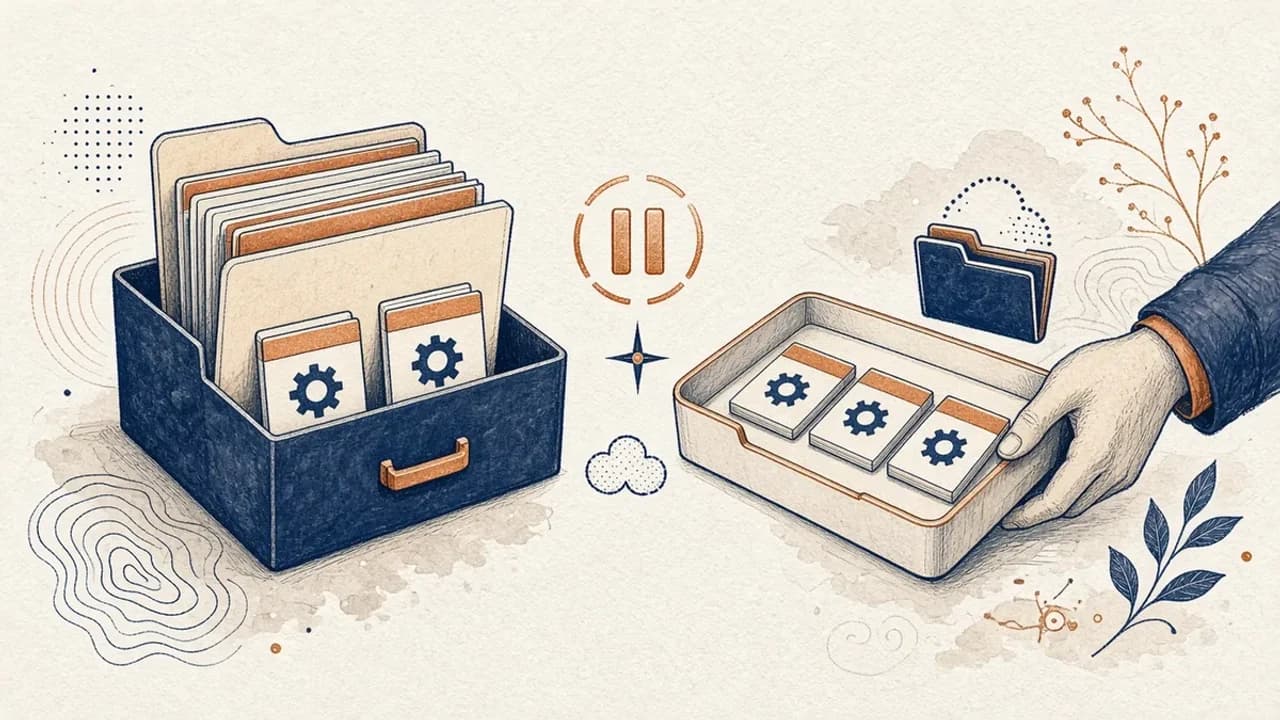
Guía de PatchCleaner: gestionar archivos de Windows Installer con cuidado
Qué compara de verdad PatchCleaner 1.4.2.0 de HomeDev en C:\Windows\Installer, por qué Mover es más prudente que Borrar y qué no afirma la versión de 2016.
Editorial Team · Oct 10, 2026
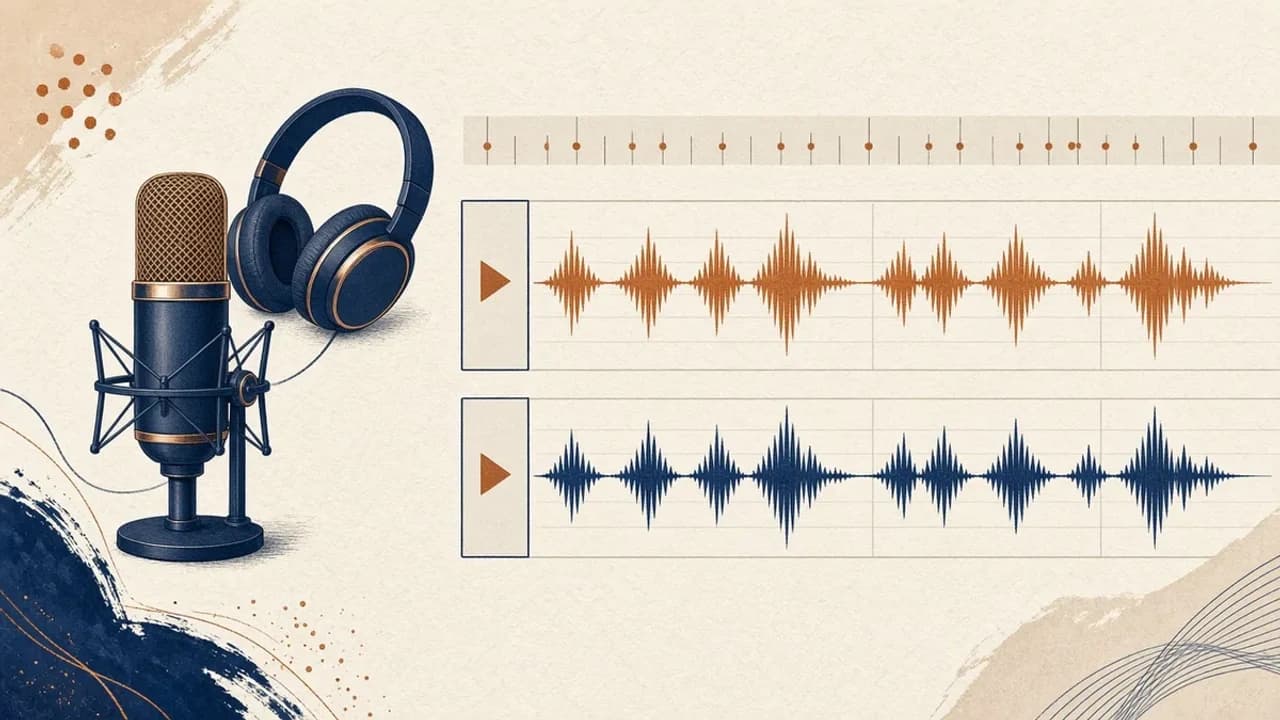
Audacity para principiantes: grabar y editar audio en Windows
Instala Audacity 4 desde la página oficial de Windows, elige el micrófono, graba una toma, recórtala y expórtala con los nombres del manual actual.
Editorial Team · Oct 10, 2026
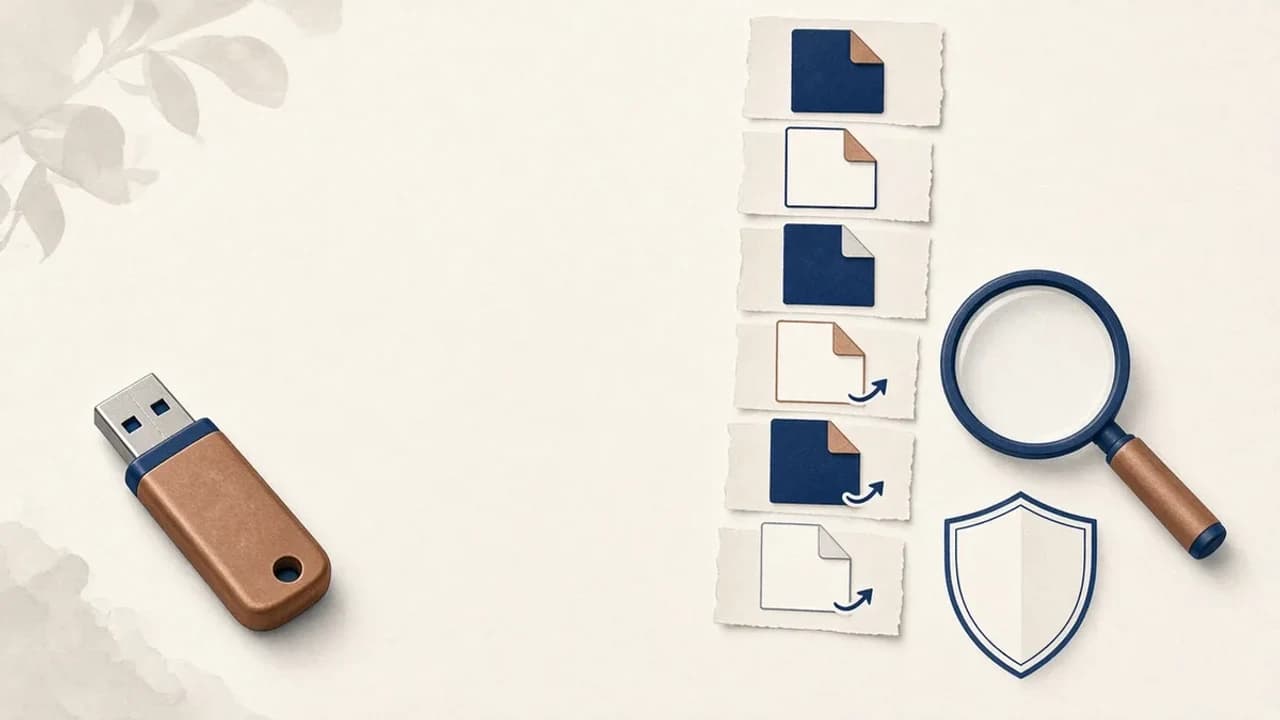
Cómo quitar virus de accesos directos de un USB en Windows
Qué hacer si un USB muestra accesos directos en lugar de tus archivos: protege los datos, revisa Windows y usa Shortcut Virus Remover solo para lo que el editor documenta.
Editorial Team · Oct 10, 2026